Dubb
Create and share personalized videos to connect with clients in a more genuine way
In today’s fast-paced digital world, standing out can be tough. But with Dubb, making a memorable impression becomes suddenly easy. This platform lets you create and share personalized videos, helping you connect with clients in a more genuine way.
Imagine sending a video message instead of a plain email — it’s like adding a hi-tech personal touch that can make all the difference. But there’s more to Dubb than meets the eye…
Dubb offers a range of tools to make video creation simple. With its Chrome Extension, you can record your screen or webcam directly from your browser. Also, the mobile app lets you capture moments on the go, ensuring you’re always ready to engage your audience; while the desktop app provides advanced features like screen capturing and editing. It’s like having a mini studio at your fingertips.
Dubb integrates with platforms like LinkedIn, Gmail, and Slack to allow users to easily send their videos through these channels. You can also share videos via email or SMS, reaching your audience wherever they are. And with real-time tracking, you’ll know when someone watches your video, helping you follow up at the perfect moment.
On the other hand, some users have mentioned that the user interface can feel a bit clunky at times. Also, while the platform offers a plethora of features, it might take some time to explore and utilize them all effectively. But with a bit of patience, the benefits far outweigh these minor hiccups. So, if you need to record videos and do that with the help of AI – now’s the time to do that. Check it out.
Homepage Screenshot 📸
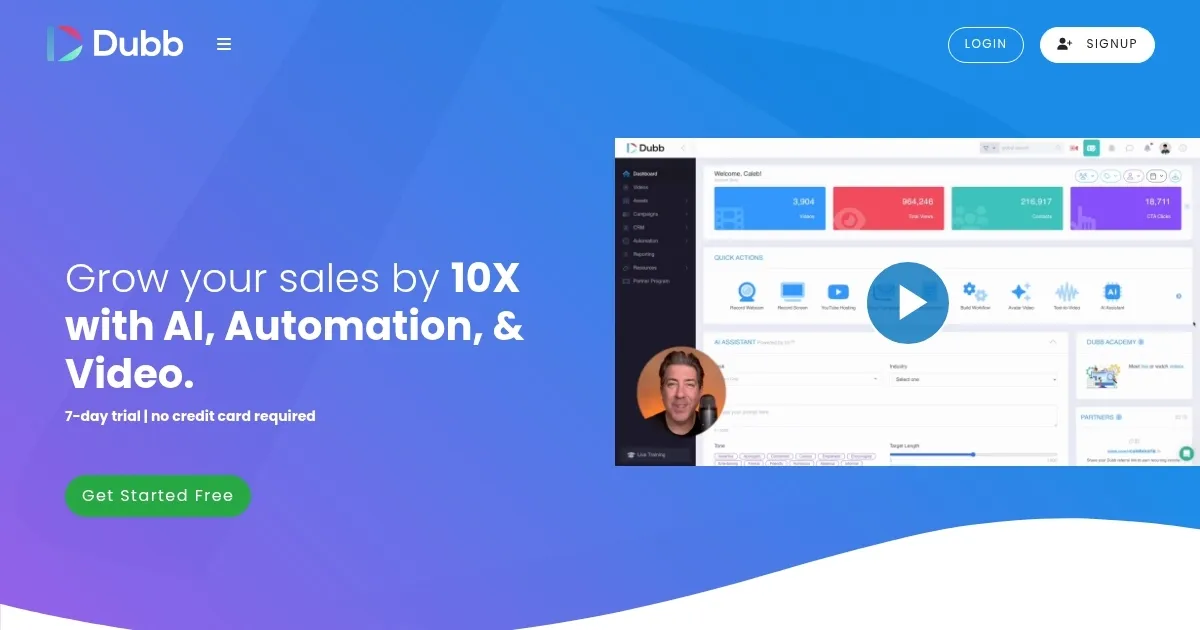
Video Overview 🎬

What are the key features? ✨
- AI Sales Assistant (SIA): Helps you close more deals by providing intelligent insights and assistance. It's like having a smart co-pilot guiding your sales journey.
- Screen recording with Chrome extension: Easily record your screen or webcam directly from your browser.
- Mobile app for on-the-go recording: Capture videos wherever you are, ensuring you're always ready to engage your audience.
- Real-time activity tracking: Get instant notifications when someone watches your video, allowing timely follow-ups.
- Integration with multiple platforms: Seamlessly share your videos through LinkedIn, Gmail, Slack, and more to reach your audience on their preferred channels.
Who is it for? 🤔
Examples of what you can use it for 💡
- Send personalized video messages to potential clients, making your outreach more engaging and increasing response rates
- Provide clear, visual explanations to customer queries, reducing misunderstandings and enhancing satisfaction
- Create informative videos to train your team, ensuring consistent messaging and efficient learning
- Showcase your products in action through videos, giving customers a real feel of what you offer
- Send out engaging video invites for events, adding a personal touch that encourages attendance
Pros & Cons ⚖️
- Makes video creation and sharing straightforward
- Comprehensive integrations that ensure your videos reach your audience wherever they are
- Real-time analytics provide insights into how your videos are performing
- New users might need some time to explore and utilize the platform effectively
Ready to try Dubb?
Create and share personalized videos to connect with clients in a more genuine way
Visit Dubb