Color.io
The web-based app offers powerful tools to emulate analog film styles
In the world of photography and filmmaking, achieving that classic film look can be challenging. But with Color.io, it’s like having a magic wand for your images and videos. This web-based app offers powerful tools to emulate analog film styles, making your digital content look timeless. It’s designed to be user-friendly, so you don’t even need to be tech savvy in order to get stunning results.
Color.io’s approach presumes color grading by simulating the light response of traditional film. This means your photos and videos can have that rich, cinematic quality that’s often hard to achieve digitally. The app comes preloaded with hundreds of presets, allowing you to experiment with different looks until you find the perfect one. Plus, it’s AI-powered, which means it can intelligently suggest adjustments to enhance your photos. In a way, it’s like having a professional colorist by your side, guiding you through the process.
Color.io’s texture emulation doesn’t just change the colors; it adds realistic film grain and halation effects, giving your images that authentic analog feel.
The app also supports RAW photo editing, so you can work with high-quality images and retain all the details. And because it’s web-based, you can access it from any device without installing any software. It’s like having a portable darkroom in your browser.
However, we should add that some users have noted that while the interface is intuitive, it can take a bit of time to explore all the features and get the hang of everything. Moreover, because it’s a web-based app, your experience might depend on your internet connection.
But once you get past these minor hurdles, the creative possibilities are vast. So, initially may need some time to get used to it, but after that – you’re ready to rock.
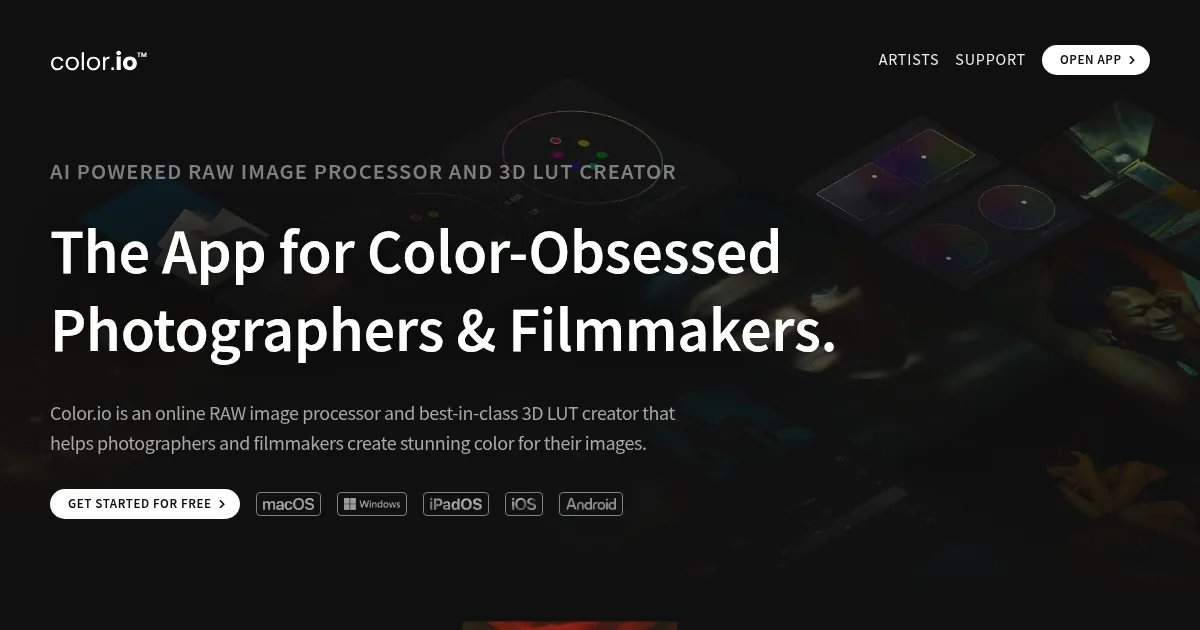
Homepage Screenshot 📸
Video Overview 🎬
What are the key features? ✨
- AI-powered analog color grading: Color.io uses artificial intelligence to simulate the light response of film, providing a rich, cinematic quality to your photos and videos.
- Extensive preset library: With hundreds of presets available, you can experiment with various looks to find the perfect style for your project.
- Realistic film texture emulation: The app adds authentic film grain and halation effects to your images, enhancing the analog look and feel.
- RAW photo editing: Color.io allows you to work with RAW images, preserving all the details and providing greater flexibility in post-processing.
- Web-based service: As a web-based app, Color.io can be accessed from any device with an internet connection, eliminating the need for downloads and installations.
Who is it for? 🤔
Examples of what you can use it for 💡
- If you're a photographer aiming to give your digital images a classic film look, Color.io provides the tools to achieve this effortlessly
- For filmmakers, applying cinematic color grading can significantly impact the mood and tone of a scene
- If you're a content creator looking to maintain a consistent aesthetic across your work, Color.io's presets and AI suggestions can help streamline your editing process
- Graphic designers can use Color.io to enhance images with authentic film looks, adding depth and emotion to visual narratives
- Teachers and educators can utilize Color.io to demonstrate the principles of color grading and the impact of color on visual storytelling
Pros & Cons ⚖️
- The intuitive design makes it easy to use for users of all skill levels
- High-quality film emulation for achieving professional-grade color grading
- As a web-based app, it works across various devices and operating systems
- Mastering advanced features may require some time
Ready to try Color.io?
The web-based app offers powerful tools to emulate analog film styles
Visit Color.ioColor.io alternatives 🔗