Frequently Asked Questions
What is the best AI photo enhancer?
The best AI photo enhancer depends on your photos. Pixelcut and Fotor handle everyday phone shots and product images well with one-click cleanups, while Cutout.Pro and Pixlr give you more manual control over sharpening and color. Most offer a free tier, so trying two on the same image quickly shows which look you prefer.
Can AI fix a blurry photo?
AI can reduce mild blur and sharpen soft edges, but it cannot fully recover a badly out-of-focus shot. Enhancers work by reconstructing detail that is faintly present, so a slightly soft photo improves a lot while a heavily blurred one only gets so far. Results are best on minor motion blur or gentle softness.
Are AI photo enhancers free?
Most AI photo enhancers offer a free tier that lets you enhance images at standard resolution, often with a watermark or a daily limit. Paid plans, usually a few dollars a month, remove watermarks, unlock higher output sizes, and add batch processing. Trying the free version first tells you whether the quality is worth upgrading.
Will an AI enhancer make my photo look fake?
An AI enhancer can look unnatural if it over-sharpens skin or boosts color too hard, which is common at maximum settings. The cleanest results come from tools that let you reduce the effect strength or preview before and after. Start light, check faces closely, and back off if textures start looking plastic.
Do AI photo enhancers work on old photos?
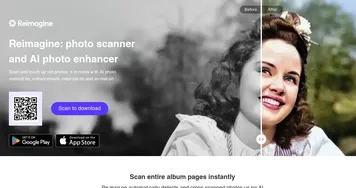
AI photo enhancers can brighten and sharpen old photos, but repairing scratches, tears, and heavy fading is a separate job called photo restoration. If your goal is simply a clearer, better-lit version of a recent image, an enhancer is the right fit. For damaged prints, look for a dedicated restoration tool instead.