ImgUpscaler
AI image upscaler and enlarger
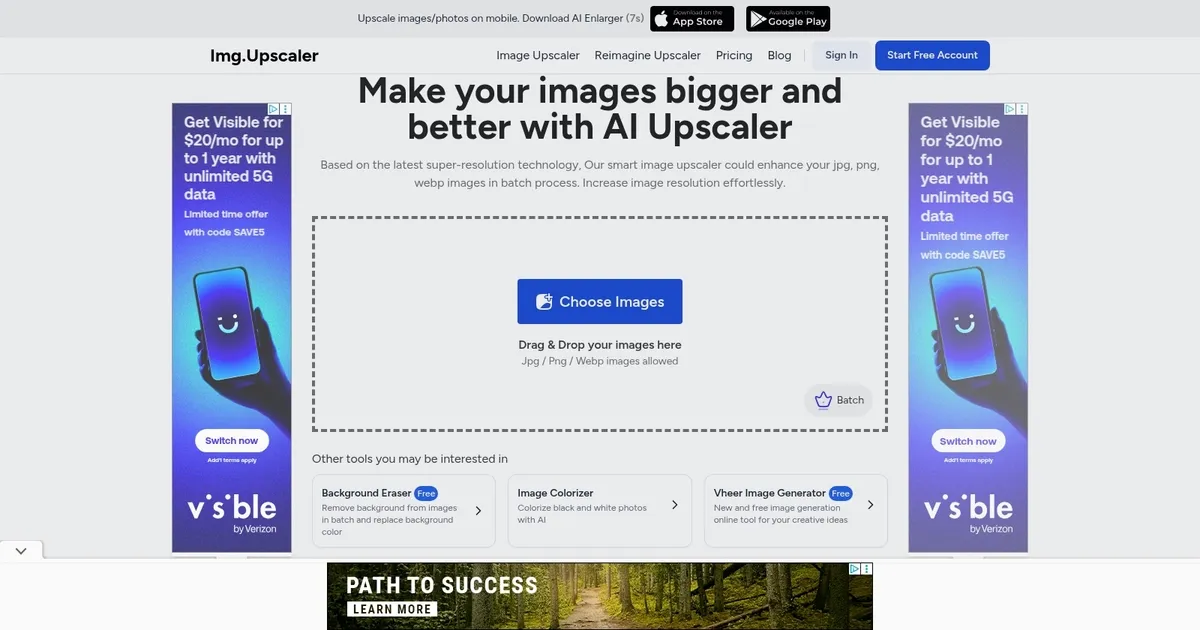
ImgUpscaler is an AI-powered online tool designed to upscale and enhance images using the latest artificial intelligence and Super-Resolution technology. It allows users to increase the resolution of their images by 200% or 400%, effectively making them clearer and of higher quality without sacrificing details.
The tool supports batch processing, enabling users to upscale multiple images at once, and it’s particularly optimized for enhancing anime and cartoon pictures, providing better results than similar tools. Additionally, ImgUpscaler is equipped with a powerful image editor for further fine-tuning and offers free usage for commercial purposes, with the option to upscale images to a maximum dimension of 4000×4000 for free users, and up to 16000x16000px for premium users.
ImgUpscaler stands out by offering a fast and bulk image upscaling process, making it an ideal solution for those looking to upscale multiple images efficiently. It ensures user privacy by deleting all photos within 24 hours and supports various image enhancements, such as removing artifacts and adding details to anime photos, faces, animals, and AI-generated images like those created by Midjourney.
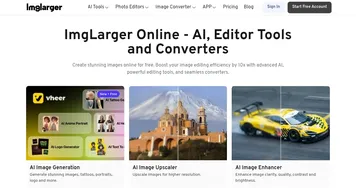
The platform is part of ImgLarger, which provides comprehensive AI solutions for photos — including enhancement, enlargement, background removal, and more — with ImgUpscaler focusing specifically on quick and bulk image upscaling solutions.
Homepage Screenshot 📸
What are the key features? ✨
- AI-powered upscaling: Uses advanced AI to enhance and enlarge images, delivering high-quality outputs with detail retention.
- Batch processing: Allows multiple images to be upscaled simultaneously, saving time for users.
- High resolution support: Capable of producing images up to 16000x16000 pixels, making it suitable for high-quality prints.
- Multiple upscaling models: Offers tailored models for different image types, including portraits and detailed images.
- Easy to use: Simple drag-and-drop functionality for easy image uploading and processing.
Who is it for? 🤔
Examples of what you can use it for 💡
- Enhance product images for better clarity and visual appeal in online stores
- Upscale personal or professional photos for prints or digital portfolios without losing quality
- Improve the resolution of images used in design projects
- Specifically optimized for upscaling anime and cartoon images, maintaining vibrant colors and clean lines
- Create high-quality visuals for advertisements, social media posts, and other marketing materials
Pros & Cons ⚖️
- Quick results with little effort
- Batch processing is a huge time saver
- Different AI models serving different purposes
- There are better tools offering upscaling and other functionalities
FAQs 💬
ImgUpscaler alternatives 🔗