AI Image Enlarger by ImgLarger
AI image enlarger and enhancer
AI Image Enlarger (ImgLarger) is an AI-powered tool made for enhancing images, offering a range of tools designed to improve the quality of photos without losing their original essence. The primary function of this website is to enlarge images while maintaining their quality, which is a common challenge in digital imaging.
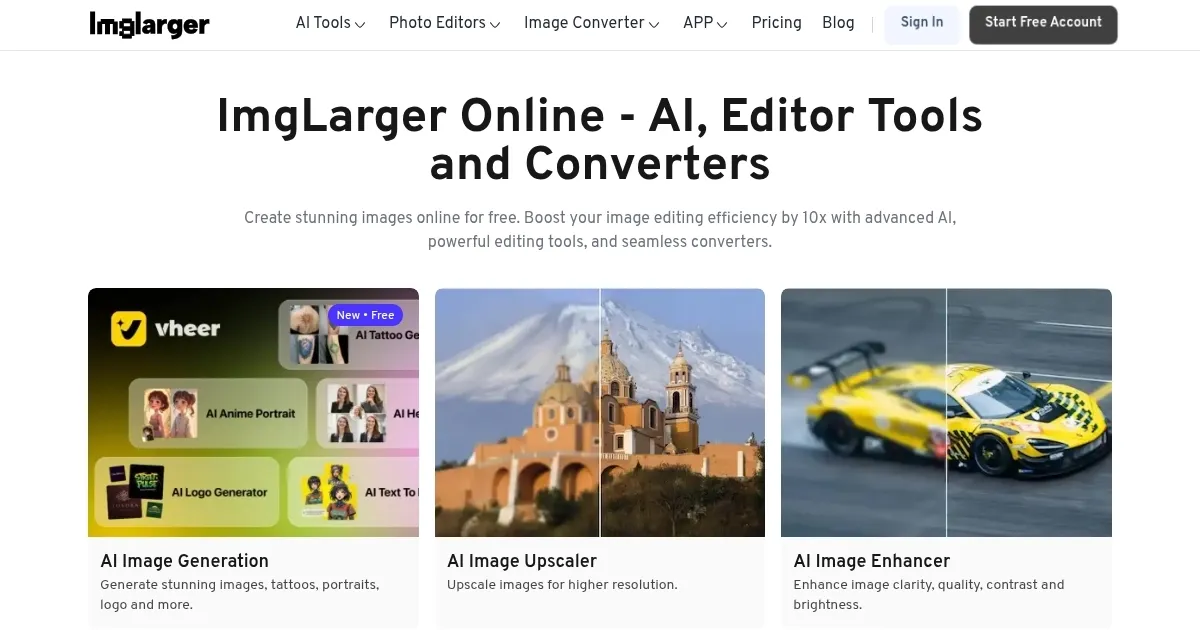
In addition, the site offers other AI-powered tools, including image upscalers, enhancers, cartoonizers, and more. These tools are designed to cater to different needs, such as sharpening details, reducing noise, and even converting images into cartoon or anime styles. This versatility makes it useful for a wide range of users, from amateur photographers to professional graphic designers.
Using ImgLarger is easy – all you have to do is upload your image(s) to the website and select the desired enhancement tool. The AI algorithms will take it from there — processing the images and enhancing them as per the selected parameters. This process is done online, without the need for any software downloads, making ImgLarger accessible from any device with an internet connection.
ImgLarger runs on a subscription model, providing users with a certain number of free credits each month, which can be used to process images. Once you’re done using them — or if you want more features — you’ll have to pay.
Overall, ImgLarger offers an easy-to-use solution for image enhancement needs. It leverages AI to offer high-quality image enlargements and enhancements, making it a valuable resource for anyone looking to improve their digital images.
Beyond the web, ImgLarger also offers apps for iOS, Android, and macOS.
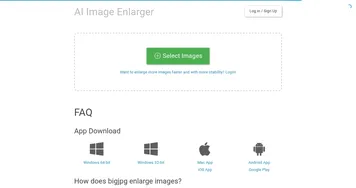
Homepage Screenshot 📸
Video Overview 🎬
What are the key features? ✨
- Image enlargement: This means you can increase the size of your photos without losing quality.
- Other enhancement tools: ImgLarger also offers a variety of other tools, such as image upscaling, sharpening, noise reduction, and style conversion tools like cartoonizers.
- Easy to use: You don't need to be a tech expert or a professional photographer to use ImgLarger. Simply upload your photo to the website, choose the enhancement tool you want to use, and let the site do the rest.
- Accessibility Across Devices: ImgLarger is not limited to just the website - it also offers apps for iOS, Android, and macOS.
- Paid version gets you more: The website operates on a subscription model, offering users a certain number of free credits every month.
Who is it for? 🤔
Examples of what you can use it for 💡
- Enhance personal photos with the help of AI
- Improve the resolution and quality of product (and other) photos
- Use it to create visually appealing websites and online content
- Experiment with different styles and effects
Pros & Cons ⚖️
- It packs several image-enhancing tools under one roof
- Lets everyone improve their photos and look better
- Good for both personal and business users
- There are more encompassing AI image editing tools out there
FAQs 💬
AI Image Enlarger alternatives 🔗