Remaker AI
Online platform offering media manipulation, such as face swapping, AI portraits, and video enhancements
Remaker AI is an AI-driven platform offering media manipulation tools, such as face swapping, AI portraits, and video enhancements. Let’s see what each of these has to offer.
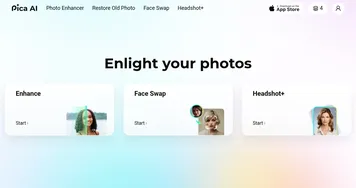
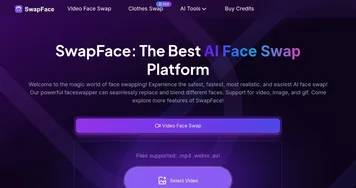
First comes the face swapping tool that enables users to seamlessly swap faces in images and videos. This tool supports multiple and batch face swapping, making it adaptable for various situations such as family photos, social media content, and more.
Then, there’s the AI Portrait generator, which can convert uploaded photos into stylish portraits based on different themes and styles. This feature appeals to users who want to create professional-grade avatars or artistic renditions of themselves or others.
Also, you can try out the AI Image Upscaler, which enhances the quality of your visuals. Specifically, it can improve the resolution and detail of images, making it particularly useful for upscaling older or low-quality photos to higher resolutions suitable for modern displays.
In summary, Remaker AI is an easy-to-use tool that combines AI technology with creative content generation, making it valuable for individuals and businesses looking to elevate their digital media.
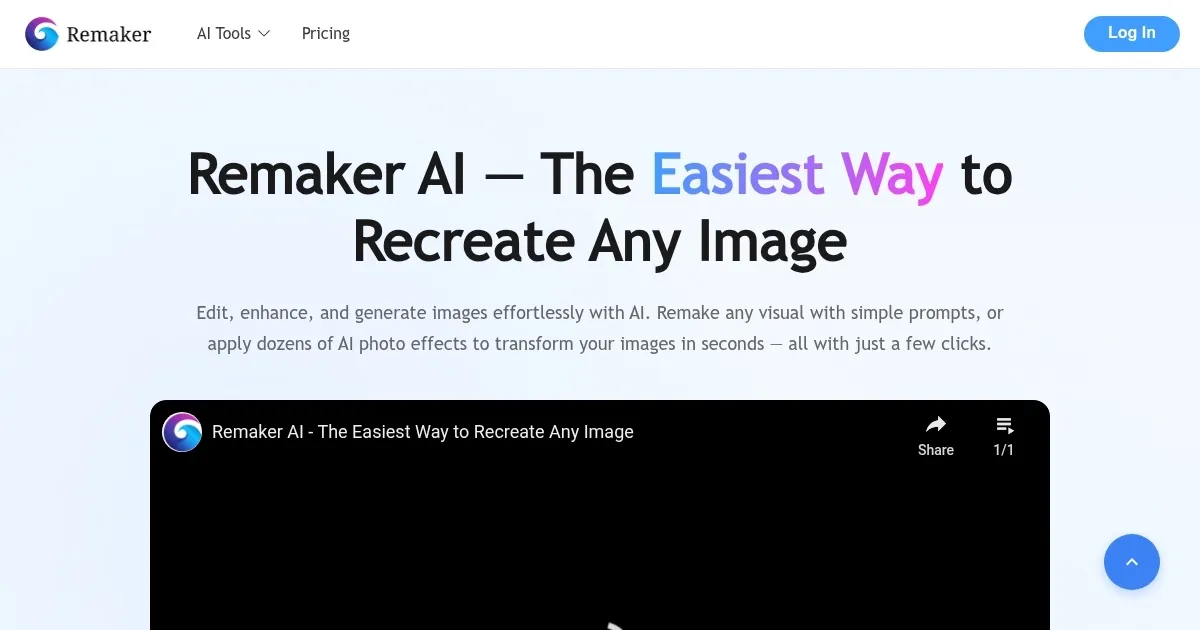
Homepage Screenshot 📸
Video Overview 🎬

What are the key features? ✨
- Face Swap: Remaker AI's tool that allows you to replace faces in photos or videos with someone else's face. This can be fun for creating entertaining content or experimenting with different looks.
- AI Portrait: This tool lets you turn a regular photo into a stylized portrait. Just upload a photo, and the AI will transform it into different artistic styles.
- AI Image Upscaler: If you have old or low-resolution images, this feature can improve their quality, making them clearer and more detailed.
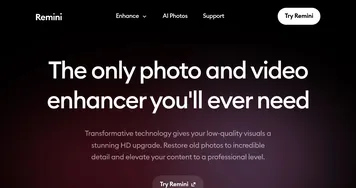
- Video Enhancer: This feature helps improve the quality of videos by stabilizing shaky footage, enhancing colors, and making other improvements.
- AI Talking Photo: This feature lets you make any photo talk. It's like bringing a photo to life by making the person or character in the photo speak.
Who is it for? 🤔
Examples of what you can use it for 💡
- Use the Face Swap or AI Talking Photo features to create fun and engaging posts for social media
- With the AI Portrait tool, you can transform standard photos into artistic portraits in various styles
- Polish your videos by stabilizing shaky footage, improving color balance, and enhancing overall video quality
- Enhance the resolution of old, grainy photos, making them clearer and more vibrant
- Businesses can use the AI tools to create innovative marketing materials
Pros & Cons ⚖️
- Includes multiple image and video tools under one roof
- Yet, they are all easy to use
- Great for individuals and businesses alike
- There are many similar tools out there
FAQs 💬
Ready to try Remaker AI?
Online platform offering media manipulation, such as face swapping, AI portraits, and video enhancements
Visit Remaker AI