AIEASE
An AI-powered platform offering a suite of free photo editing tools
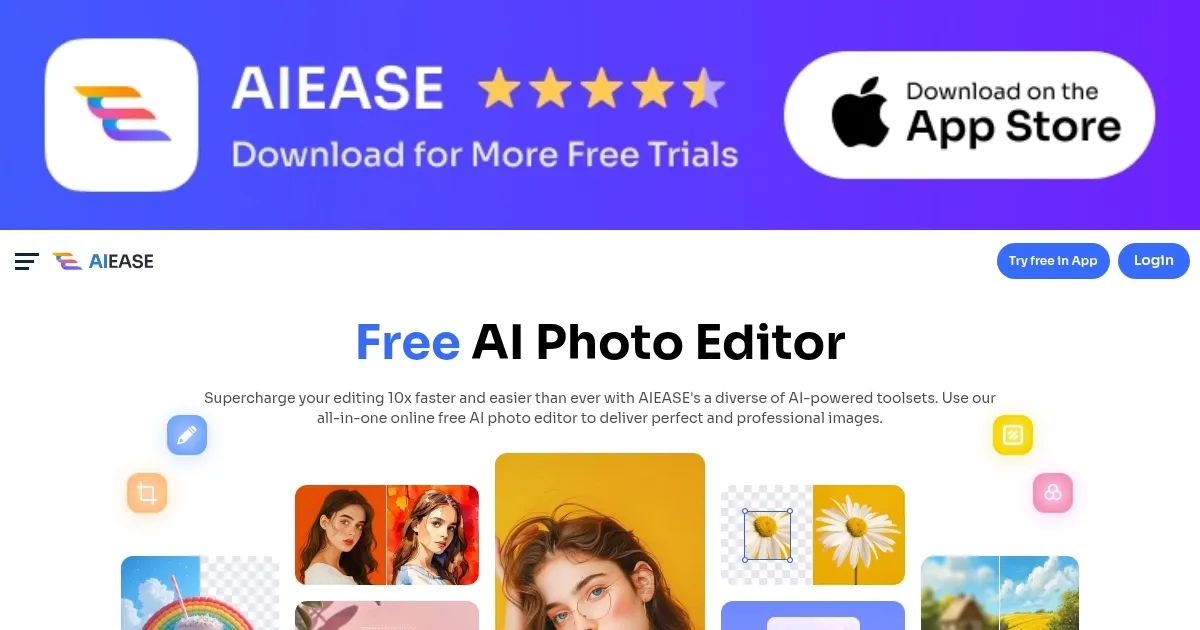
AIEASE is an AI-powered platform offering a suite of free photo editing tools designed to simplify and enhance the editing process. By leveraging advanced artificial intelligence, it enables users to perform complex edits with little effort — making professional-quality photo enhancement accessible to everyone.
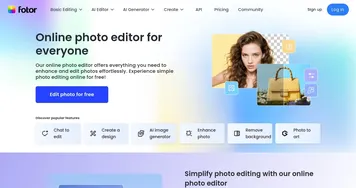
The platform boasts a diverse range of tools, including an AI headshot generator, passport photo maker, image enlarger, photo enhancer, photo restoration, and background remover. These features are meant to cater to various needs, from creating professional business headshots to restoring old photographs. In fact, each tool is designed to automate intricate editing tasks, allowing users to achieve desired results quickly and efficiently.
All AIEASE work from the web, requiring no additional software downloads or manual edits. The platform is entirely free for both commercial and personal use, eliminating financial barriers and enabling users to explore and utilize its full range of capabilities without any cost.
Now when something’s free, we expect they will get our data. It seems that is not the case with AIEASE, as it claims to uphold high standards of data privacy and security. You will have to see some ads, though.
Homepage Screenshot 📸
Video Overview 🎬
What are the key features? ✨
- Photo editing tools: Provides a range of AI photo editing tools, including headshot generation, passport photo creation, image enlargement, photo enhancement, restoration, and background removal.
- Easy to use: Features an intuitive design that allows users of all skill levels to perform complex edits effortlessly, streamlining the photo editing process.
- High-quality outputs: AIEASE uses advanced AI upscaling algorithms to ensure enhanced images maintain high resolution and clarity - supporting upscaling options up to 4K HD quality.
- Free access: Offers all features at no cost, making professional-grade photo editing accessible to both commercial and personal users without any financial barriers.
- Data privacy & security: AIEASE commits to maintaining user data privacy and security, ensuring that images are and not stored after editing sessions.
Who is it for? 🤔
Examples of what you can use it for 💡
- Create professional visuals for product showcases, real estate listings, and marketing materials
- Enhance personal photos, restore old images, and create high-quality headshots for resumes or social media profiles
- Produce visually appealing images for social media platforms
- Enhance product images by removing backgrounds, improving clarity, and ensuring images meet platform standards
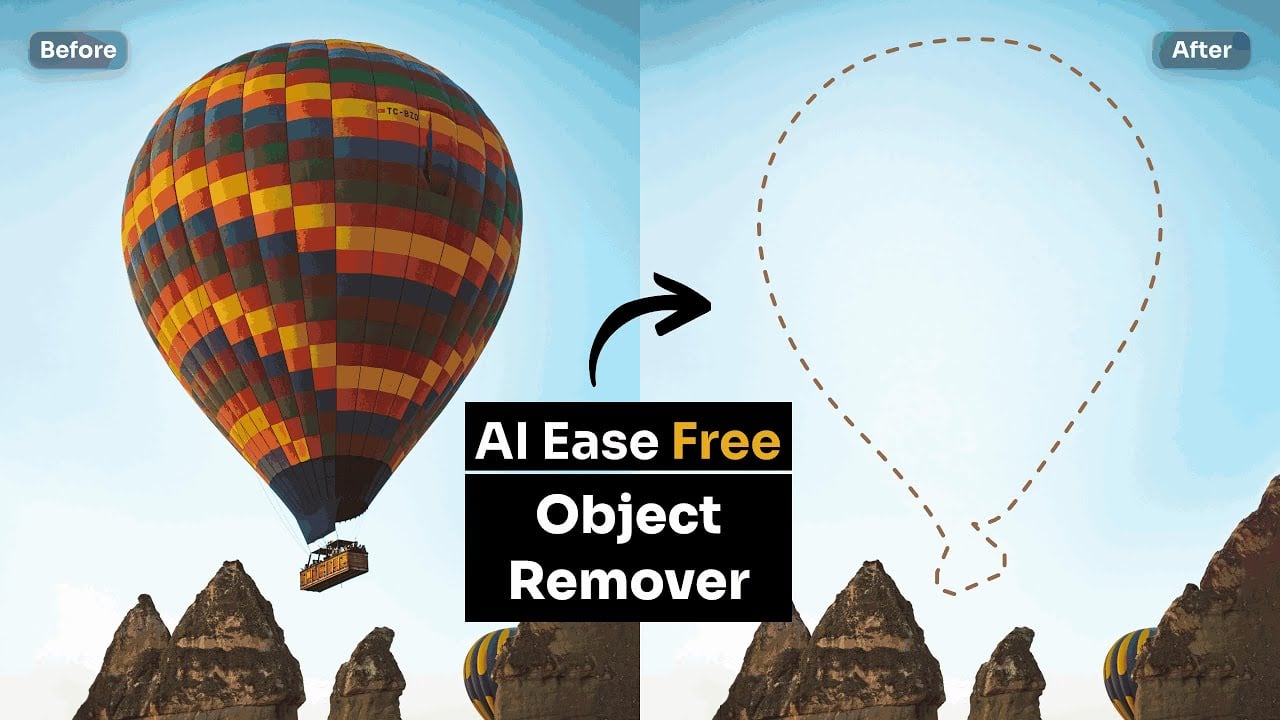
- Refine images by enhancing quality, restoring old photos, and removing unwanted elements
Pros & Cons ⚖️
- Free to use of AI photo editing tools
- Intuitive interface for all skill levels
- Automates complex photo editing tasks
- Automated edits might restrict creative control
FAQs 💬
Ready to try AIEASE?
An AI-powered platform offering a suite of free photo editing tools
Visit AIEASE