Colourlab Ai
Automates color grading for filmmakers, delivering professional results quickly
Colourlab AI is an AI-powered color grading tool designed for filmmakers and colorists, automating shot balancing and matching to streamline post-production. Its Gen 3.2 color engine operates natively in ACES color space, offering 16 stops of dynamic range for precise color fidelity. The tool supports integration with DaVinci Resolve, Adobe Premiere Pro, and Final Cut Pro, allowing real-time grading without rendering. Features like “Just Click Match” and “Region Match” enable quick balancing and targeted color adjustments, while the Look Designer and Grainlab plugins add film emulation and texture.
The “Balance” feature adjusts exposure, contrast, and white balance with one click, supporting over 40 camera profiles. “Region Match” allows precise grading of specific frame areas, such as skin tones. The tool processes locally, ensuring privacy and fast performance, even with 4K or 8K footage. Compared to FilmConvert and Dehancer, Colourlab AI prioritizes automation over manual control, making it ideal for fast workflows but less suited for intricate tweaks. Pricing is subscription-based, competitive with industry standards.
Users appreciate the time-saving automation and seamless integration. However, the learning curve can challenge beginners, and some find the AI’s adjustments overly aggressive. The Freelab plugin, free for REC709 conversion, is a valuable add-on. The tool supports Mac, Windows, and Linux, with optimal performance on NVidia GPUs.
For professionals needing efficiency, Colourlab AI excels in unscripted or indie projects. Beginners may need the Masterclass for guidance. The Grainlab 3.1 feature adds unique 3D grain for film-like textures.
To get started, try the free trial. Test “Just Click Match” on a short clip to gauge its fit for your workflow. Explore integration with your editing software to maximize efficiency.
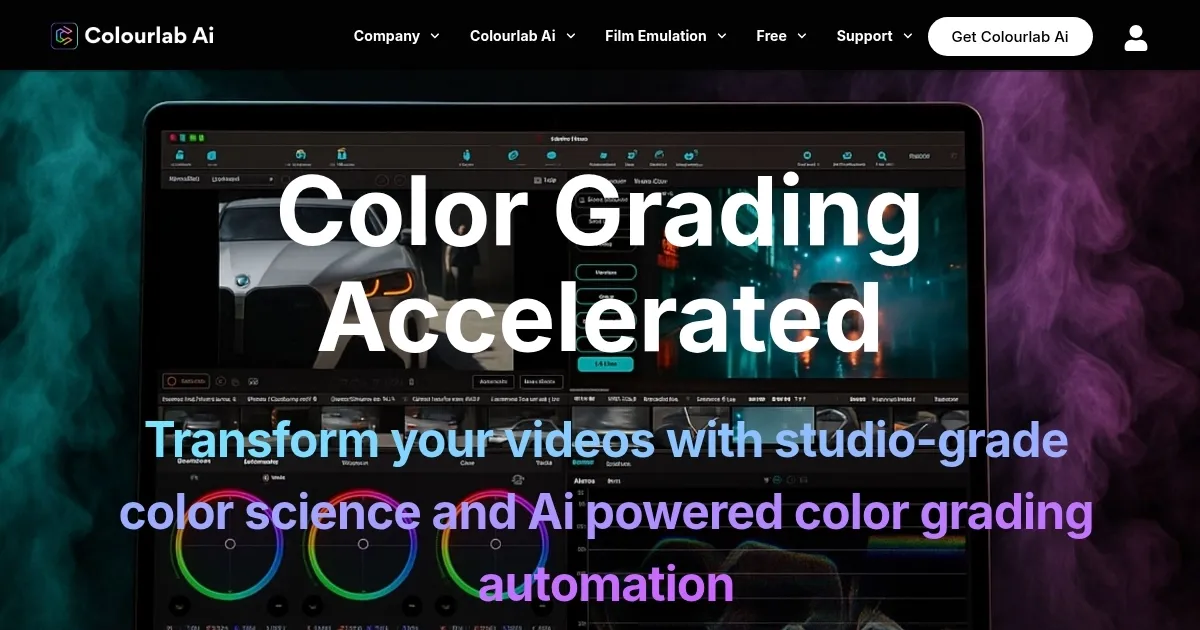
Homepage Screenshot 📸
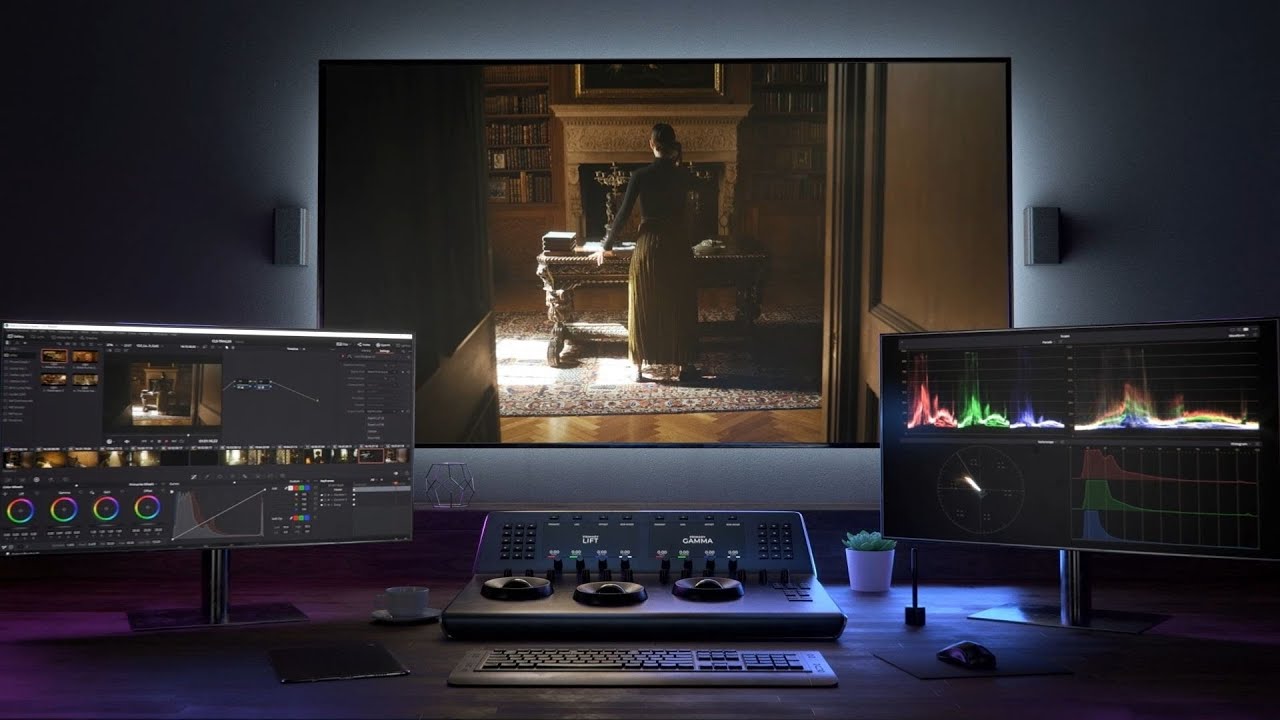
Video Overview 🎬
What are the key features? ✨
- Balance: Automatically adjusts exposure, contrast, and white balance with one click for a neutral look.
- Region Match: Targets specific frame areas for precise color grading, like skin tones or skies.
- Look Designer: Offers film-inspired presets for creating cinematic color looks.
- Grainlab 3.1: Adds 3D film grain in subtractive color for authentic textures.
- DaVinci Resolve Sync: Seamlessly syncs grading with DaVinci Resolve for efficient workflows.
Who is it for? 🤔
Examples of what you can use it for 💡
- Indie Filmmaker: Uses Balance to quickly neutralize exposure across diverse shots for a cohesive look.
- YouTuber: Applies Look Designer presets to give vlogs a polished, cinematic aesthetic.
- Colorist: Employs Region Match to fine-tune skin tones for consistent grading in commercials.
- Documentary Editor: Leverages DaVinci Resolve Sync for rapid grading of unscripted footage.
- Wedding Videographer: Utilizes Grainlab 3.1 to add film-like textures to event footage.
Pros & Cons ⚖️
- Fast AI-driven color grading
- Seamless editing software integration
- Precise Region Match feature
- Free Freelab plugin included
- AI adjustments can be aggressive
- Limited manual control options
FAQs 💬
Ready to try Colourlab Ai?
Automates color grading for filmmakers, delivering professional results quickly
Visit Colourlab AiColourlab Ai alternatives 🔗