Palette
Tool that adds color to back and white images
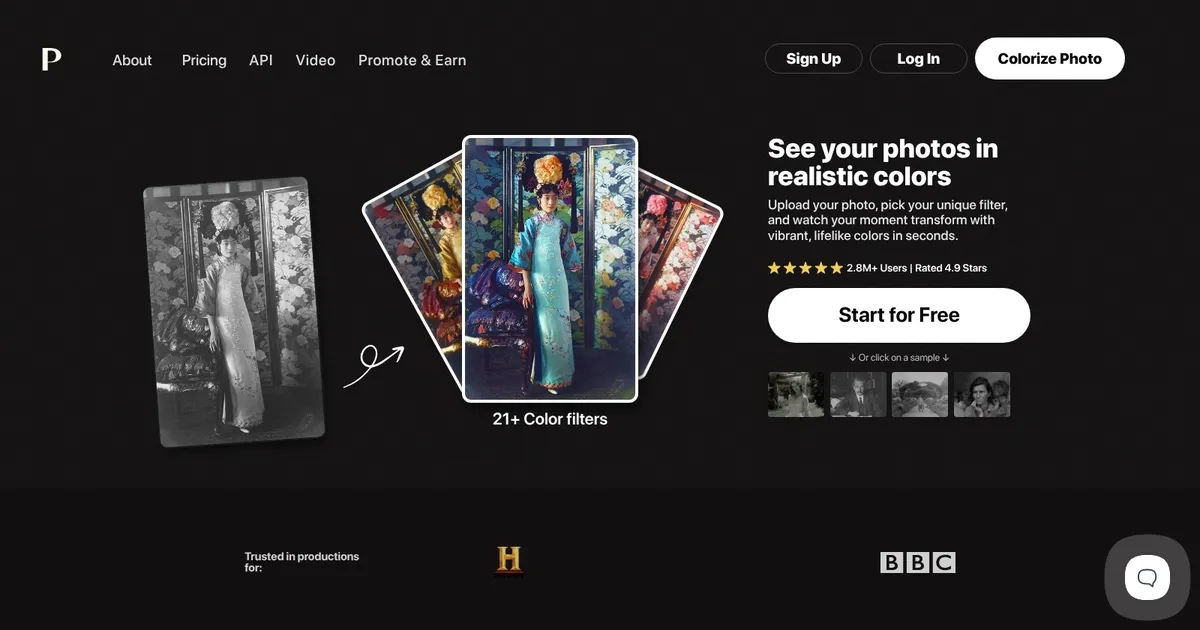
Palette is an AI-powered, web-based tool that leverages advanced artificial intelligence to colorize black-and-white photos effortlessly and with high precision. Designed to cater to both photography enthusiasts and professionals, Palette offers a user-friendly interface that allows users to upload black-and-white images and transform them into vibrant, colorized versions without any need for manual editing or software downloads.
The technology behind Palette utilizes deep learning algorithms to analyze and apply color to monochrome images accurately, ensuring that the colorizations are fast and retain the essence and vibrancy of the original scenes. It can handle a variety of images, from historical photographs to modern-day pictures, providing users with a unique tool to reimagine their photos.
Palette prides itself for its combination of speed, quality, and ease of use. It offers a range of customizable options, including a variety of color filters that cater to different aesthetic preferences. Users can experiment with these filters to achieve the desired look, whether they’re aiming for a vintage feel or a more vivid depiction. The tool also allows for additional customizations, such as adding text or adjusting the color balance further.
Price wise, Palette offers several options to accommodate different user needs. There is a free plan that allows users to colorize photos at a lower resolution, and paid subscriptions and one-time purchase options that offer higher resolutions and more features.
All in all, Palette is a valuable tool for anyone interested in photography, history, or art.
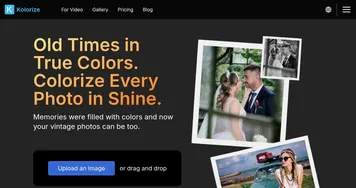
Homepage Screenshot 📸
Video Overview 🎬
What are the key features? ✨
- AI Colorization: Transforms black-and-white photos into vibrant, realistic colored images in seconds using advanced exclusive AI models.
- Color Filters: Offers over 21 specialized filters for different moods and styles, from natural to cinematic.
- Keyword Customization: Allows users to refine colors with simple text prompts for precise creative control.
- Batch Processing: Enables uploading and colorizing multiple photos at once for efficient workflow.
- High-Resolution Output: Provides watermark-free, full-resolution downloads up to 5000x5000 pixels in paid plans.
Who is it for? 🤔
Examples of what you can use it for 💡
- Family Historian: Revives old family snapshots by adding realistic colors to faded black-and-white portraits and group photos.
- Photographer: Experiments with creative color palettes on vintage-style shoots to produce multiple artistic variations.
- Content Creator: Colorizes historical images for social media posts, videos, or blog articles to make them more engaging.
- Film Professional: Restores archival footage or stills for documentaries and productions needing accurate, lifelike hues.
- Genealogy Enthusiast: Brings ancestors' photos to life with natural tones that match era-appropriate clothing and settings.
Pros & Cons ⚖️
- Remarkably realistic colors
- Easy customization
- Fast processing
- Great filter variety
- Watermark on free tier
- Credits needed for full use
FAQs 💬