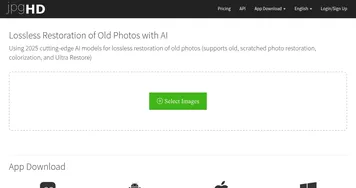
Image Colorizer
Transforms black-and-white photos into vibrant colorized versions
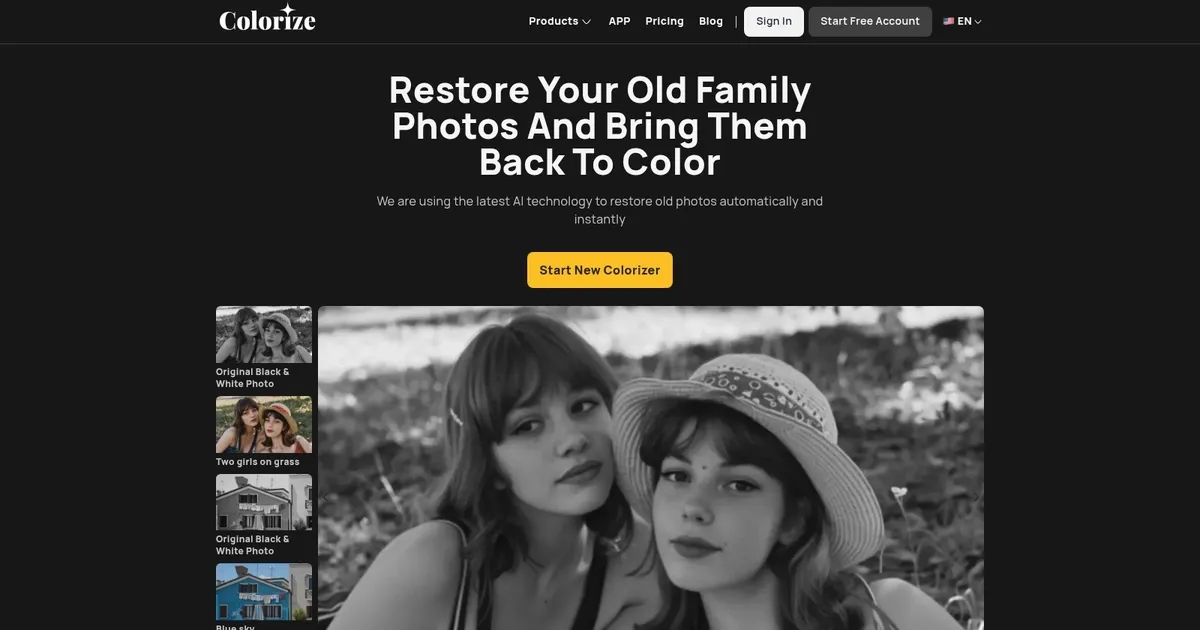
Image Colorizer is an AI-driven tool designed to restore and enhance old photographs using a variety of advanced machine learning algorithms. It lets users colorize black and white photos, repair old and damaged pictures, enhance photo quality to make them high-definition, and retouch portraits to improve facial features.
The service also includes the ability to remove unwanted objects from photos, all operated through a user-friendly, cloud-based platform. This tool caters to individuals looking to revive their old family photos without needing any Photoshop skills, promising quick and automatic restoration while ensuring user photos remain secure and private.
The website operates by users uploading their black and white or old, damaged photos, upon which Image Colorizer’s neural network, trained on millions of images, automatically processes the photos to add color, remove scratches, enhance clarity, or retouch faces. The accuracy of the colorization and enhancement depends on the original photo quality, but the process is swift, typically taking only seconds to a few minutes.
Finally, we should add that Image Colorizer takes good care of user privacy, with uploaded photos being encrypted and auto-deleted after 24 hours. The service supports unlimited photo colorizations, although there may be restrictions on photo size or number per upload. Additionally, the platform offers a direct download of restored photos and provides customer support for any user queries or issues.
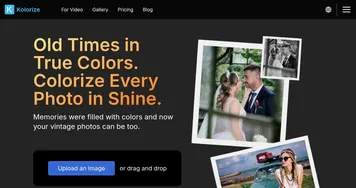
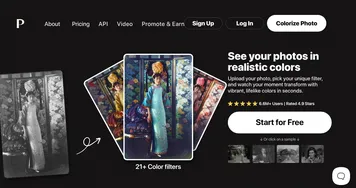
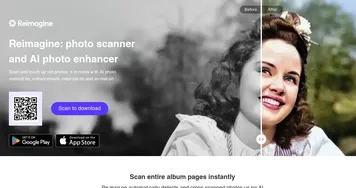
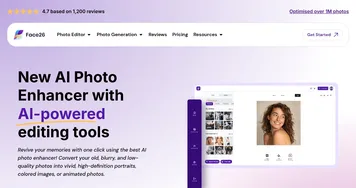
Homepage Screenshot 📸
What are the key features? ✨
- AI Colorize: Automatically adds natural and realistic colors to black-and-white photos using advanced AI trained on millions of images.
- AI Restore: Repairs damaged photos while increasing resolution up to 2x and fixing scratches, tears, or imperfections.
- AI Enhance: Sharpens blurry or pixelated images, improves clarity, and boosts overall photo quality.
- AI Retouch: Smooths skin texture, brightens eyes, and refines facial features in portraits for a natural look.
- AI Object Remover: Eliminates unwanted objects, spots, or distractions by marking areas for automatic removal.
Who is it for? 🤔
Examples of what you can use it for 💡
- Family historian: Revives old ancestral photos by adding realistic colors and repairing scratches to preserve heritage.
- Photographer: Enhances and colorizes vintage client images or personal archives for portfolios and prints.
- Genealogist: Restores faded historical documents and portraits to make family research more visually engaging.
- Hobbyist: Brings personal black-and-white snapshots from childhood or past travels back to life with vibrant colors.
- Content creator: Repairs and colorizes stock or archival images for blogs, social media, or video projects.
Pros & Cons ⚖️
- Easy one-click use
- Natural color results
- All-in-one restoration
- Affordable paid plans
- Occasional color inaccuracies
- Free tier has limits
FAQs 💬
Ready to try Image Colorizer?
Transforms black-and-white photos into vibrant colorized versions
Visit Image Colorizer