Face26
An AI photo enhancer that transforms old and blurry images into high-definition pictures
Face26 is an AI-powered photo enhancer that transforms old, blurry, or low-quality images into high-definition pictures. With features like unblurring, colorization, and photo restoration – it aims to breathe new life into cherished memories. I once used Face26 to restore a faded family photo from the 1960s; the result was a vibrant, clear image that amazed my relatives.
One of Face26’s more useful features, AI Photo Upscaler, can increase image resolution without losing quality. This can be particularly useful for enhancing small or pixelated photos. When I upscaled a low-resolution picture from my college days, Face26 produced a sharp, high-definition version that looked (almost) as if it had been taken with modern equipment. Then again, the results weren’t that impressive with some other photos.
Another feature, Colorize Photos, automatically adds color to black-and-white or faded images, making them more lively. I tried this on an old monochrome portrait of my grandparents, and the added color brought a new depth to the photo — making it feel more connected to the present.
Face26 is accessible via both desktop and mobile, and it doesn’t require any prior photo editing skills. This, in turn, makes it suitable for anyone looking to enhance their images with little effort.
So, whether you’re a photographer looking to improve your work or someone wanting to restore old family photos, Face26 can help you out. Check it out.
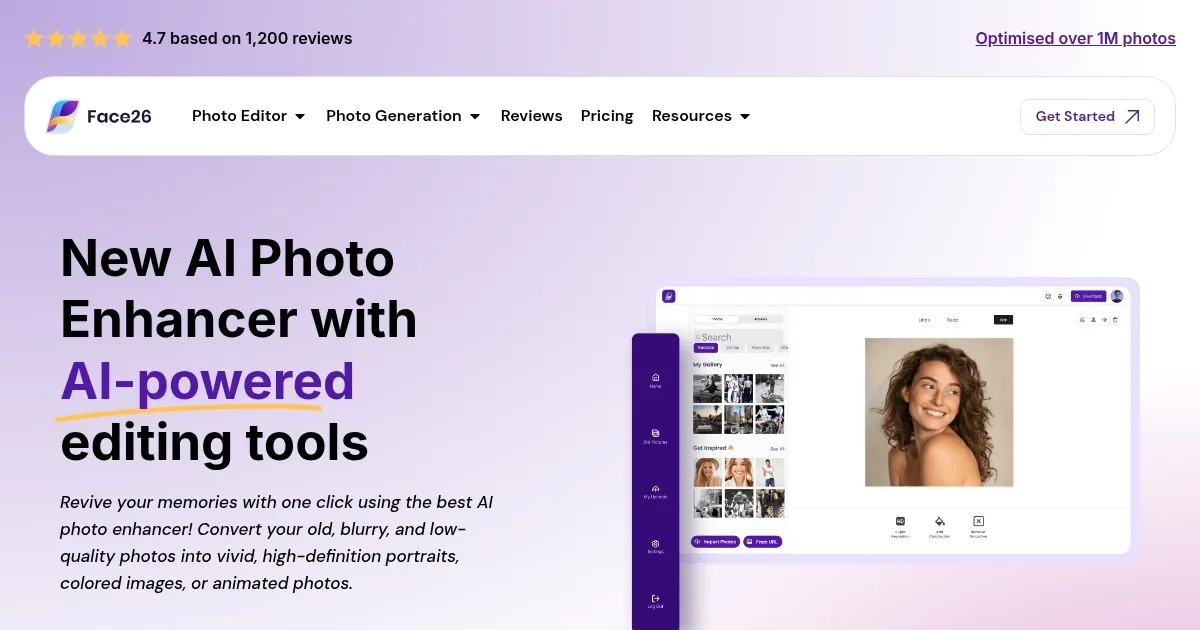
Homepage Screenshot 📸
Video Overview 🎬
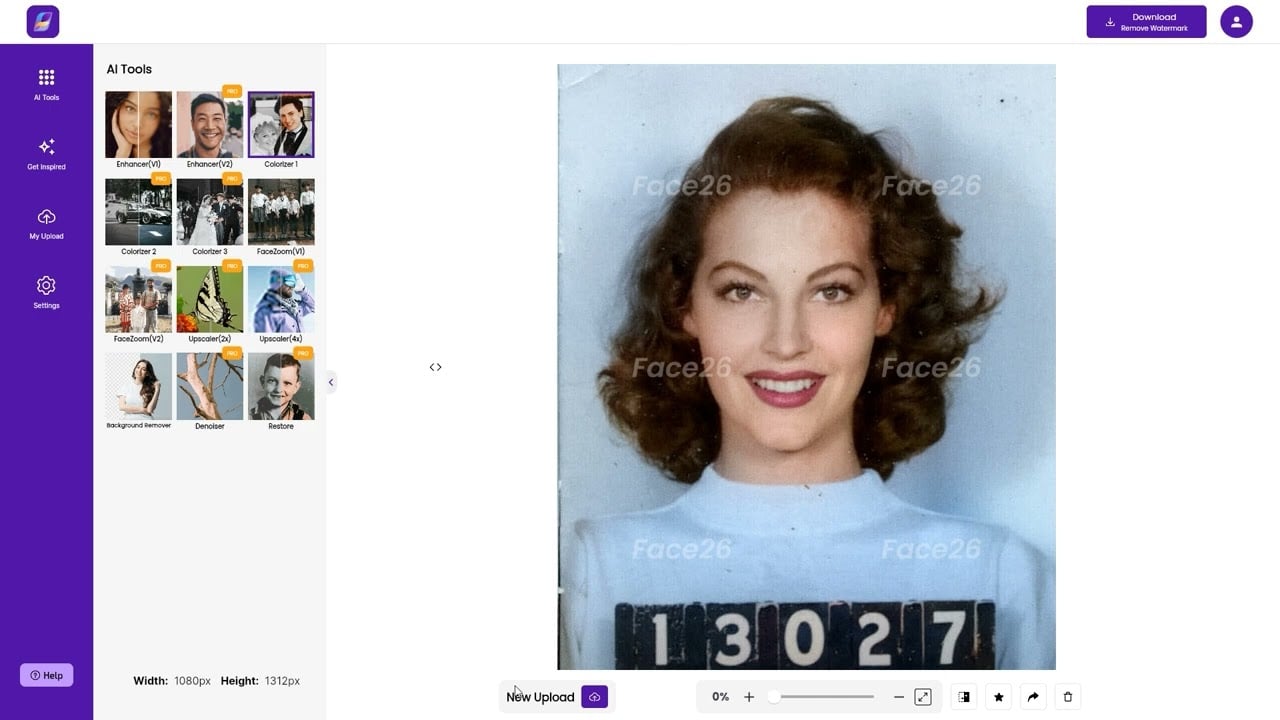
What are the key features? ✨
- Unblur photos: Face26 sharpens and enhances blurry images, restoring clarity and detail to your photos.
- Colorize photos: Automatically adds color to black-and-white or faded photos, bringing them to life with vibrant hues.
- AI upscale: Increases the resolution of low-definition pictures by 2x or 4x without losing quality, resulting in high-definition images.
- Photo restoration: Restores old or damaged photos, repairing imperfections to produce a more flawless and youthful appearance.
- Animate photos: Brings static images to life by adding animations, allowing you to create engaging and dynamic visuals.
Who is it for? 🤔
Examples of what you can use it for 💡
- Restore and enhance historical or damaged images, preserving memories with improved quality
- Influencers and content creators can enhance their photos to improve visual appeal and attract more engagement
- Businesses can use Face26 to create high-quality, visually appealing images for marketing campaigns
- Educators can utilize the colorization feature to bring historical black-and-white photos to life for teaching materials
- Individuals can improve personal photos by unblurring and enhancing image quality for printing or sharing
Pros & Cons ⚖️
- It can improve photo quality significantly
- Brings black and white to life (adds color)
- Enhances facial details effectively
- Real photo enhancements require a paid plan
Ready to try Face26?
An AI photo enhancer that transforms old and blurry images into high-definition pictures
Visit Face26Face26 alternatives 🔗