Kolorize
An AI-powered tool that can transform black-and-white photos into vibrant color images
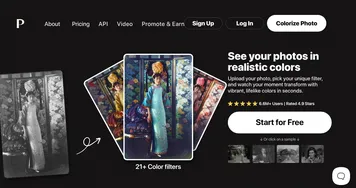
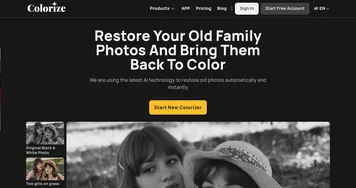
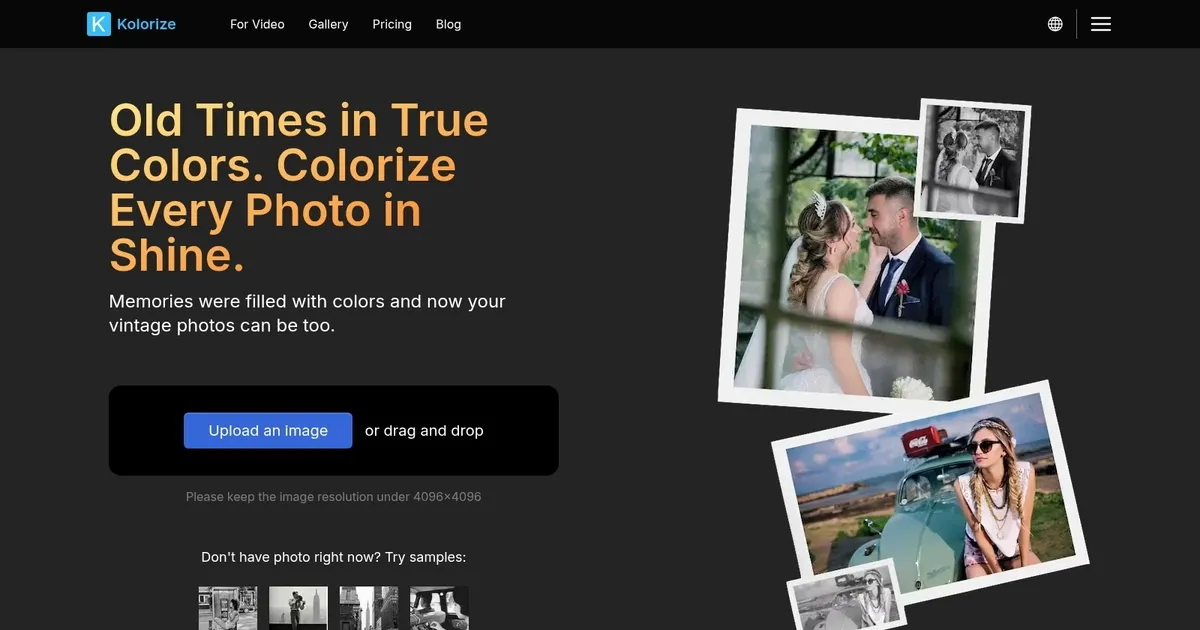
Kolorize is an AI-powered tool that can transform black-and-white photos into vibrant color images. The tool is rather straightforward: upload a photo, and the AI will add color. Naturally, this simple task requires advanced algorithms to analyze and accurately colorize images, while preserving details and ensuring lifelike results.
The tool offers unlimited previews, so that users can experiment until they’re satisfied. Only then do they pay to download the final image. This approach is meant to ensure users get exactly what they want without upfront costs.
Kolorize prides its tech for retaining the original quality of photos. Whereas some other tools may compromise image integrity, Kolorize ensures that the colorization process doesn’t degrade the photo’s quality. So, whether it’s a cherished family portrait or a historical photograph, Kolorize handles each with care.
As noted above, the platform is designed to be accessible to users of all skill levels. There’s no need for advanced photo editing knowledge and the process is as simple as uploading a photo and letting the AI work its magic. This makes Kolorize appealing to a broad audience — from individuals wanting to revive old memories to professionals seeking efficient colorization solutions.
Now we have to add that there are other tools that can add color to old photos — including Image Colorizer, Palette and Petalica Paint — but Kolorize holds its ground with its ease of use and high-quality outputs. So, if you just need to make old photos look new, you may want to give it a try.
Homepage Screenshot 📸
What are the key features? ✨
- AI-powered colorization: Kolorize uses advanced AI tech to analyze and colorize black-and-white photos, ensuring accurate and lifelike results.
- Unlimited previews: Users can preview their colorized images as many times as needed, paying only when they're satisfied with the outcome.
- High-quality output: The tool maintains the original quality of photos, ensuring that the colorization process doesn't degrade image integrity.
- User-friendly interface: Designed for users of all skill levels, Kolorize offers a straightforward process - upload, colorize, and download.
- Data security: Kolorize prioritizes user privacy, employing 2048-bit encrypted connections and deleting files after processing.
Who is it for? 🤔
Examples of what you can use it for 💡
- Bring old family photos to life, adding color to cherished memories
- Historians and archivists can use Kolorize to colorize historical photographs
- Artists and designers can incorporate colorized vintage photos into their creative projects
- Educators can enhance learning materials by adding color to historical images
- Content creators can use Kolorize to generate engaging visuals for platforms like Instagram and Facebook
Pros & Cons ⚖️
- Simple process suitable for users of all skill levels
- High-quality results without compromising photo quality
- Pay only when satisfied with the result
- It's a one-trick pony
Ready to try Kolorize?
An AI-powered tool that can transform black-and-white photos into vibrant color images
Visit Kolorize