logo-darklogo-darklogo-darklogo-dark
  • Home
  • Browse
    • Assistant
    • Coding
    • Image
    • Productivity
    • Video
    • Voice
    • Writing
    • All Categories
    • AI Use Cases
  • My Favorites
  • Suggest a Tool
✕
Home › Image Generation & Editing / Video Generation & Editing ›

Flux AI

Published by Dusan Belic on November 17, 2024

Flux AI

Flux
Flux AI Homepage
Categories Image Generation & EditingVideo Generation & Editing
Uses AI to generate images and videos from textual prompts and images

Flux AI

Flux AI is a fancy platform that offers advanced AI-driven image and video generation tools, enabling users to create high-quality visuals from textual prompts and images. Utilizing state-of-the-art models like Flux.1 Pro and Flux.1 Dev – it provides a neat solution for producing diverse and realistic content.

What makes Flux AI great is that it can generate both images and videos. The platform supports various styles and formats, allowing users to craft all kinds of visuals, from artistic renditions to photorealistic scenes. Its AI models can render intricate details, ensuring outputs are accurate and aesthetically pleasing.

Flux AI operates on a flexible pricing model, offering free and premium plans to cater to different user needs. The free tier includes access to basic features, while premium subscriptions unlock advanced capabilities such as higher-quality outputs, priority processing, and expanded usage limits.

Flux AI is easy to use, featuring a UI that is accessible to users without requiring extensive technical expertise. The platform also emphasizes community engagement and support, offering tutorials and resources to help users maximize its features.

So, if you need to generate some fancy images and/or videos, you may want to give Flux AI a try. Check it out.

Flux AI Homepage
Categories Image Generation & EditingVideo Generation & Editing

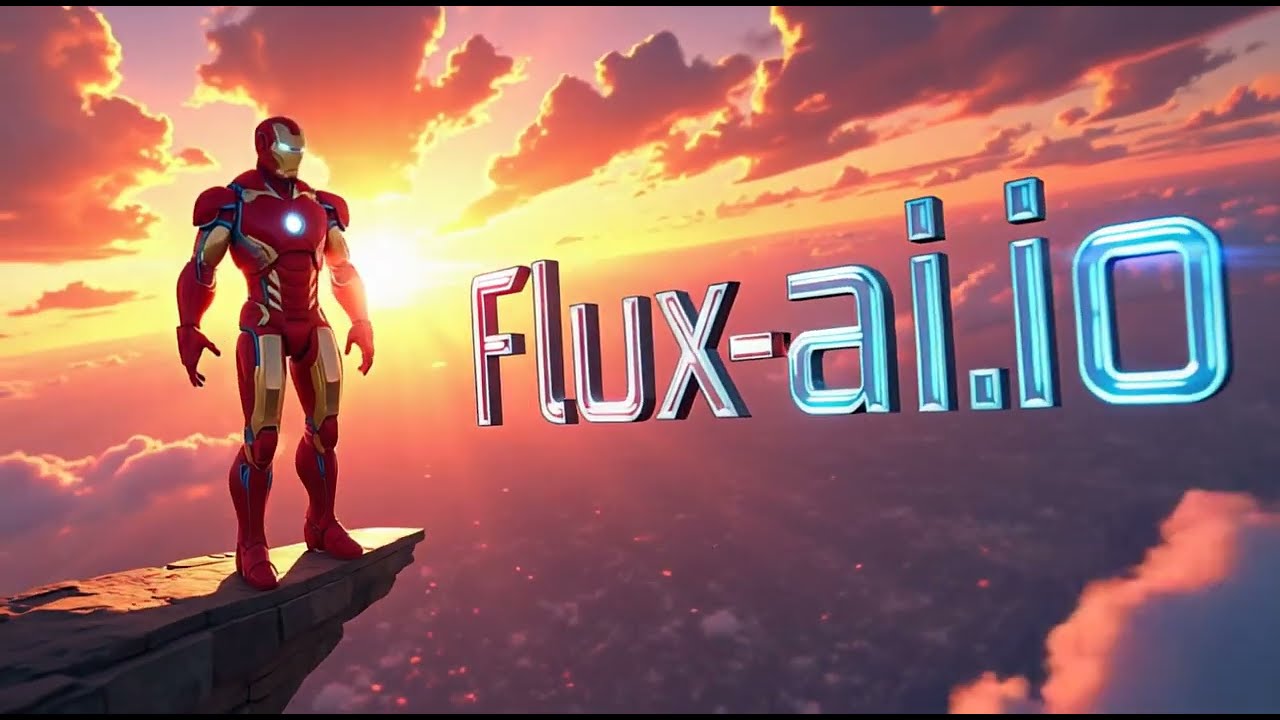
Video Overview ▶️

What are the key features? ⭐

  • AI image generation models: Flux AI offers state-of-the-art models, including Flux 1.1 Pro, Flux.1 Pro, Flux.1 Dev, and Flux.1 Schnell, enabling users to generate high-quality images from textual prompts and images.
  • Creative tools: Beyond image generation, Flux AI provides tools such as an AI Video Generator, AI Anime Generator, and AI Medal Generator.
  • Easy to use & flexible pricing: Flux AI caters to both beginners and professionals, offering a free plan with 40 welcome credits and daily bonuses, as well as premium subscription options for enhanced features.
  • Customizations & integrations: Users can fine-tune outputs to meet specific needs, and the platform supports integration with various applications to enhance workflow efficiency.
  • Community support: Flux AI offers a supportive community for sharing insights and receiving assistance.

Who is it for? 🤔

Flux AI is designed for a broad range of users, including digital artists, content creators, marketers, educators, and individuals seeking to explore AI-generated visuals. Its tools and models cater to both novices and professionals, making it accessible for personal projects and commercial applications. By providing a comprehensive suite of AI-driven creative tools, Flux AI empowers users to produce diverse and high-quality multimedia content.

Examples of what you can use it for 💭

  • Generate unique visuals for blogs, social media, and websites to enhance audience engagement
  • Produce compelling images and videos for promotional materials, social media campaigns, and ads
  • Explore various artistic styles and mediums, from anime to photorealistic images
  • Develop illustrative content for educational purposes to make learning materials more engaging and interactive
  • Create custom images and designs for personal use or to sell as merchandise

Pros & Cons ⚖️

  • Generates very detailed, high-res images
  • It is amazing how well it can interpret your prompts
  • Multiple image and video generating models
  • Free version is rather limited

FAQs 💬

What is Flux AI?
Flux AI is an online platform that uses advanced Flux.1 and Flux.2 models from Black Forest Labs to generate and edit images and videos from text prompts or uploaded images. It targets creators and professionals who want high-quality visuals without needing complex software, and I think it's especially useful for quick prototyping in design or marketing.
How does Flux AI generate images from text?
You enter a detailed text prompt describing your idea, select a model like Flux.1 Pro or Flux.2 Dev, and the tool processes it using a hybrid transformer-diffusion architecture to create photorealistic or stylized outputs. Results appear in seconds to minutes, depending on the queue, and it handles complex details like anatomy and lighting better than many rivals.
What image editing features does Flux AI offer?
It includes tools like inpainting to fill or remove parts of an image, background changers, object removal, and color adjustments via natural language instructions. With Flux Kontext, you can even edit multiple elements in one go while keeping consistency, which makes it great for refining concepts without starting over.
Can beginners use Flux AI easily?
Yes, the web interface is straightforward with prompt examples and trending tags to get you started, plus mobile apps for iOS and Android. No coding required, though advanced users can tweak settings like resolution or style for more control, and it probably feels intuitive after a few tries.
What types of images can Flux AI create?
From photorealistic portraits and product shots to cartoons, anime, or Ghibli-style art, it supports diverse styles including specialized generators for avatars, headshots, and even action figures. Flux.2 adds multi-reference editing for consistent characters across scenes, which shines in storytelling or branding.
Is Flux AI suitable for professional work?
Absolutely, it produces up to 4MP resolutions with accurate text rendering and commercial rights in premium modes, making it ideal for ads, UI designs, or marketing visuals. Reviews highlight its prompt adherence and speed, though complex hand gestures might still need tweaks.
How does Flux AI compare to Midjourney or DALL-E?
Flux AI stands out with open-weight models for local runs, better anatomy like hands, and faster generation in the Schnell variant, often matching or exceeding closed models in realism. It's more accessible for developers via Hugging Face, but Midjourney edges out in some artistic flair, based on recent benchmarks.
Can I run Flux AI models offline?
Yes, open-source variants like Flux.1 Dev and Flux.2 Dev work on your hardware through tools like ComfyUI or Hugging Face, requiring a decent GPU for best results. This gives full control and no queues, though the online platform handles everything seamlessly for casual use.
What about video generation in Flux AI?
It offers text-to-video and image-to-video tools for short clips or animations, integrating models like Flux Video AI for smooth motion and effects. Users praise the lip-sync and consistency in recent updates, but it's still evolving compared to dedicated video AIs like Kling.
Are there free options with Flux AI?
The platform provides daily free credits for basic generations and tools like image-to-prompt conversion, with no signup needed for trials. Limits apply to queues and history storage, but it's a solid way to test before committing, and external hosts like fal.ai offer credit-based access.

Related tools ↙️

  1. Soulgen Soulgen AI art and image generator specializing in anime characters
  2. VModel AI VModel AI An efficient and cost-effective solution for on-model fashion photography
  3. Pixu.ai Pixu.ai Generates personalized, hyper-realistic AI images, specializing in face-swapped portraits
  4. FaceSwapper.ai FaceSwapper.ai A free tool that lets you swap faces from photos and vidoes
  5. Affogato Affogato An advanced platform for creating consistent, character-driven images and videos using AI
  6. Aitubo Aitubo Free AI art generator for game assets, anime materials, art styles, character design, and more
Last update: December 3, 2025
Share
Promote Flux AI
light badge
Copy Embed Code
light badge
Copy Embed Code
light badge
Copy Embed Code
About Us | Contact Us | Suggest an AI Tool | Privacy Policy | Terms of Service

Copyright © 2026 Best AI Tools
415 Mission Street, 37th Floor, San Francisco, CA 94105