
Forms.app


Forms.app is an online tool that simplifies form creation with a user-friendly interface and AI. It offers a variety of form field types, allowing users to collect data in different formats.
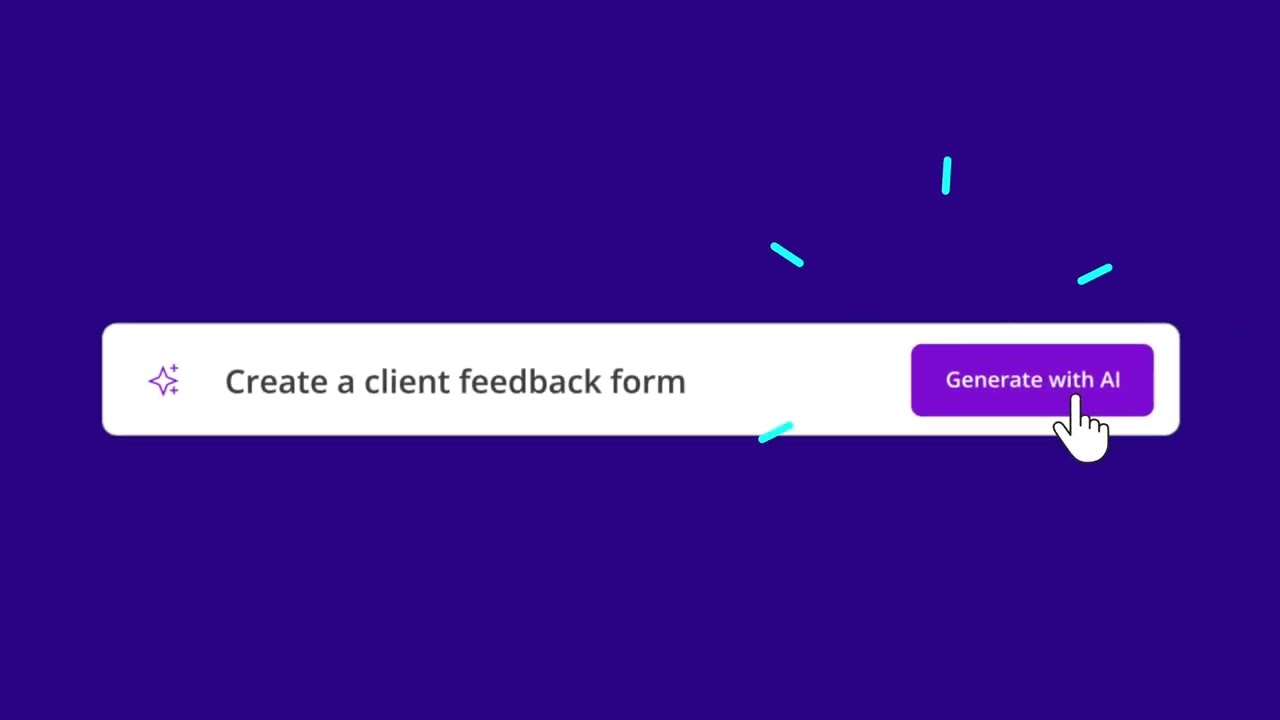
One of its key features is the AI Form Generator, which uses artificial intelligence to create forms quickly based on user needs. AI-powered survey and quiz makers are also available to help users design engaging surveys and quizzes effortlessly.
The tool offers different customization options so that you get forms that match your organization’s image. Conditional logic is also supported, allowing for dynamic forms that respond to user inputs, and the same is true for integration — Forms.app can sing along more than 500 apps.
Lastly, we should mention data review and analysis, with the tool providing response views in various formats — including spreadsheets and advanced analytics.
In summary, forms.app leverages AI to offer a comprehensive form-building solution that combines ease of use, powerful customization, and seamless integration. Further, its advanced analytics and sharing capabilities make it useful for businesses and individuals looking to streamline data collection and enhance their workflows.
Video Overview ▶️
What are the key features? ⭐
- AI form generator: This feature uses artificial intelligence to quickly create forms based on user needs to make the form creation process fast and efficient.
- Conditional logic: Allows for dynamic forms that adjust based on user responses, ensuring a personalized and relevant experience for each user.
- Integrations: The tool integrates with over 500 apps, enabling automated workflows and enhancing productivity by connecting with tools like Slack, HubSpot CRM, and Google Sheets.
- Customizations: It offers extensive customization options to match forms with your brand's image.
- Advanced analytics: Forms.app provides detailed analytics and insights into form performance to help users optimize their forms for better data collection and understanding.
Who is it for? 🤔
Examples of what you can use it for 💭
- Collect customer feedback to improve products or services by using customizable survey forms
- Manage event registrations efficiently with dynamic forms that capture all necessary participant information
- Simplify online orders with integrated payment options and automated workflows
- Streamline hiring processes by creating comprehensive job application forms
- Design engaging quizzes for educational purposes, allowing for automated grading and data analysis
Pros & Cons ⚖️
- Makes it easy to create surveys and forms
- Advanced analytics can save a ton of time
- And the same is true for integration options
- Setting up complex forms could take some time








