FuseBase AI
An AI tool that enhances productivity and streamlines workflows for professional services
Formerly known as Nimbus, FuseBase AI is an online platform designed to enhance productivity and streamline workflows for professional services. Its features cater to different kinds of tasks, from project management to client collaboration.
To make it even more useful, FuseBase AI can integrate into various workspaces — allowing users to manage their projects, tasks, and client interactions all in one place. This further helps reduce the need for switching between multiple tools, thus enhancing efficiency and productivity.
When used properly, the tool can streamline communication and collaboration within teams. FuseBase AI can extract context and content from discussions, turning them into actionable tasks. This feature ensures that team members are always on the same page and can efficiently plan and execute their projects.
FuseBase AI can also help with content creation and refinement, serving as a round-the-clock writing assistant that can draft and improve various types of content — such as sales emails and blog posts. The platform allows users to customize the level of detail in their content and ensures it aligns with the desired format and audience preferences.
Furthermore, FuseBase AI offers additional features like document search with image recognition (OCR), task and list creation, and feedback management via chats and comments. The platform also supports creating so-called “super pages,” knowledge bases, and wikis — so that all information and assets are organized and managed effectively. Check it out.
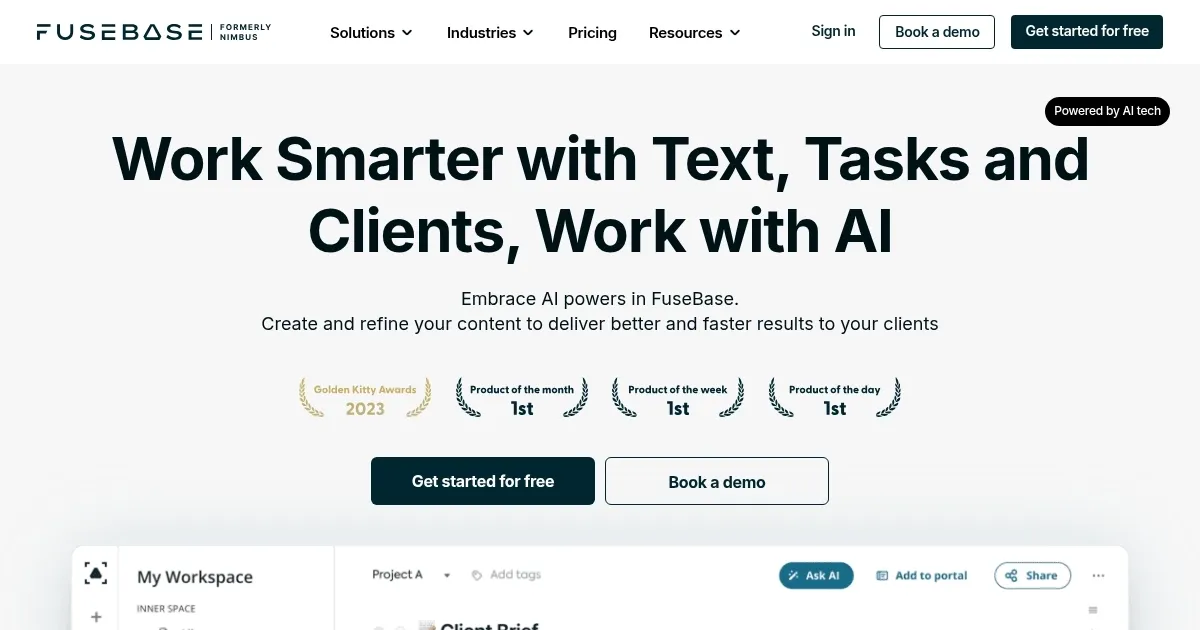
Homepage Screenshot 📸
Video Overview 🎬

What are the key features? ✨
- AI assistant integration: FuseBase AI integrates directly into your workspace, providing AI-driven assistance and insights without switching between tools.
- Content creation & refinement: Quickly generate, refine, and proofread content to make it more appealing and tailored to your audience.
- Task automation: Convert discussions into actionable tasks, streamlining workflow and enhancing productivity.
- Personalized recommendations: Provides suggestions based on your stored knowledge and expertise.
- Multi-functional activities: FuseBase AI supports various activities, from brainstorming ideas to summarizing lengthy texts, making it useful for different needs.
Who is it for? 🤔
Examples of what you can use it for 💡
- Enhance interactions with clients by using AI to manage projects and communications effectively
- Streamline project workflows by converting team discussions into tasks and receiving actionable insights
- Generate and refine marketing content, including emails and blog posts
- Create a centralized knowledge base for your team and clients
- Use AI-generated content and summaries for educational materials
Pros & Cons ⚖️
- Integrates with existing tools
- Content creation and refinement included
- Great for knowledge sharing and project management
- It takes some time to master FuseBase AI
Ready to try FuseBase AI?
An AI tool that enhances productivity and streamlines workflows for professional services
Visit FuseBase AI