Pine Script Wizard
Generates custom Pine Script code for TradingView indicators and strategies from text descriptions
Pine Script Wizard is an AI tool that generates custom Pine Script code for TradingView indicators and strategies based on user text descriptions. It uses ChatGPT technology to convert natural language inputs into functional scripts compatible with TradingView’s platform. The tool supports Pine Script version 5 features, including matrix handling and advanced plotting. Users input ideas like a MACD histogram with divergence detection, and it produces code with plot statements, alert conditions, and input parameters.
Key functionalities include error correction, where users paste faulty code for AI analysis and fixes. It optimizes outputs for performance, incorporating efficient functions like ta.ema for exponential moving averages. The interface allows iterative prompting to refine scripts, such as adding stop-loss logic to a generated strategy. Monthly pricing starts at a basic level for limited tokens and scales up for advanced usage, comparable to similar AI coding assistants.
Competitors include Pineify, which provides a visual editor for building scripts without text prompts, and ChatGPT, offering general code generation but without specialized Pine Script focus. Pine Script Wizard excels in trading-specific jargon understanding, reducing irrelevant outputs. However, for highly complex scripts involving external APIs, it may require multiple iterations.
Users appreciate the time savings for rapid prototyping, enabling quick backtesting of ideas. Potential drawbacks involve occasional syntax issues in initial generations, necessitating manual verification. A notable feature is the ability to generate complete strategies with entry, exit, and risk management rules from vague descriptions.
In practice, start by testing simple indicators to gauge accuracy, then progress to strategies. Always compile and backtest generated code on TradingView before live use to confirm intended behavior.
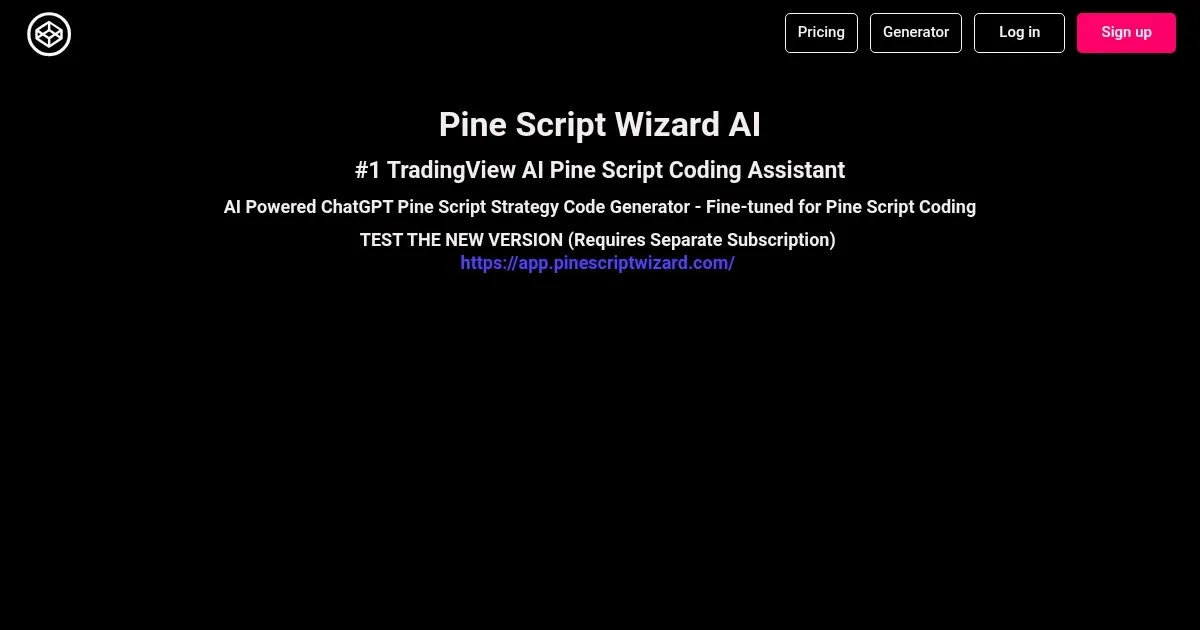
Homepage Screenshot 📸
What are the key features? ✨
- AI-Powered Generation: Converts text descriptions into optimized Pine Script code using ChatGPT models.
- TradingView Compatibility: Ensures scripts work seamlessly with TradingView's charting platform and version 5 syntax.
- Error Correction: Analyzes and fixes buggy code when users resubmit with issues.
- Custom Strategies: Builds complete trading strategies including entries, exits, and alerts from user prompts.
- Indicator Creation: Generates technical indicators like oscillators or trend tools with visual plots.
Who is it for? 🤔
Examples of what you can use it for 💡
- Novice Trader: Describes a basic moving average crossover strategy in text to generate testable code for backtesting.
- Technical Analyst: Inputs requirements for a custom RSI divergence indicator to visualize market reversals.
- Strategy Developer: Requests a volatility-based entry system with ATR stops for risk management.
- Educator: Creates sample scripts demonstrating Pine Script functions for teaching purposes.
- Backtester: Generates variations of indicators to compare performance across different parameters.
Pros & Cons ⚖️
- Fast code generation
- Easy for beginners
- Error fixing feature
- Optimized outputs
- Occasional inaccuracies
- Token limits
FAQs 💬
Ready to try Pine Script Wizard?
Generates custom Pine Script code for TradingView indicators and strategies from text descriptions
Visit Pine Script WizardPine Script Wizard alternatives 🔗