
GPT for Work by Talarian Sàrl


GPT for Work is a set of AI plugins for Google Sheets, Docs and Excel that works with GPT-3.5, GPT-4, Claude, and more.
It provides users with extra intelligence to more easily prepare their data. For instance, it could be used to clean lists, extract entities, and normalize formats.
Moreover, the tool could be used for analyzing data, summarizing, classifying, and categorizing different data sets, writing, re-writing, editing, and translating.
According to GPT for Work’s creators, their software is perfect for bulk operations in Sheets and Excel, while the Docs integration is great for long-form content generation.
All in all, this is one of those plugins every Google Docs, Sheets and Excel user would want on their side as it will help them be that much more productive.
Video Overview ▶️
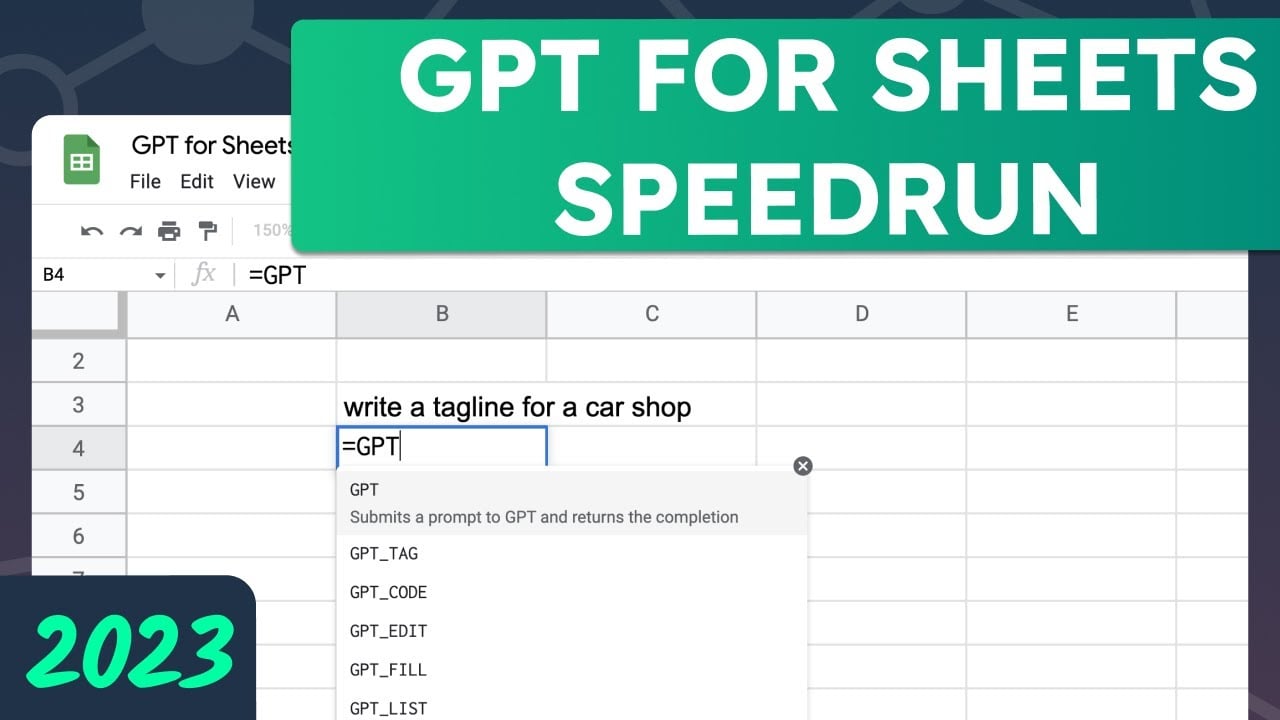
What are the key features? ⭐
- Clean lists: The GPT_FILL function for Sheets and Excel offers an easy solution to quickly clean and standardize any list of data. You only need to show it a few examples of what you want, and it will replicate the same format throughout your data set.
- Generate tags: GPT for Sheets and GPT in Excel help you generate product tags quickly to power your product tag library. Dynamically create custom tags for your products, saving you time in making your products easier to find.
- Generate ad copy, taglines, and titles: It can also help you create eye-catching, on-brand ad copy, taglines, and subject lines that will engage your customers. Unlock the power of GPT to conveniently and quickly generate compelling marketing content for your business.
- Generate a description: GPT for Work can help you create high-quality, compelling product descriptions quickly and easily for your entire catalog directly in your spreadsheet.
- Generate an outline: GPT for Docs can help you quickly generate an outline, saving you time and energy to focus on crafting an engaging, captivating story. Let GPT provide you with the structure and you provide the creativity to create a blog post outline that will captivate and engage your readers.
- Generate a blog post, email, or speech: GPT for Docs can generate any kind of copy, short or long, on any topic, in any style, very quickly. 1000 blog posts of 1000 words will cost you roughly $27 in API calls.
- Recap a meeting and summarize notes: The tool can also help you save time by automatically creating summaries for your meetings so you can quickly recap important points and action items with your team in efficient and understandable ways.
Who is it for? 🤔
Examples of what you can use it for 💭
- Clean all kinds of lists in Google Spreadsheets and Excel
- Generate product tags for e-commerce websites and beyond
- Generate ad copies, taglines, titles, and entire descriptions
- Create a blog post, email, speech and everything else with ease
- Recap a meeting and/or summarize notes
Pros & Cons ⚖️
- Works with GPT and Claude
- Especially useful for heavy spreadsheet users
- It is also cool for folks writing blogs and articles
- Will this tool survive the built-in AI features of Excel and Google Sheets?








