GPTZero
An AI detection tool used by over a million users worldwide to identify content created by AI models
Dubbed the world’s number one AI detector, GPTZero boasts over a million users as we speak.
As its name says, the tool is made to identify content generated by AI models — including ChatGPT, GPT3, GPT4, Bard, and others — to bring transparency and to enable users to differentiate between human- and AI-generated content. GPTZero even provides a Chrome extension called Origin for seamless use.
For educators, there’s GPTZeroX – a suite of tools that includes a plagiarism scoring system which provides a comprehensive score indicating how much of a document is AI-written. It also highlights sentences in a document that are detected to be written by an AI. Moreover, GPTZeroX supports batch uploads so that educators can upload multiple files at once.
For broader organizational use, GPTZero offers an API that can be integrated into existing apps and services. It has been adopted by academic institutions such as the University of California, Berkeley, Duke University, and the National University of Singapore, as well as organizations like Product Hunt and Translate.com.
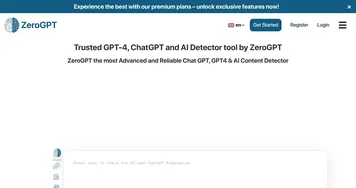
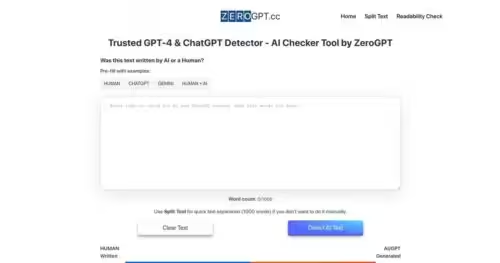
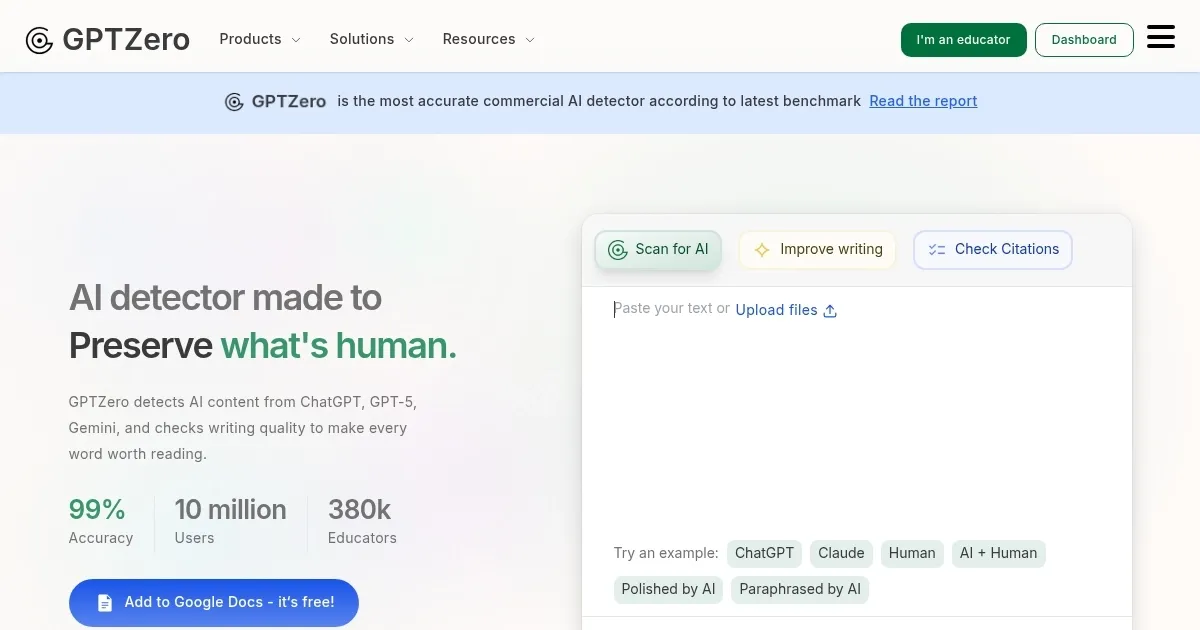
Homepage Screenshot 📸
Video Overview 🎬

What are the key features? ✨
- AI detection: This is GPTZero's key feature and it can identify content written by various AI models like ChatGPT, GPT3, GPT4, and Bard.
- Education-focused tools: GPTZero adds a few extra bells and whistles for educators through its GPTZeroX service. For instance, they get to see a comprehensive score indicating how much of a document was written by AI and highlight every sentence written by AI.
- API: Organizations can connect to GPTZero through an API. Among those adopting this approach are various academic institutions as well as websites like Product Hunt and Translate.com.
- Chrome extension: The GPTZero Origin AI Content Detector Chrome Extension allows anyone to quickly determine what content was written by a human or AI everywhere on the internet.
Who is it for? 🤔
Examples of what you can use it for 💡
- High school teacher: Scans student essays quickly to flag potential AI use and spark discussions on ethical writing, saving hours on manual reviews.
- University professor: Integrates it via Canvas to check mixed human-AI assignments, providing sentence-level highlights that guide feedback without false accusations.
- Content marketer: Uses the Chrome extension on blog drafts to ensure originality before publishing, catching generic AI phrasing that could hurt SEO.
- Freelance recruiter: Analyzes cover letters for authenticity, spotting AI-generated responses to maintain fair hiring processes with low false positives.
- News editor: Runs articles through scans to verify human authorship amid rising AI tools, using advanced insights to build trust with readers.
Pros & Cons ⚖️
- It's easy to use, just copy/paste the content you want to check
- The Chrome extension can come in very handy
- Works with all the popular AI models
- Could be bypassed with spelling and grammar mistakes
FAQs 💬
Ready to try GPTZero?
An AI detection tool used by over a million users worldwide to identify content created by AI models
Visit GPTZeroGPTZero alternatives 🔗