RewriterPro AI
Transforms AI-generated text into human-like, undetectable content.
Let’s get one thing straight right off the bat. In a world where AI spits out content faster than you can say ‘plagiarism alert,’ tools like Rewriter PRO AI step in as the quiet hero nobody saw coming. I mean, think about it. You’ve got your essay due tomorrow, or that blog post that’s been sitting half-finished because it sounds like a robot wrote it. Suddenly, this thing takes your stiff prose and turns it into something that flows like a conversation over coffee. It’s not magic. It’s smart engineering under the hood, with algorithms that tweak sentence structures just enough to fool the sniffers without losing your point.
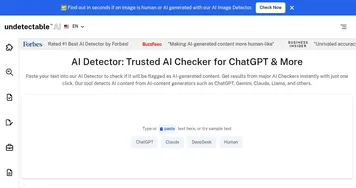
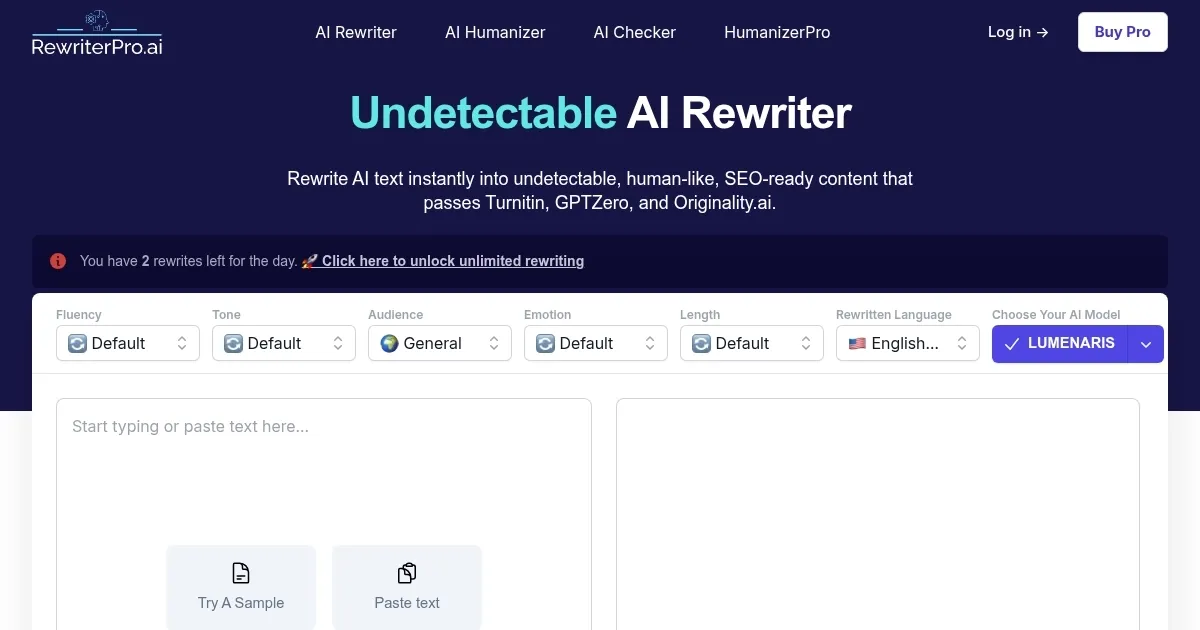
Now, I’ve poked around plenty of these rewriters over the years, and what sets Rewriter PRO AI apart is its no-nonsense approach to customization. You pick your tone, say formal for that boardroom email or story-like for a narrative piece, and it adjusts on the fly. There’s the Humanizer mode, which is basically your secret weapon against detectors like GPTZero or Originality.ai. Flip it on, and it restructures those telltale AI patterns, swapping synonyms and varying rhythms so your text reads like it came from a human brain, not a server farm. I tried it with a sample marketing blurb the other day, and the output? Crisp, engaging, and zero flags on the checker. That’s the kind of reliability that keeps you coming back.
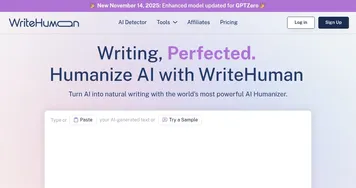
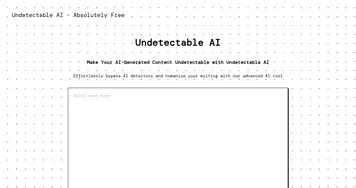
But here’s where it gets interesting, and maybe a tad frustrating. The free version caps you at five rewrites a day, which is fine for quick fixes but leaves you hanging if you’re churning out volume. Paid plans open the floodgates, though, and from what I’ve seen in user chatter on forums, they’re worth it for pros who need unlimited access. Compare that to something like Undetectable AI, which packs a detector right in but can feel clunkier for tone tweaks, or HIX Bypass, great for bulk but not as nuanced on emotional depth. Rewriter PRO AI strikes this balance, letting you boost emotional value from mild to strong, so your copy doesn’t just inform, it connects.
Fluency levels are another gem here. Basic mode handles grammar hiccups and readability boosts, perfect for students polishing drafts. Intermediate dives deeper into clarity for those mid-level rewrites, and advanced? That’s for the heavy lifters, enhancing expert content without overcomplicating it. I ran a technical report through advanced, and it came out smoother than my first draft ever did, with better word choices that didn’t sacrifice accuracy. Users on Reddit rave about this for academic work, saying it helps pass Turnitin without the sweat. Of course, nothing’s perfect. Sometimes the multilingual support, while broad, might not nail idioms in less common languages, so double-check those.
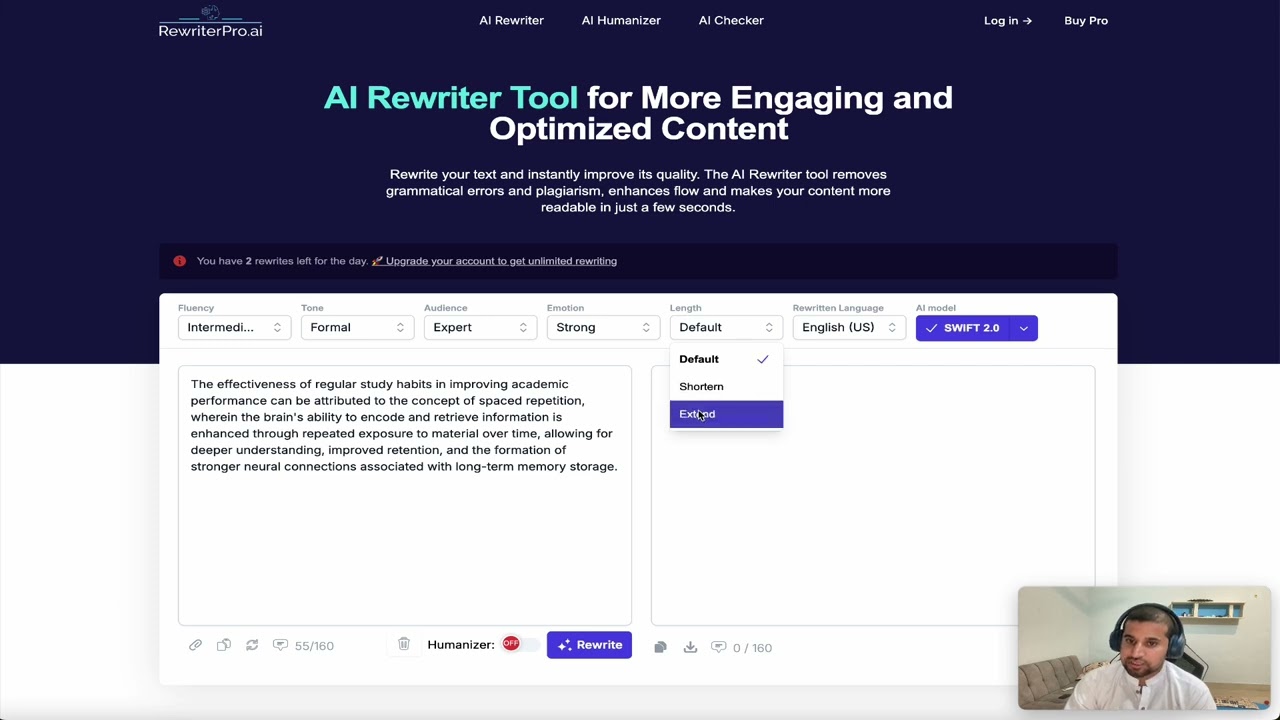
Length control adds that extra layer of control you didn’t know you needed. Shorten for punchy social posts, extend for detailed articles, all while keeping the core intact. It’s these little touches that make the tool feel thoughtful, not just reactive. And the UI? Clean as a whistle, no steep learning curve. Paste, select, rewrite, done. If you’re knee-deep in content creation, whether for school or the SEO grind, I’d say give the free tier a spin first. Test it on something small, run it through a detector, and see the scores climb. You’ll probably find yourself subscribing before the week’s out. Just remember, the best tool in the world can’t replace your voice entirely, so layer in your quirks after. That’s how you own the output.
Homepage Screenshot 📸
Video Overview 🎬
What are the key features? ✨
- Humanizer Mode: Converts AI text into natural, detector-proof content while retaining original intent.
- Tone Adjustments: Customizes output to formal, academic, creative, or other styles for targeted audiences.
- Fluency Levels: Applies basic, intermediate, or advanced enhancements for readability and clarity.
- Length Control: Shortens or extends rewritten text to fit specific format needs.
- Multilingual Support: Rewrites content in languages like English, Spanish, French, and German seamlessly.
Who is it for? 🤔
Examples of what you can use it for 💡
- Student: Rewrites AI-assisted essays in academic tone to pass Turnitin while maintaining factual accuracy.
- Blogger: Refreshes outdated articles with creative fluency to boost engagement and SEO rankings.
- Marketer: Humanizes product descriptions for optimistic tone, making them persuasive and undetectable.
- Business Professional: Adjusts email drafts to formal style for clear, professional communication.
- Content Creator: Shortens social media posts with emotional depth to increase shares and interactions.
Pros & Cons ⚖️
- Easy customization
- Bypasses detectors
- SEO optimized
- Multilingual ready
- Free limit strict
- Occasional edits needed
FAQs 💬
Ready to try RewriterPro AI?
Transforms AI-generated text into human-like, undetectable content.
Visit RewriterPro AIRewriterPro AI alternatives 🔗