Skip to content
logo-darklogo-darklogo-darklogo-dark
  • Tool Categories
    • 🎨Art & Creative Design505
    • 🏢Business Management644
    • 💻Coding & Development514
    • 👮Detection83
    • 🧠General Use728
    • 🏥Health & Wellness55
    • 📷Image & Photo Analysis100
    • 🖼️Image Generation & Editing618
    • 📐Interior & Architectural Design37
    • 🎓Learning & Education483
    • ⚖️Legal & Finance90
    • 🎭Lifestyle & Entertainment236
    • 📢Marketing & Advertising627
    • 🎧Music & Audio138
    • 👔Office & Workplace1,014
    • 🔬Research & Data Analysis373
    • 👥Social Media245
    • 🎥Video Generation & Editing426
    • 👧🏻Virtual Companion135
    • 🎤Voice Generation & Editing381
    • ✍️Writing & Editing808
    • All Categories
    • AI Use Cases
  • News
  • Events
    • Academic Conferences
    • Developer Conferences
    • Expos / Trade Shows
    • Industry Summits
    • Workshops / Training
    • All Events
    • Past Events
  • Saved Tools
  • Suggest a Tool
    ✕
    Home › Writing & Editing › Paraphraser› QuillBot
    QuillBot

    QuillBot by Course Hero

    Enhances writing with AI-powered paraphrasing, grammar checking, and tone analysis.

    QuillBot is an AI-powered writing assistant that refines text with tools for paraphrasing, grammar checking, tone analysis, and more, making it a go-to for students, professionals, and content creators. Its Paraphraser reworks sentences in modes like Standard, Fluency, or Creative, keeping meaning intact while boosting clarity. The tool integrates with Chrome, Word, and Google Docs, streamlining workflows. It is built for clear communication without overriding your voice.

    The Grammar Checker catches errors like misplaced commas or subject-verb issues, while the Tone Detector shows how your text might come across, formal, casual, or persuasive. These help polish emails, essays, or blog posts. Compared to Grammarly, QuillBot focuses more on creative rewriting than deep contextual edits. CoWriter offers similar features but emphasizes detailed style analysis, while QuillBot keeps things simpler.

    The Citation Generator supports APA, MLA, and Chicago styles, saving students and researchers time. The Plagiarism Checker scans against billions of web pages to ensure originality, though it may flag common phrases. The AI Detector identifies AI-generated text, which is particularly useful for academics and editors. QuillBot’s free version offers basic tools, with premium unlocking advanced modes like Humanize and higher limits, at pricing competitive with similar tools.

    Users praise QuillBot for its ease and flexibility. Its 4.7/5 Chrome Store rating from millions shows strong trust. Students find it invaluable for essays, professionals use it for polished reports, and content creators, such as those in Creative mode, use it for fresh angles. English language learners benefit from improvements in fluency, which enables them to turn rough drafts into natural text.

    Drawbacks include the Paraphraser sometimes offering similar suggestions across modes, limiting variety. The interface, while clean, may confuse new users navigating multiple tools. Premium features require payment, which could frustrate those on the free plan. Still, the core tools are robust, and partnerships with brands like Microsoft add credibility.

    Start with the free version to test core features. Use the Paraphraser for quick rewrites, the Grammar Checker for cleanups. Try the Citation Generator for your academic work, and consider upgrading to premium for advanced features. Experiment with modes to match your goals, and you will see why millions rely on QuillBot for sharper writing.

    Visit QuillBot ↗
    Categories
    ✍️ Writing
    🔄 Paraphraser 🔁 Rewriting 🤖 Writing Assistant 🔤 Grammar Checking 📝 Summarizer ✔️ Proofreading 🔡 Spell Check 🖋️ Writing
    👮 Detection
    🔎 Plagiarism Checking 🧑 Humanizing
    🎓 Education
    🈸 Translation

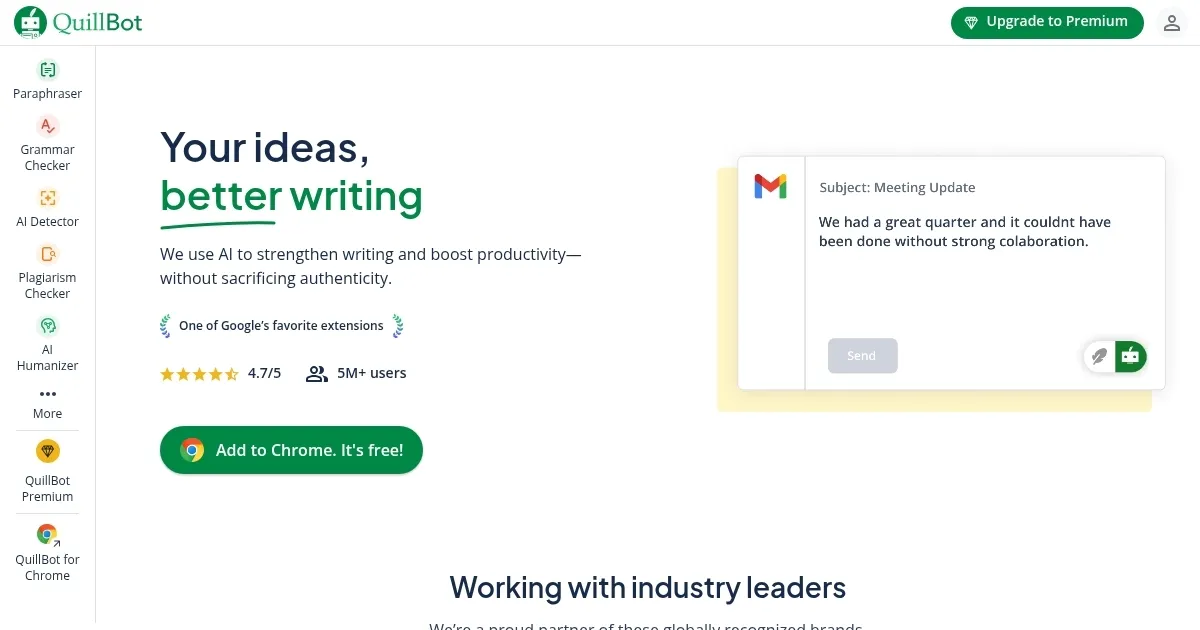
    Homepage Screenshot 📸

    QuillBot screenshot

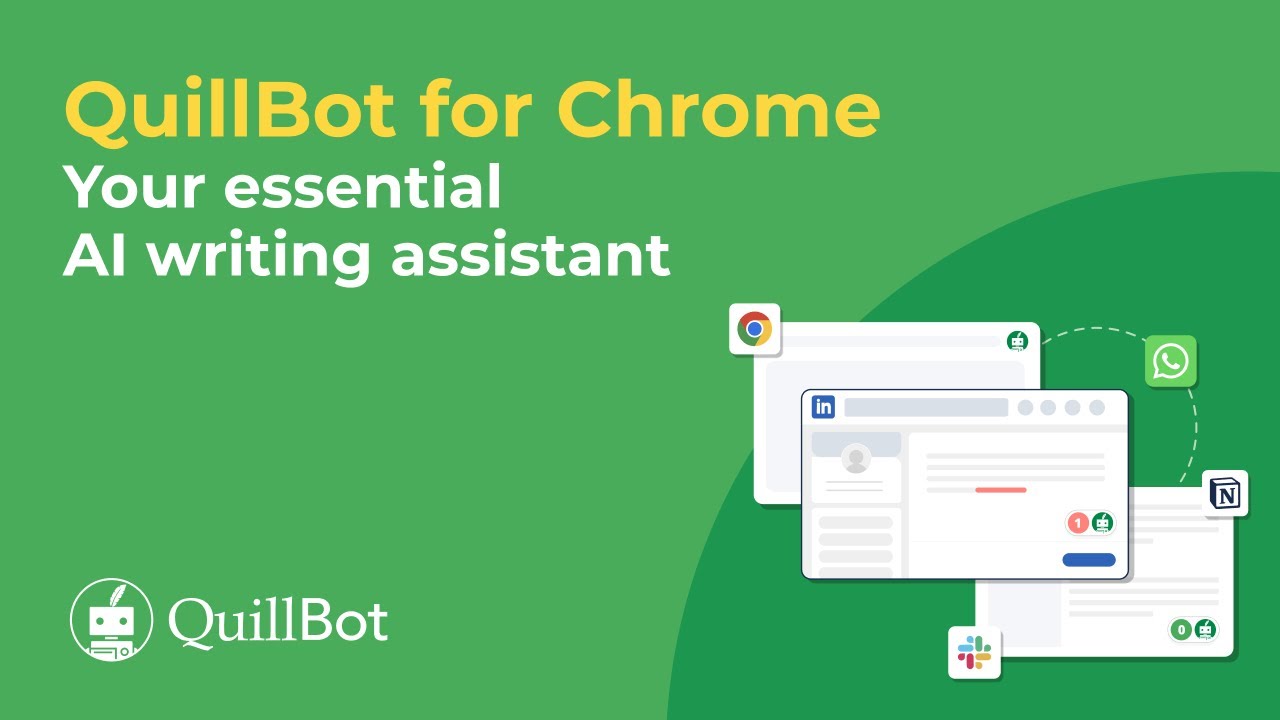
    Video Overview 🎬

    QuillBot - Video Overview

    What are the key features? ✨

    • Paraphraser: Rewrites sentences in multiple modes for clarity or creativity.
    • Grammar Checker: Detects and corrects grammatical errors in real time.
    • Tone Detector: Analyzes text to ensure the intended tone is conveyed.
    • Citation Generator: Formats citations in APA, MLA, or Chicago styles.
    • Plagiarism Checker: Scans text against billions of web pages for originality.

    Who is it for? 🤔

    QuillBot is designed for students crafting essays, professionals polishing emails or reports, content creators seeking fresh phrasing, English language learners aiming for fluency, and researchers needing accurate citations or plagiarism checks.

    Examples of what you can use it for 💡

    • Student: Uses the Citation Generator to format references for essays.
    • Professional: Polishes emails with the Grammar Checker for clarity.
    • Content Creator: Rewrites blog posts using Creative mode for variety.
    • English Learner: Enhances fluency with the Paraphraser’s Fluency mode.
    • Researcher: Scans papers with the Plagiarism Checker for originality.

    Pros & Cons ⚖️

    • Intuitive interface for quick edits.
    • Flexible paraphrasing modes.
    • Accurate citation formatting.
    • Strong plagiarism detection.
    • Limited variety in paraphrasing.
    • Premium features need payment.

    FAQs 💬

    What is QuillBot used for?
    QuillBot helps users paraphrase text, check grammar, analyze tone, generate citations, and ensure originality with plagiarism checks.
    Is QuillBot free to use?
    QuillBot offers a free version with basic features, while premium tools like advanced modes require a paid subscription.
    How does QuillBot compare to Grammarly?
    QuillBot focuses on creative paraphrasing, while Grammarly offers deeper contextual editing for business writing.
    Can QuillBot help with academic writing?
    Yes, its Citation Generator and Plagiarism Checker streamline research and ensure original, properly formatted papers.
    Does QuillBot work in browsers?
    QuillBot’s Chrome extension integrates with Google Docs, emails, and other platforms for real-time editing.
    What are QuillBot’s paraphrasing modes?
    Modes include Standard, Fluency, Creative, Formal, and Humanize, each tailoring text to specific styles or needs.
    Is QuillBot good for non-native English speakers?
    Yes, it improves fluency and clarity, helping learners sound natural and polished.
    Can QuillBot detect AI-generated text?
    Its AI Detector identifies AI-written content, useful for academics and editors ensuring authenticity.
    Does QuillBot support multiple citation styles?
    Yes, it supports APA, MLA, and Chicago styles for accurate reference formatting.
    Is QuillBot’s Plagiarism Checker reliable?
    It scans billions of web pages for matches, though it may occasionally flag common phrases.

    Ready to try QuillBot?

    Enhances writing with AI-powered paraphrasing, grammar checking, and tone analysis.

    Visit QuillBot ↗

    QuillBot alternatives 🔗

    1. Grammarly Grammarly Enhances writing with grammar, tone, and style suggestions.
    2. Wordtune Wordtune Enhances writing with AI-powered paraphrasing, grammar correction, and tone adjustments
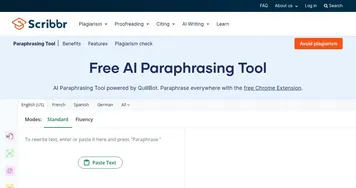
    3. Scribbr Scribbr Rewrites text using AI to maintain meaning with new wording
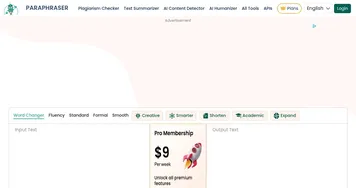
    4. Paraphraser Paraphraser Rephrases text using AI to maintain meaning with new wording
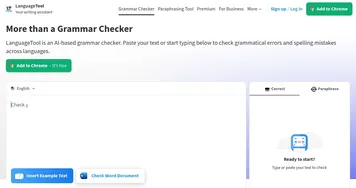
    5. LanguageTool LanguageTool Checks grammar, spelling, and style across multiple languages
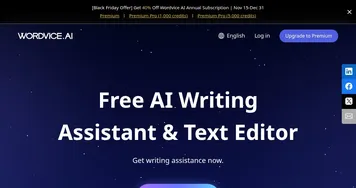
    6. Wordvice AI Wordvice AI Enhance the quality and clarity of different types of written content
    Share
    QuillBot screenshot enlarged
    Best AI Tools

    Discover the best AI tools for any use case

    Explore
    • Tool Categories
    • AI Use Cases
    • AI Events
    • AI News
    • Saved Tools
    Company
    • About Us
    • Contact Us
    • Media & Partnerships
    • Suggest a Tool
    Legal
    • Privacy Policy
    • Terms of Service
    Copyright © 2026 Best AI Tools 415 Mission Street, 37th Floor, San Francisco, CA 94105