AI Voice Detector
Identifies if audio clips are real human speech or generated by artificial intelligence.
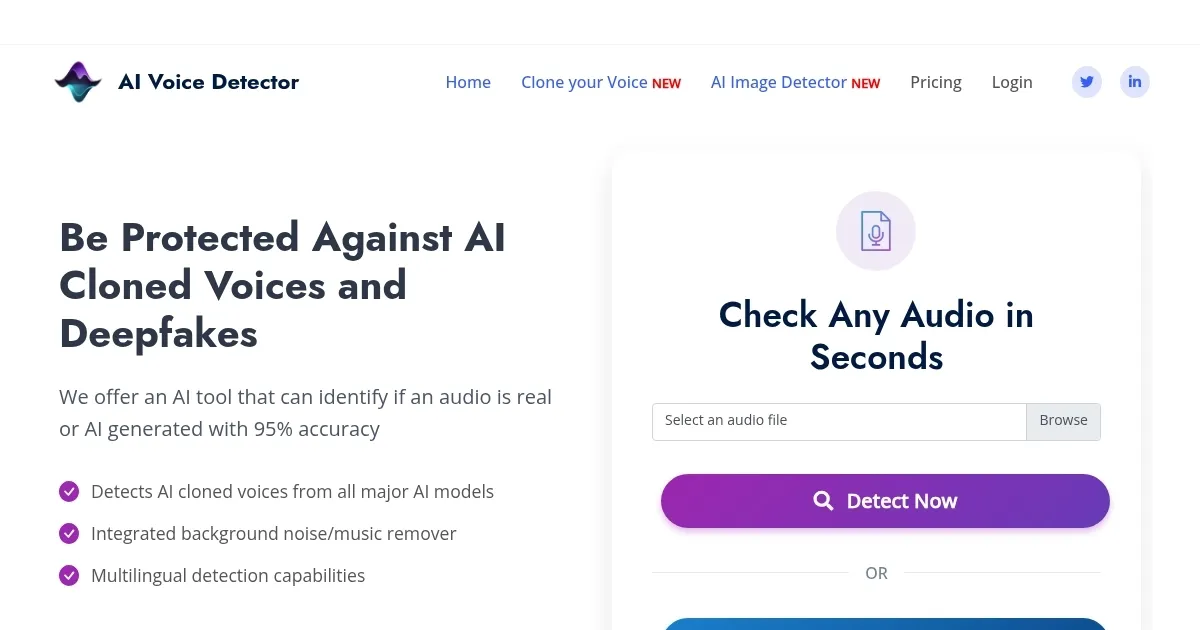
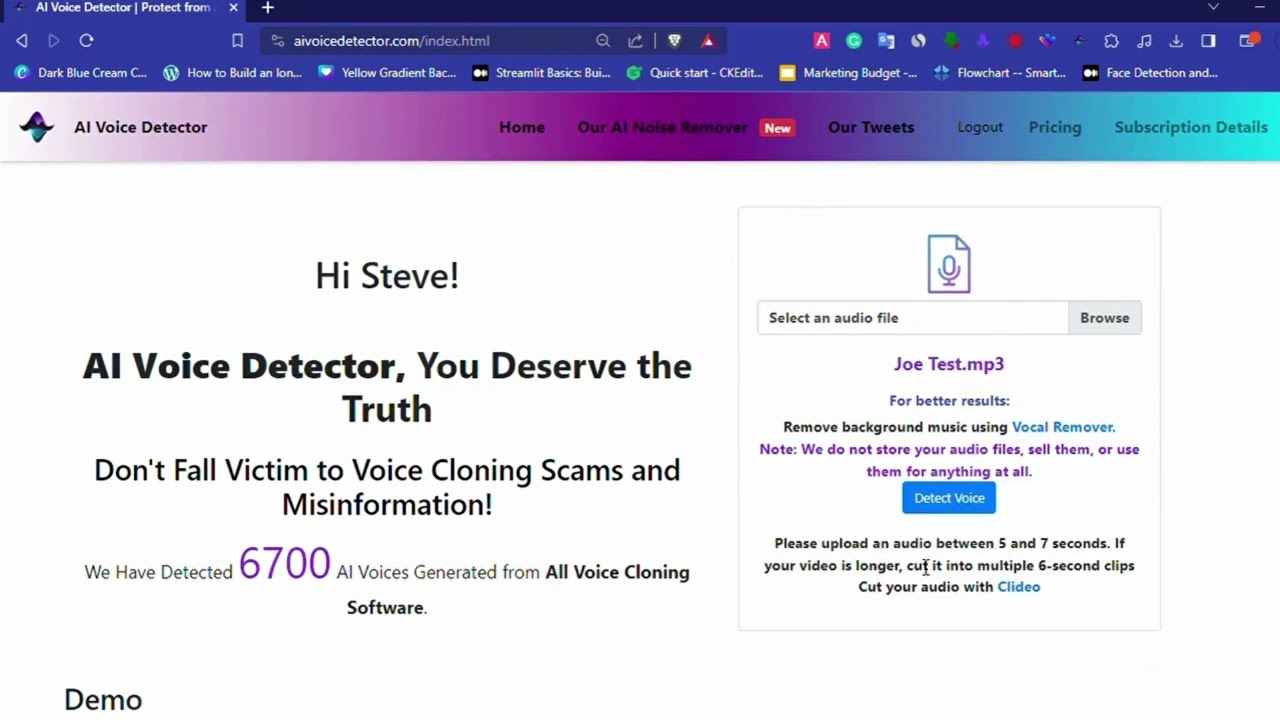
You know, in this era where voices can be cloned faster than you can say ‘deepfake,’ tools like AI Voice Detector step up as a kind of digital sheriff, keeping the audio wild west in check. It scans your uploaded clips, whether they’re from a suspicious phone call or a viral video, and spits out a verdict on whether it’s human or machine-made, all with a claimed 95% accuracy that holds up pretty well in everyday scenarios. The interface is straightforward, no frills, just upload and analyze, which makes it accessible even if you’re not a tech whiz. But what really sets it apart is the built-in AI Noise Remover, it strips away background chatter or music that might otherwise throw off the detection, something I’ve seen trip up lesser tools.
Diving deeper, the multilingual capabilities mean it handles accents and languages from around the globe without breaking a sweat, a boon for anyone dealing with international content. Short audio snippets, even under seven seconds, don’t faze it, which is crucial for quick voice messages on apps like WhatsApp or TikTok. And then there’s the Chrome extension, pop it in your browser, and you can check voices right on the spot while browsing, no need to download or switch tabs. Its these little conveniences that make you appreciate the thought put into real-world use.
Of course, nothing is perfect, and sometimes it might flag a heavily edited human voice as AI, or miss a particularly slick synthetic one, especially if the audio quality is poor. Compared to competitors like Play.ht, which offers similar detection but ties it more into content creation workflows, or Resemble AI with its focus on enterprise-level security and watermarking, AI Voice Detector feels more geared toward everyday users and small businesses. It lacks some of the advanced API integrations those others boast, but for general protection against scams, its solid. Pricing wise, its subscription-based, monthly or annual, which is comparable to peers, though enterprises get custom deals for API access, keeping costs in line without undercutting value.
One surprise element is how it educates users along the way, with sections on real scam stories, like that deepfake call that cost a company millions, reminding you why this tech matters. It doesn’t just detect, it contextualizes the risks, which adds a layer of trustworthiness. Technically, it leverages machine learning models trained on vast datasets of AI voices from models like ElevenLabs, analyzing spectral patterns and inconsistencies that humans might miss. This organic integration of tech details into the user experience keeps things informative without overwhelming.
If you’re dipping your toes into audio verification, start by testing it with known samples, maybe record your own voice and see the results, then try some free AI-generated clips online. Build familiarity that way, and you’ll get the most out of it, avoiding common pitfalls like noisy inputs. For businesses, consider the API early, it integrates smoothly and could save headaches down the line.
Homepage Screenshot 📸
Video Overview 🎬
What are the key features? ✨
- AI Detection: Analyzes audio to determine if it is human or AI-generated with 95% accuracy.
- Noise Remover: Removes background noise and music to improve detection results.
- Multilingual Support: Handles detection across all languages and accents.
- Short Audio Analysis: Works effectively on clips less than seven seconds long.
- Browser Extension: Enables instant voice checks on web platforms like YouTube and TikTok.
Who is it for? 🤔
Examples of what you can use it for 💡
- Individual user: Verifies suspicious voice messages to avoid falling for AI-based scams.
- Business owner: Integrates API to scan employee calls and meetings for potential fraud.
- Journalist: Checks audio sources in interviews to confirm they are not manipulated.
- Educator: Analyzes student submissions to detect AI-generated oral responses.
- Content creator: Scans viral videos on social platforms for synthetic voices using the extension.
Pros & Cons ⚖️
- High detection accuracy
- Built-in noise removal
- Multilingual capabilities
- Convenient browser extension
- Subscription required
- Occasional false positives
FAQs 💬
Ready to try AI Voice Detector?
Identifies if audio clips are real human speech or generated by artificial intelligence.
Visit AI Voice DetectorAI Voice Detector alternatives 🔗