HelpKit AI
HelpKit AI is a tool that transforms Notion knowledge bases into a 24/7 AI-powered chatbot, delivering instant answers to user queries. Built as an add-on to the HelpKit platform, it uses OpenAI’s GPT-4 model to index Notion content and generate human-like responses. Users can activate it via the HelpKit dashboard, syncing their Notion pages to enable the AI to pull answers directly from existing documentation. The tool supports both help center and documentation layouts, with customizable interfaces and usage insights.
Key features include seamless Notion integration, requiring no data migration, and a customizable chatbot UI that aligns with brand aesthetics. The insights dashboard tracks user questions and satisfaction, helping businesses refine their content. The AI indexes Notion pages and provides answers with clickable references to source articles. It’s available as a slide-over chatbot or a search bar-integrated option, optimized for mobile and desktop. A 7-day free trial is offered, with the AI add-on requiring a base HelpKit subscription.
Compared to competitors like Intercom, which emphasizes live chat and CRM, or Zendesk, with its comprehensive helpdesk features, HelpKit AI focuses on Notion users. Its pricing, while competitive for Notion-based businesses, may feel high for those needing only basic chat functionality, as Tawk.to offers free alternatives. The AI’s accuracy depends on the quality of Notion content, and disorganized pages can lead to subpar responses.
The tool shines for teams already using Notion, offering a streamlined way to enhance customer support. It may not suit businesses without Notion-based documentation. The mobile-optimized interface is a strong point, ensuring accessibility across devices. For best results, maintain well-structured Notion pages and review the insights dashboard regularly to optimize content based on user interactions.
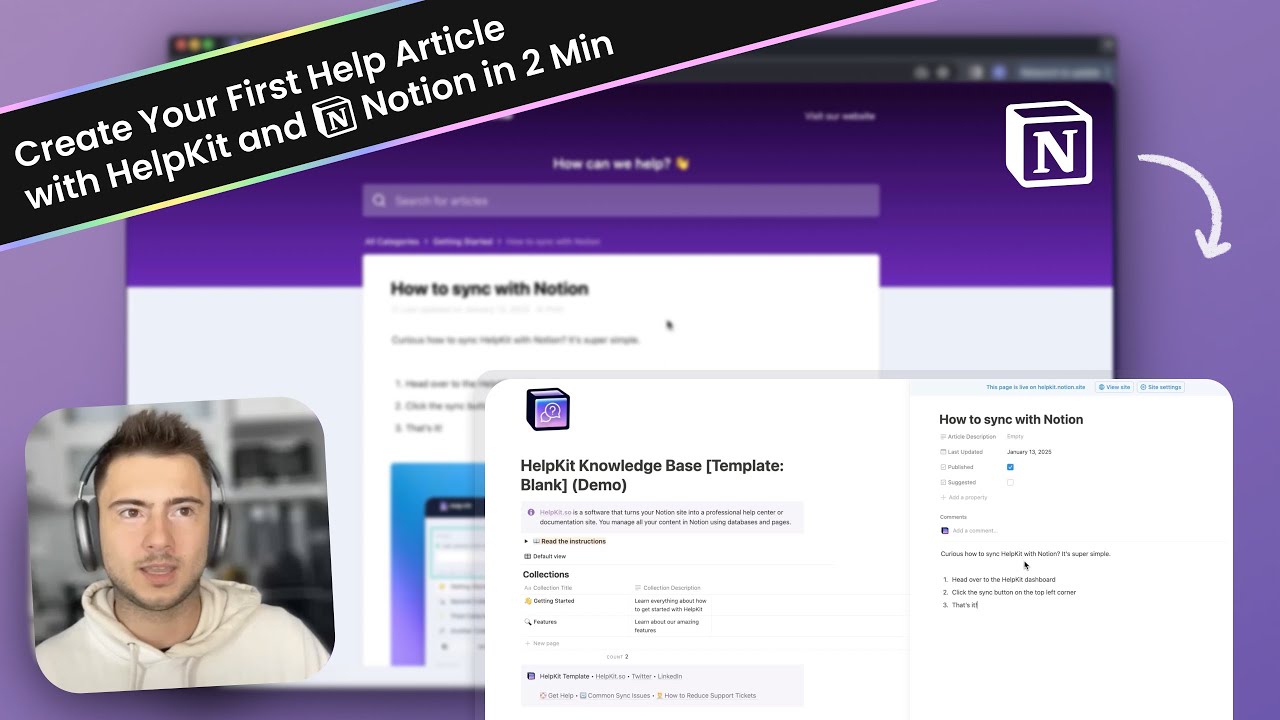
Video Overview ▶️
What are the key features? ⭐
- AI-Powered Chatbot: Transforms Notion pages into a 24/7 chatbot for instant user answers.
- Notion Integration: Syncs seamlessly with existing Notion content without migration.
- Customizable UI: Adjusts chatbot tone and style to match brand identity.
- Insights Dashboard: Tracks user questions and satisfaction for content optimization.
- Mobile Optimization: Adapts chatbot interface for seamless mobile and desktop use.
Who is it for? 🤔
Examples of what you can use it for 💭
- SaaS Startup: Uses HelpKit AI to answer user queries about product features instantly.
- E-commerce Business: Provides 24/7 support for common customer questions via Notion docs.
- Internal IT Team: Offers quick answers to employee tech queries from a Notion wiki.
- Content Creator: Automates responses to FAQs about online courses using Notion pages.
- Small Business Owner: Reduces support workload by embedding AI chatbot on website.
Pros & Cons ⚖️
- Seamless Notion integration
- Customizable chatbot UI
- Detailed usage insights
- Requires Notion usage
- Accuracy depends on content