logo-darklogo-darklogo-darklogo-dark
  • Home
  • Browse
    • Assistant
    • Coding
    • Image
    • Productivity
    • Video
    • Voice
    • Writing
    • All Categories
    • AI Use Cases
  • My Favorites
  • Suggest a Tool
✕
Home › Image Generation & Editing / Video Generation & Editing›
Published by Dusan Belic on July 10, 2023

Lightricks

Lightricks
Lightricks Homepage
Categories Image Generation & EditingVideo Generation & Editing
A set of AI services and mobile apps for image and video creation and editing

Lightricks

Lightricks offers a variety of photo and video editing apps designed for both casual and professional users. One of their standout tools, Facetune, is particularly notable for its powerful editing capabilities, allowing users to enhance images and videos to project the best version of themselves.

With features such as makeup and retouching tools, along with the ability to create unique AI Avatars, backgrounds, and clothing – Facetune encourages users to explore their self-expression and creativity. The app aims to make high-quality editing accessible to anyone — offering everyday tweaks as well as more experimental transformations — backed by AI technology to simplify the process.

Another remarkable product from Lightricks is Videoleap, an all-in-one suite of editing tools designed to assist creators of all skill levels turn their ideas into captivating stories. Videoleap goes beyond simple video editing by offering a range of high-end features accessible to professionals and beginners. It facilitates the creation process, from making Hollywood-level films to sharing personal memories with friends, by providing intuitive tools for cutting and combining clips on the go.

In addition, Videoleap includes a social aspect with a feed and templates, allowing users to share and remix content easily — effectively democratizing content creation and enabling users to produce content swiftly and effortlessly.

Lightricks Homepage
Categories Image Generation & EditingVideo Generation & Editing

Video Overview ▶️

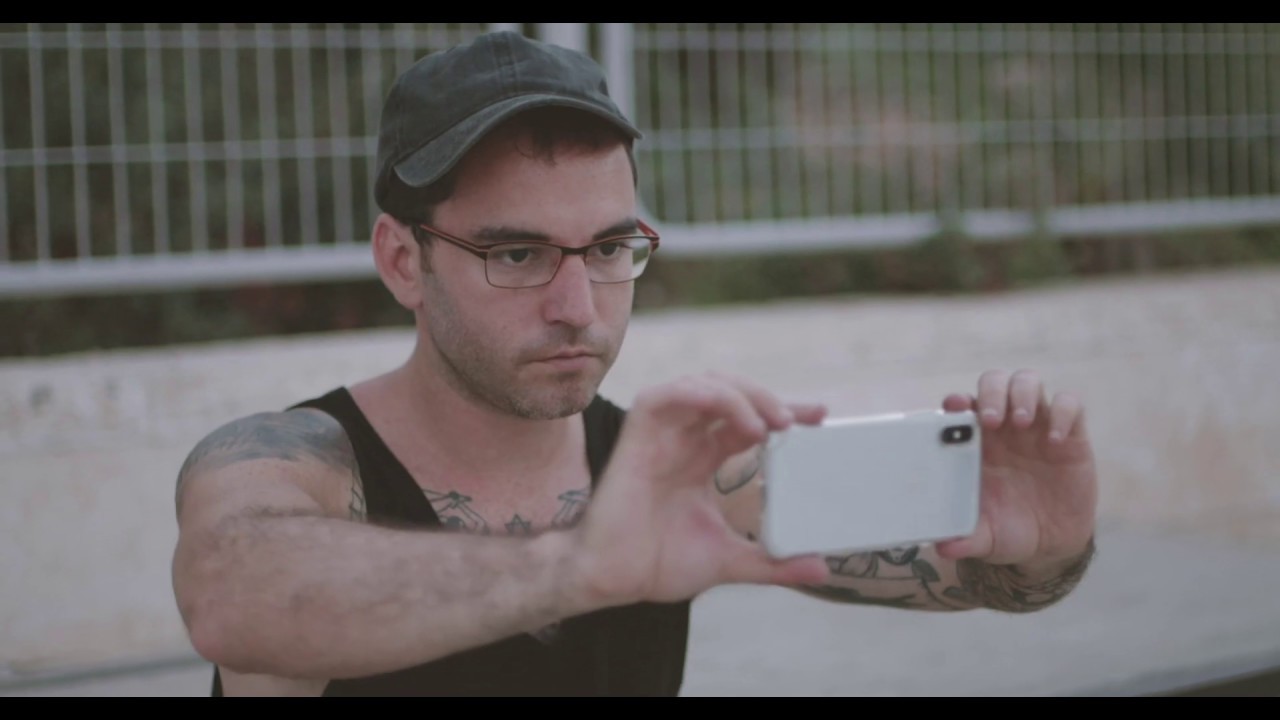
Lightricks - Video Overview

What are the key features? ⭐

  • AI Video Generation: Creates high-quality synchronized audio-video clips from text or images in seconds.
  • Multi-Keyframe Conditioning: Provides frame-level precision for controlling composition and motion.
  • 3D Camera Logic: Enables cinematic camera movements with natural dynamics.
  • Native 4K Output: Delivers professional resolution at 50 fps on efficient hardware.
  • Open-Source Model Access: Allows community customization via LTX-2 weights and tools.

Who is it for? 🤔

Lightricks suits filmmakers, advertising teams, content creators, and marketing professionals who need fast, high-quality video prototypes or full productions. It helps anyone turning ideas into polished visuals without massive resources, from solo creators experimenting with concepts to studios handling client work efficiently.

Examples of what you can use it for 💭

  • Filmmakers: Generate storyboards and test scenes quickly before full production.
  • Marketers: Create short ads or social media teasers with synchronized audio for campaigns.
  • Content Creators: Produce engaging short-form videos from text prompts for platforms like TikTok or YouTube.
  • Creative Agencies: Iterate client pitches rapidly with professional-looking clips.
  • Independent Artists: Experiment with visual storytelling ideas without expensive equipment.

Pros & Cons ⚖️

  • Fast generation speed
  • Strong creative control
  • Efficient on consumer hardware
  • Integrated audio sync
  • Clip length limits
  • Occasional prompt tweaks needed

FAQs 💬

What is LTX by Lightricks?
LTX is an AI platform for end-to-end video production, using generative models to create clips from text, images, or storyboards.
Does LTX support audio in videos?
Yes, it generates synchronized audio and video together for coherent results.
Can LTX run on regular computers?
Yes, the models are optimized for consumer-grade GPUs, making them accessible.
How long can generated clips be?
Natively up to 10 seconds, with options to extend through workflow stitching.
Is LTX suitable for beginners?
Yes, the intuitive interface works for all levels, though pros gain more from advanced controls.
What makes LTX different from Runway or Pika?
It offers better efficiency, open-source elements, and integrated production tools for teams.
Does LTX have free options?
Basic features are available for free, with paid plans unlocking premium tools and more compute time.
Can I customize the AI model?
Yes, through open-source LTX-2 access, allowing fine-tuning and community modifications.
Visit Lightricks

Related tools ↙️

  1. Tango Tango Creates interactive how-to guides from screen captures in minutes.
  2. Dawn AI Dawn AI Generates personalized avatars and images from selfies using advanced AI technology
  3. Nullface Nullface Generates AI-powered faceless videos for TikTok and YouTube effortlessly
  4. Cloudinary Cloudinary Manages, transforms, optimizes, and delivers images and videos with AI-powered features
  5. Imgix Imgix Optimizes images in real-time using AI for faster web delivery
  6. Imajinn Imajinn Transforms user photos into artistic images and custom visuals using AI
Last update: January 11, 2026
Share
Promote Lightricks
light badge
Copy Embed Code
dark badge
Copy Embed Code
neutral badge
Copy Embed Code
About Us | Contact Us | Suggest an AI Tool | Privacy Policy | Terms of Service

Copyright © 2026 Best AI Tools
415 Mission Street, 37th Floor, San Francisco, CA 94105