Mailbutler Smart Assistant
An AI-powered tool that is designed to enhance your email experience
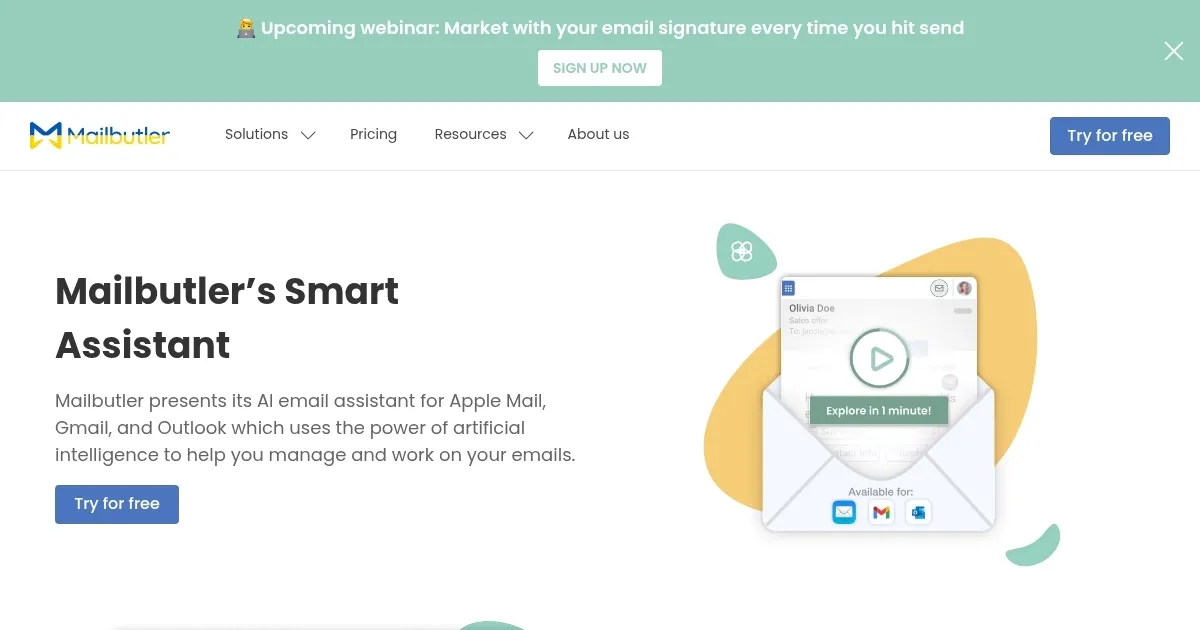
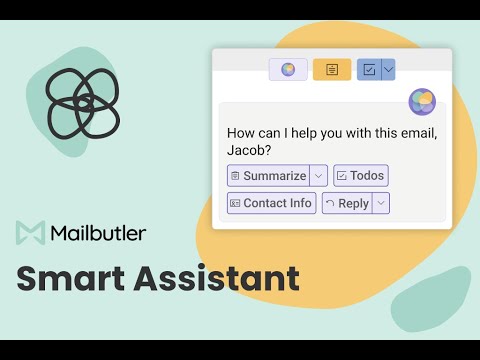
Mailbutler’s Smart Assistant is an AI-powered tool that is designed to enhance your email experience. It integrates with Apple Mail, Gmail, and Outlook to offer features like Smart Compose, Smart Respond, and Smart Summarize. These tools are meant to help you write emails faster, reply efficiently, and get quick summaries of long messages.
With Mailbutler’s Smart Assistant, you can draft complex emails and use the Smart Improve feature to enhance their clarity and tone. The AI provides suggestions that will make your messages more professional and concise. As such, this is one of those tools you will be relying on in your daily email communication.
One of the coolest features, called Task Finder, will scan your emails to identify actionable items and compile them into a to-do list. This ensures you never miss an important task hidden within lengthy email threads. Also, there is the Contact Finder that extracts contact information from your emails, helping you maintain an up-to-date address book effortlessly.
So, if you’re a professional managing numerous emails daily, Mailbutler’s Smart Assistant can significantly boost your productivity. Its AI-driven features streamline email composition, response, and organization, allowing you to focus on more critical tasks.
By automating routine email functions, it helps maintain clear and effective communication with clients and colleagues alike.
Homepage Screenshot 📸
Video Overview 🎬
What are the key features? ✨
- Smart Compose: Generates email drafts based on user-provided keywords, allowing for quick composition and personalization.
- Smart Respond: Creates suggested replies to incoming emails, streamlining the response process and ensuring timely communication.
- Smart Summarize: Provides concise overviews of lengthy emails, enabling users to grasp essential information rapidly without reading the entire message.
- Smart Improve: Enhances email drafts by correcting spelling and grammar errors to ensure professional and polished correspondence.
- Task Finder: Identifies actionable items within emails and converts them into tasks, assisting users in effective task management directly from their inbox.
Who is it for? 🤔
Examples of what you can use it for 💡
- Quickly draft emails, reducing time spent on writing and allowing focus on other critical tasks
- Employ Smart Respond to generate timely replies to client inquiries
- Swiftly understand the content of lengthy emails, aiding in prioritization and decision-making
- Writers and editors can rely on Smart Improve to ensure their emails are free from grammatical errors
- Project managers can leverage Task Finder to extract and organize tasks from email threads
Pros & Cons ⚖️
- AI email drafting for professional email composition
- Summarizes emails that grab key points instantly
- Task extraction that converts emails into tasks
- Gmail and Outlook already have some of these features; do we need a new tool?
Ready to try Mailbutler Smart Assistant?
An AI-powered tool that is designed to enhance your email experience
Visit Mailbutler Smart AssistantMailbutler Smart Assistant alternatives 🔗