
Pipio

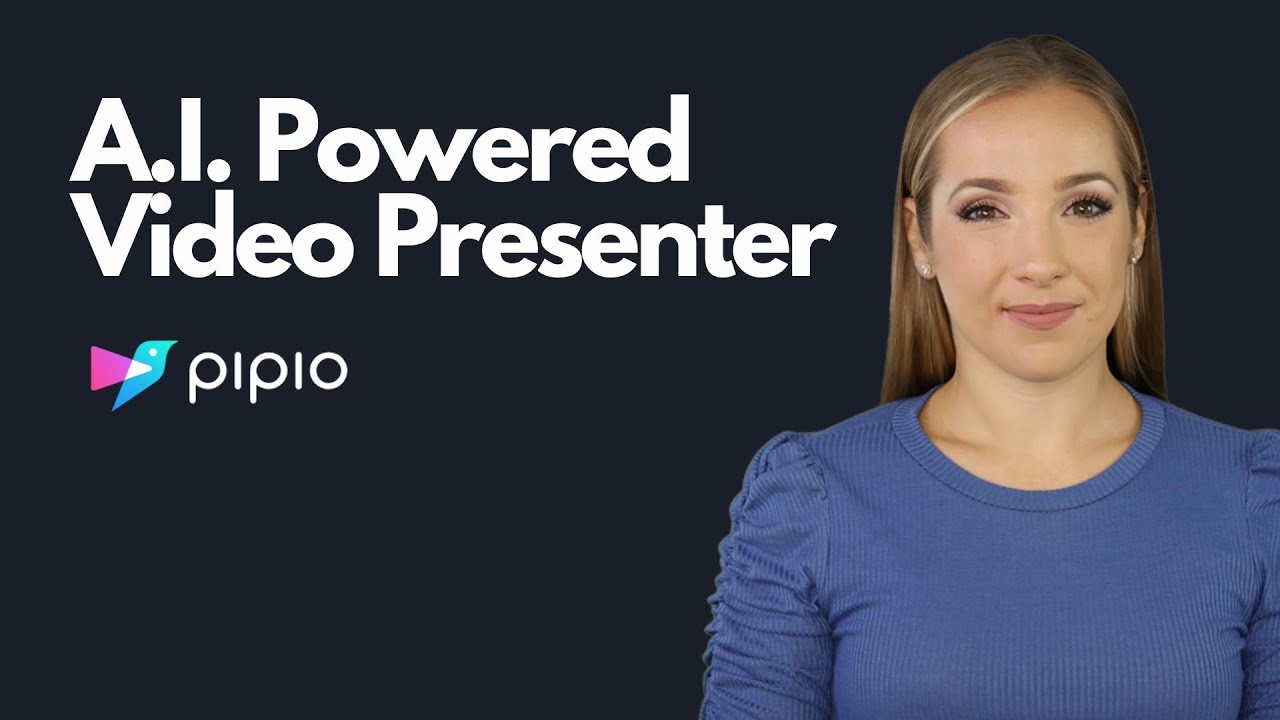
When you dive into Pipio AI, what strikes first is how it transforms the often cumbersome process of video creation into something almost effortless, leveraging advanced AI to handle the heavy lifting. This tool stands out by offering a library of diverse avatars that span various ethnicities, ages, and styles, users can pick a ready-made one or craft a custom version through the Express option, which uses a webcam for quick setup, or the Studio mode for higher realism, and I think this flexibility makes it particularly appealing for creators who need representation without hiring talent. The text-to-speech engine integrates seamlessly, producing voices with realistic intonation and emotional nuance across dozens of languages, it’s not just reading text aloud, it’s infusing it with life, which elevates the final product beyond basic narration. Then there’s the video dubbing feature, where AI translates content while syncing lip movements to the new language, retaining the original speaker’s voice, this could surprise teams working on global campaigns by cutting down localization time dramatically.
Comparing to top competitors like HeyGen and Synthesia, Pipio AI holds its own with superior lip synchronization that users rave about in reviews, often noting it’s miles ahead, though it might lack some of the gesture controls found in those alternatives. Readers may love the intuitive editor that allows dragging in music, text overlays, or stock images, making customization feel straightforward even for non-professionals, but they could dislike the occasional need for tweaks in pronunciation or pitch, as the speech editor, while useful, isn’t always perfect on the first try. Pricing starts free with basic access and scales to pro, team, and enterprise levels, offering more credits and features like 4K exports or API integration, it compares favorably by providing generous options without overwhelming costs, especially for small teams.
Technically, Pipio AI builds on machine learning models for avatar rendering and speech synthesis, ensuring low latency in processing, which is crucial for iterative workflows, and its API opens doors for developers to embed video generation into apps, a boon for automated content systems. One potential surprise is how well it handles hyper-personalized videos, like sales pitches tailored to individual leads, boosting engagement metrics in ways traditional methods can’t match easily. However, some users point out that while bugs have been fixed over time, early adopters faced issues, and the platform might still evolve in adding more expressive avatars.
Overall, the ethical stance impresses, with commitments to C2PA compliance for content authenticity, addressing concerns in an AI-driven world where misinformation looms large. I find the use cases compelling, from marketing explainer videos to training modules, it democratizes production for entrepreneurs and educators alike. Yet, if your needs lean heavily on advanced animations, competitors might edge it out there.
To get the most from Pipio AI, start with the free plan to test avatars and voices on a small project, then upgrade based on volume, and always review dubbing outputs for cultural nuances before final export.
Video Overview ▶️
What are the key features? ⭐
- Avatars: Offers diverse stock options and custom creation for personalized digital actors.
- Voices: Provides text-to-speech with natural-sounding audio in multiple languages and styles.
- Video Dubbing: Translates videos while syncing lips and retaining original voices.
- API Integration: Allows programmatic generation of avatar videos in applications.
- Video Editor: Enables customization with music, text, and images for polished outputs.
Who is it for? 🤔
Examples of what you can use it for 💭
- Marketer: Generates product launch videos to enhance brand awareness at scale.
- Salesperson: Produces personalized email videos to nurture leads and drive conversions.
- Content Creator: Creates talking head videos for YouTube or podcast visualizations.
- Trainer: Develops interactive onboarding videos for new employees.
- Entrepreneur: Builds landing page welcome videos without hiring actors.
Pros & Cons ⚖️
- Superior lip sync
- Diverse avatars
- Natural voices
- User-friendly editor
- Limited free credits
- Needs more expressions








