UnWatermark
Removes watermarks from images and videos using AI for clean, high-quality results
Unwatermark is a fancy AI tool that feels like wielding a digital wand that zaps watermarks into oblivion. Uploading a watermarked TikTok video and a couple of JPGs from a stock photo site, I was curious to see if this tool could live up to its hype. The process is dead simple: drag, drop, and let the AI work its magic. Within seconds, the watermark on my video — a pesky TikTok logo — was gone, leaving the clip looking crisp and ready for repurposing. The images? Clean as a whistle, though one had a slightly blurry patch where the watermark used to be.
The automatic detection is the star of the show. Unwatermark scans your file and pinpoints watermarks with eerie accuracy, whether it’s a bold logo or a faint text overlay. I tried it on a PNG with a multicolored watermark, and the AI handled it like a pro, blending the surrounding pixels to mask the edit. The manual brush tool came in handy for a stubborn logo on a textured background, letting me paint over the area for a more precise fix. The batch processing for images is a godsend, I processed five photos at once, and it saved me serious time.
What I liked was the speed. Processing took seconds for images and just a minute for a short video. The quality held up well, with no noticeable loss in resolution. But, and there’s always a but, the video credit system feels steep. Each second of video eats one credit, so my 30-second clip gobbled up 30 credits fast. The free plan gives you 100 image removals daily, which is generous, but video users might hit the paywall sooner. Compared to WatermarkRemover.io, which I found clunky for videos, or Vmake AI, which limits free video downloads to five seconds, Unwatermark feels more polished and versatile.
The surprise was the mobile app. I tested it on my phone, and it’s just as smooth as the web version, perfect for quick edits on the fly. The catch? Complex watermarks on busy backgrounds can leave subtle artifacts, so you might need to tweak them manually. My advice: test it with a simple image first to get a feel for the AI’s capabilities, then use the batch feature for bulk work. If you’re doing videos, plan your credits wisely to avoid running dry mid-project.
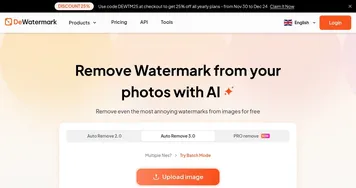
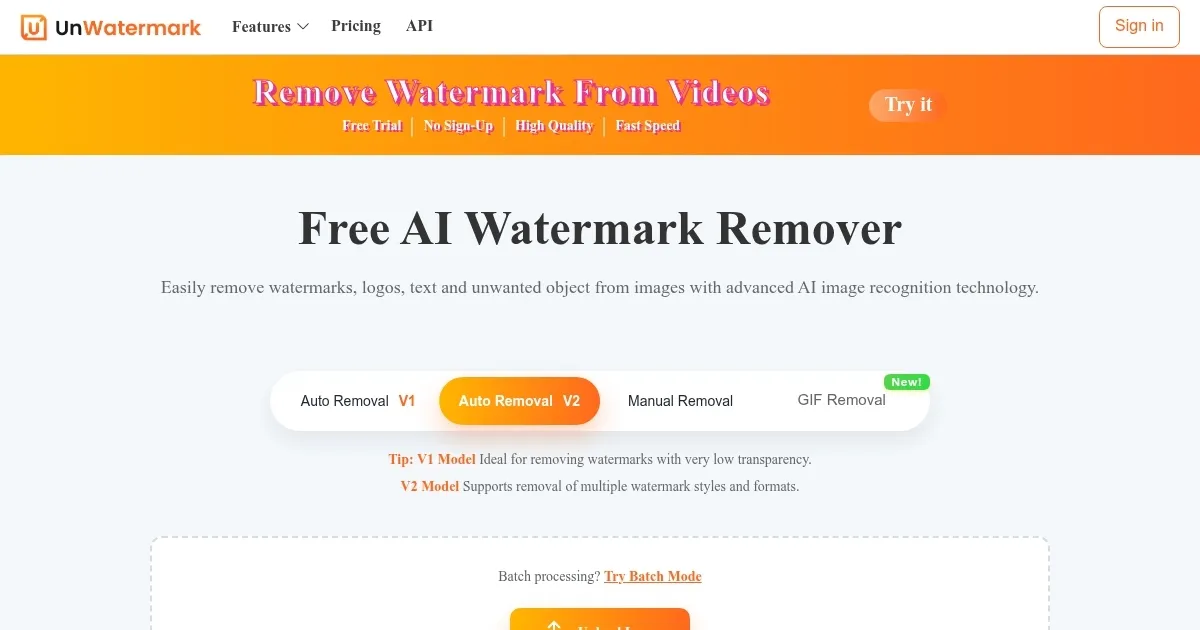
Homepage Screenshot 📸
What are the key features? ✨
- Automatic Detection: AI scans and removes watermarks from images and videos in seconds.
- Manual Brush Tool: Allows precise removal of complex watermarks with user-controlled editing.
- Batch Processing: Processes up to 10 images simultaneously for efficient bulk editing.
- Multi-Format Support: Handles JPG, PNG, WEBP, MP4, MOV, and M4V formats.
- Mobile App: Offers on-the-go editing via iOS and Android applications.
Who is it for? 🤔
Examples of what you can use it for 💡
- Content Creator: Removes TikTok logos from videos for seamless repurposing on other platforms.
- Photographer: Erases stock photo watermarks to create clean portfolio samples.
- E-commerce Seller: Cleans supplier images for professional product listings.
- Social Media Manager: Processes multiple images at once for branded posts.
- Student: Removes watermarks from visuals for clean presentation slides.
Pros & Cons ⚖️
- Fast watermark removal
- High-quality output
- Generous free plan
- Video credits costly
- Artifacts on complex images
FAQs 💬
Ready to try UnWatermark?
Removes watermarks from images and videos using AI for clean, high-quality results
Visit UnWatermarkUnWatermark alternatives 🔗