Imagewith.AI
An online tool that uses some fancy tech to make your photos look better
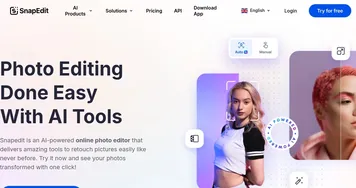
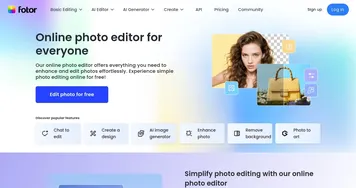
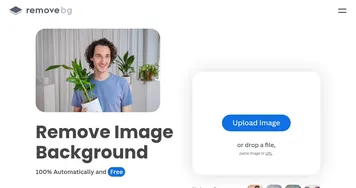
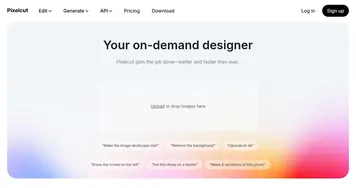
Imagewith.AI is an online tool that uses some fancy tech to make your photos look better. In that sense, it can fix blurry pictures, remove unwanted things, and even change the background. Many people use it because it’s easy and fast, and the best part is that you don’t need to be an expert to use it. Just upload your photo, and let the tool do the rest.
Just imagine you have a picture with something you don’t like, like a trash can in the background. You can use Imagewith.AI to remove it in seconds. It can also help if your photo is old or damaged by fixing scratches to make it look new again. In a way, it’s like having a magic wand for your photos.
Online retailers find Imagewith.AI especially useful as it allows them to make their product photos look professional without hiring a photographer. Also, it’s great for personal use, like fixing family photos.
And the best part is that you can try it for free with everyone getting a few edits each day without paying. If you need more, there are affordable plans that make the tool accessible for everyone — whether they’re a business owner or just someone who loves photos.
In a nutshell, Imagewith.AI is a simple yet powerful tool for anyone who wants to improve their photos. It’s fast, easy to use, and doesn’t require any special skills. Check it out.
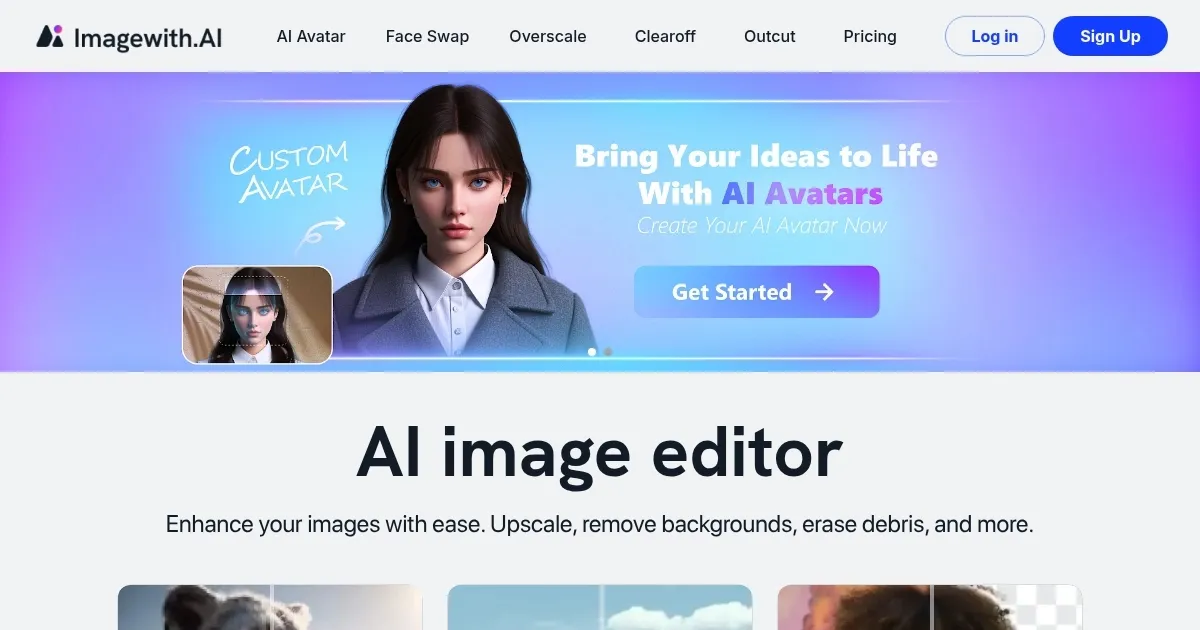
Homepage Screenshot 📸
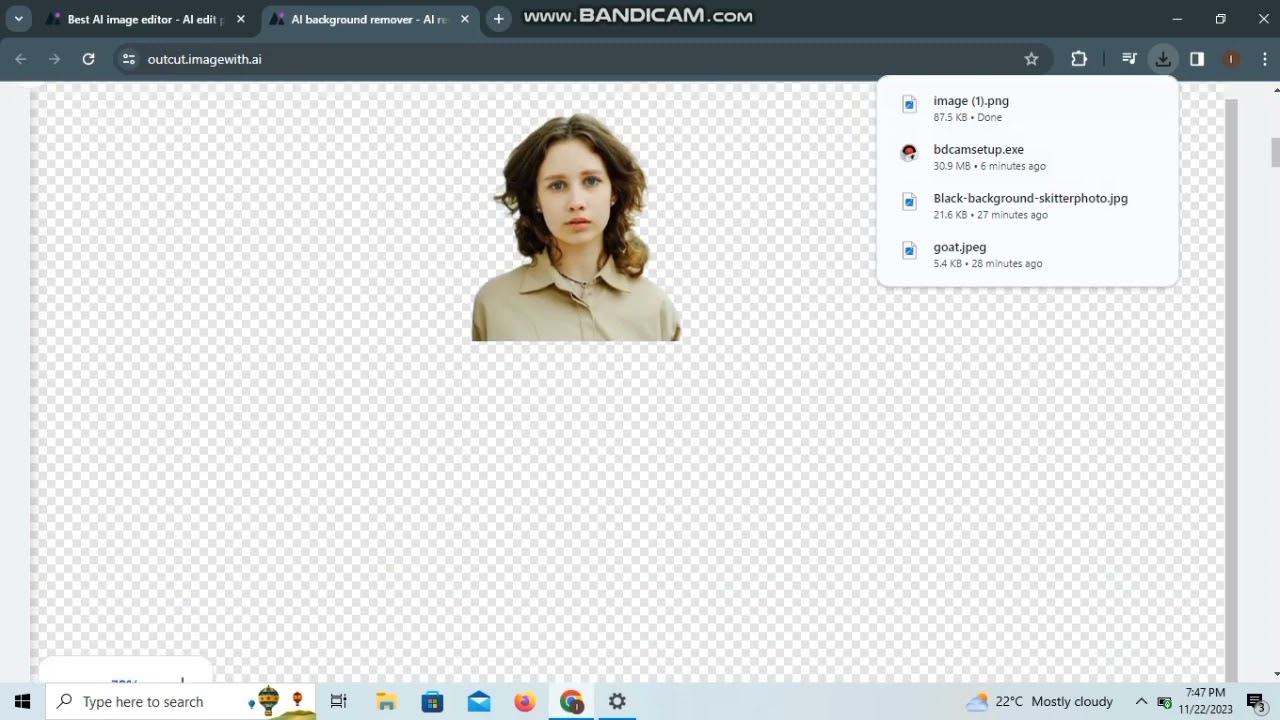
Video Overview 🎬
What are the key features? ✨
- Image enhancements: Improves brightness, contrast, and sharpness to make your photos look clearer and more vibrant.
- Background removal: Easily removes backgrounds from images, perfect for creating product photos or changing scenery.
- Object removal: Deletes unwanted items from photos, like trash cans or people in the background.
- Photo restoration: Fixes old or damaged photos by removing scratches and stains, making them look new again.
- Portrait enhancements: Enhances facial features, smooths skin, and improves overall appearance in portraits.
Who is it for? 🤔
Examples of what you can use it for 💡
- Online sellers can use it to improve product photos to attract more customers and increase sales
- Social media users can create eye-catching images to gain more followers and engagement
- Photographers can quickly edit photos to meet client expectations without spending hours on manual edits
- Family historians can restore old family photos to preserve memories for future generations
- Students can use it to enhance images for school projects or presentations to make them more professional
Pros & Cons ⚖️
- Offers free edits daily and low-cost subscription plans
- No downloads needed - works in your browser
- Produces professional-looking images with minimal effort
- Cannot edit multiple photos at once
Ready to try Imagewith.AI?
An online tool that uses some fancy tech to make your photos look better
Visit Imagewith.AI