WatermarkRemover.io by PixelBin.io
An image watermark removal tool
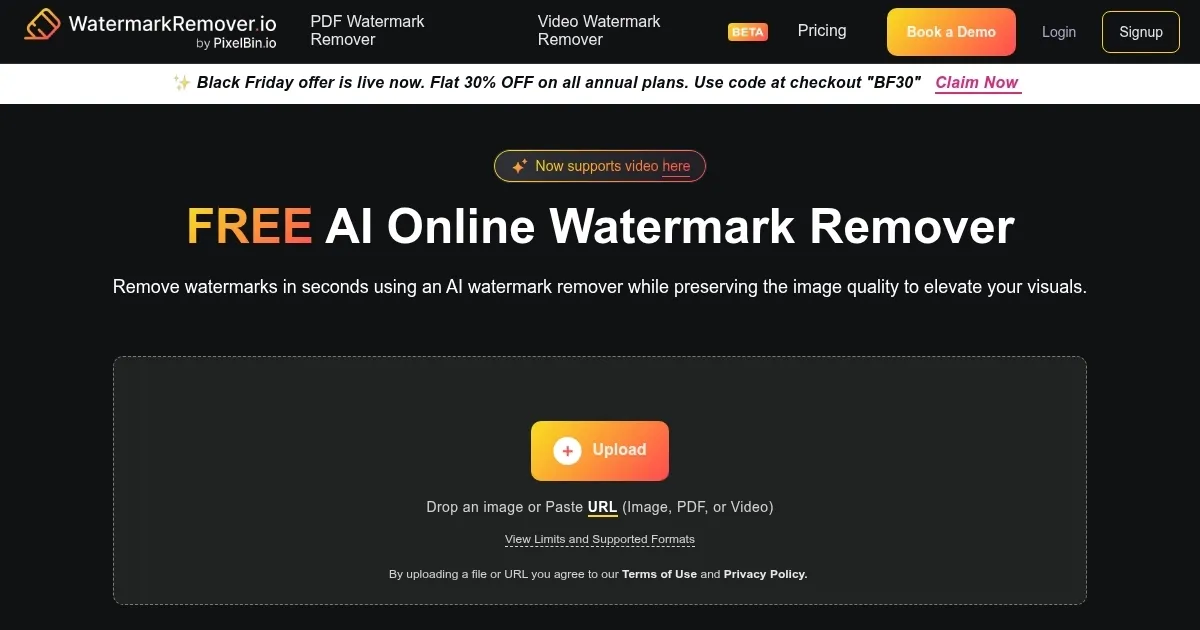
WatermarkRemover.io lets you remove watermarks from images precisely with the help of AI.
A watermark can be a logo, signature, or text superimposed onto a photograph. Usually, watermarks are transparent so the viewer can relish the image.
Beyond casual users, the tool offers an enterprise solution for big customers — allowing them to remove watermarks from images in bulk without switching back and forth to transform images.
WatermarkRemover.io also offers an API, enabling developers to integrate it into their own apps and services.
The tool supports all the popular image formats, including PNG, JPG, JPEG, and WEBP.
WatermarkRemover.io is free for images processed for personal use, though there are some limits. There are also various subscription plans for commercial and more extended use.
Homepage Screenshot 📸
Video Overview 🎬

What are the key features? ✨
- Seamless watermark removal: WatermarkRemover.io uses artificial intelligence to remove watermarks from images efficiently.
- Multiple formats supported: The tool is compatible with various image formats, including PNG, JPG, JPEG, and WEBP.
- Easy to use: WatermarkRemover.io is designed for easy use, enabling quick and effortless watermark removal.
- Free and premium options: Free for personal use, with premium plans for additional features.
- Enterprise solutions: WatermarkRemover.io offers solutions for businesses, including API integration for more extensive applications.
Who is it for? 🤔
Examples of what you can use it for 💡
- Erase logos or brand watermarks from images for a cleaner look
- Remove unwanted marks or text from personal photographs
- Clear watermarks for professional presentations or portfolios
- Retrieve the original look of an image by removing added text or symbols
- Clean images for republishing or use in different contexts
Pros & Cons ⚖️
- Provides a simple way to remove watermarks
- Supports all popular image formats
- API allows integration with third-party apps
- Won't work with every watermark (it's impossible)
FAQs 💬
WatermarkRemover.io alternatives 🔗