Quilgo

Quilgo is a fancy platform designed to automate online assessments, exams, and interviews. It integrates with Google Forms to enable users to create custom tests, set time limits, and utilize AI-powered proctoring tools for monitoring. This, in turn, helps ensure the integrity of online assessments by tracking screen and camera activity — making it difficult for test-takers to cheat.
Quilgo lets users schedule start and end times, set deadlines, and enable auto-submission of responses — which can be particularly handy in scenarios with unstable internet connections. The platform also supports different question types, including multiple-choice, checkboxes, and open-ended questions.
When it comes to reporting, Quilgo allows users to easily view and share results. Reports can include respondent identities, scores, tracking information, and detailed question-and-answer breakdowns. This makes it simple to analyze performance and identify knowledge gaps. In addition, Quilgo’s randomization and shuffling options help maintain the fairness and reliability of assessments.
Ideal for both educational institutions and businesses, Quilgo streamlines the assessment process, offering tools to automate grading and ensure security. It features a user-friendly interface and robust integration capabilities with support for efficient assessment management. All this makes it a valuable resource for any organization looking to enhance its evaluation methods.
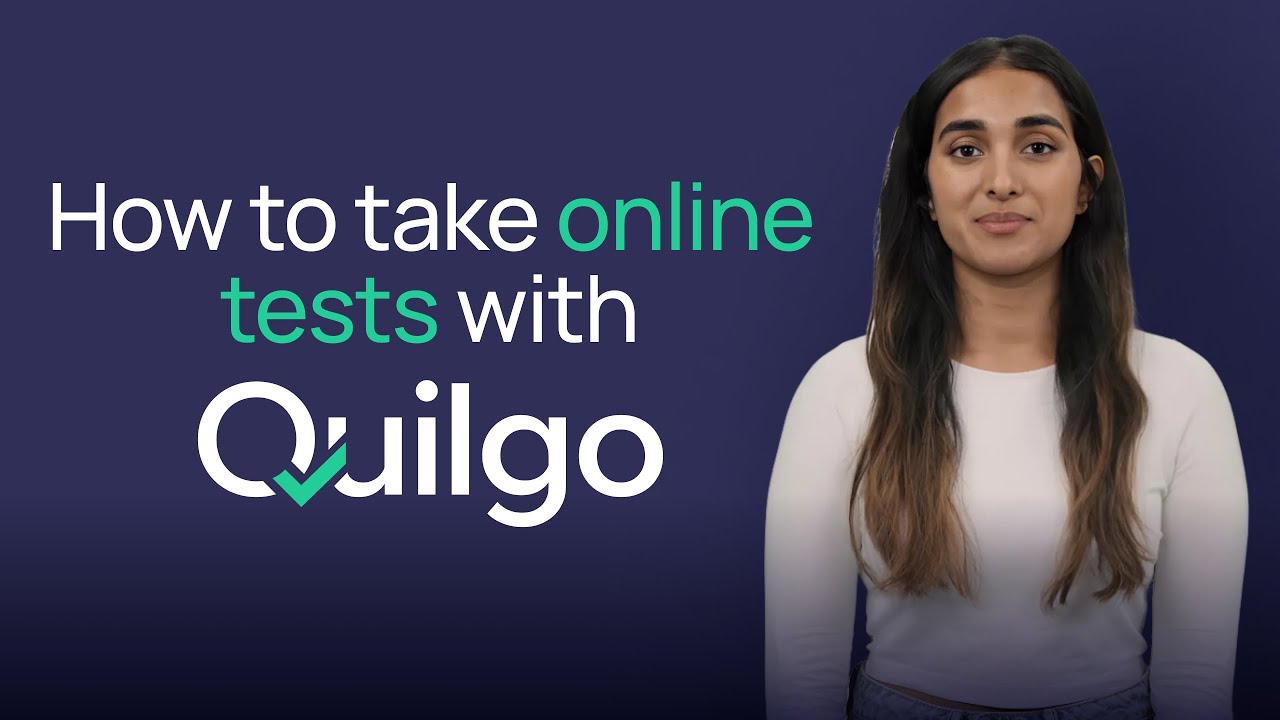
Video Overview ▶️
What are the key features? ⭐
- Custom online tests: Build personalized quizzes with options for multiple-choice, open-ended questions, and more. You can also incorporate rich text, sections, and media.
- AI proctoring tools: Quilgo enables screen and camera monitoring to ensure the integrity of the assessment process.
- Flexible scheduling: Set start and end times, duration, and deadlines for assessments.
- Detailed reporting: The tool lets you view and share in-depth reports on quiz responses, including scores, time taken, and tracking information.
- Google Forms integration: It integrates with Google Forms to allow easy setup and management of quizzes within the Google ecosystem.
Who is it for? 🤔
Examples of what you can use it for 💭
- Streamline the hiring process with automated, proctored online tests
- Conduct secure, monitored exams for students, ensuring academic integrity and accurate assessment
- Assess employee knowledge and training effectiveness with customizable quizzes and performance reports
- Provide online certification exams with robust proctoring to maintain credibility and security
- Create surveys that include proctoring features, ensuring genuine responses and detailed feedback
Pros & Cons ⚖️
- AI-powered fraud detection
- Integrates with Google's ecosystem
- Support for all kinds of question types
- Onboarding could take some time