logo-darklogo-darklogo-darklogo-dark
  • Tool Categories
    • 🎨Art & Creative Design505
    • 🏢Business Management644
    • 💻Coding & Development515
    • 👮Detection83
    • 🧠General Use727
    • 🏥Health & Wellness55
    • 📷Image & Photo Analysis100
    • 🖼️Image Generation & Editing618
    • 📐Interior & Architectural Design37
    • 🎓Learning & Education483
    • ⚖️Legal & Finance90
    • 🎭Lifestyle & Entertainment236
    • 📢Marketing & Advertising627
    • 🎧Music & Audio138
    • 👔Office & Workplace1,014
    • 🔬Research & Data Analysis372
    • 👥Social Media245
    • 🎥Video Generation & Editing426
    • 👧🏻Virtual Companion135
    • 🎤Voice Generation & Editing381
    • ✍️Writing & Editing808
    • All Categories
    • AI Use Cases
  • News
  • Events
    • Academic Conferences
    • Developer Conferences
    • Expos / Trade Shows
    • Industry Summits
    • Workshops / Training
    • All Events
    • Past Events
  • Saved Tools
  • Suggest a Tool
✕
Home › Learning & Education › Quiz Generation› Quilgo
Quilgo

Quilgo

An AI tool that lets you automate online assessments, exams, and interviews

Quilgo is a fancy platform designed to automate online assessments, exams, and interviews. It integrates with Google Forms to enable users to create custom tests, set time limits, and utilize AI-powered proctoring tools for monitoring. This, in turn, helps ensure the integrity of online assessments by tracking screen and camera activity — making it difficult for test-takers to cheat.

Quilgo lets users schedule start and end times, set deadlines, and enable auto-submission of responses — which can be particularly handy in scenarios with unstable internet connections. The platform also supports different question types, including multiple-choice, checkboxes, and open-ended questions.

When it comes to reporting, Quilgo allows users to easily view and share results. Reports can include respondent identities, scores, tracking information, and detailed question-and-answer breakdowns. This makes it simple to analyze performance and identify knowledge gaps. In addition, Quilgo’s randomization and shuffling options help maintain the fairness and reliability of assessments.

Ideal for both educational institutions and businesses, Quilgo streamlines the assessment process, offering tools to automate grading and ensure security. It features a user-friendly interface and robust integration capabilities with support for efficient assessment management. All this makes it a valuable resource for any organization looking to enhance its evaluation methods.

Visit Quilgo ↗
Categories
🎓 Education
📝 Quiz Generation 🎯 Quiz 🤔 Question Generation 👩‍🏫 Teacher
👔 Work
📃 Form 📡 Monitoring

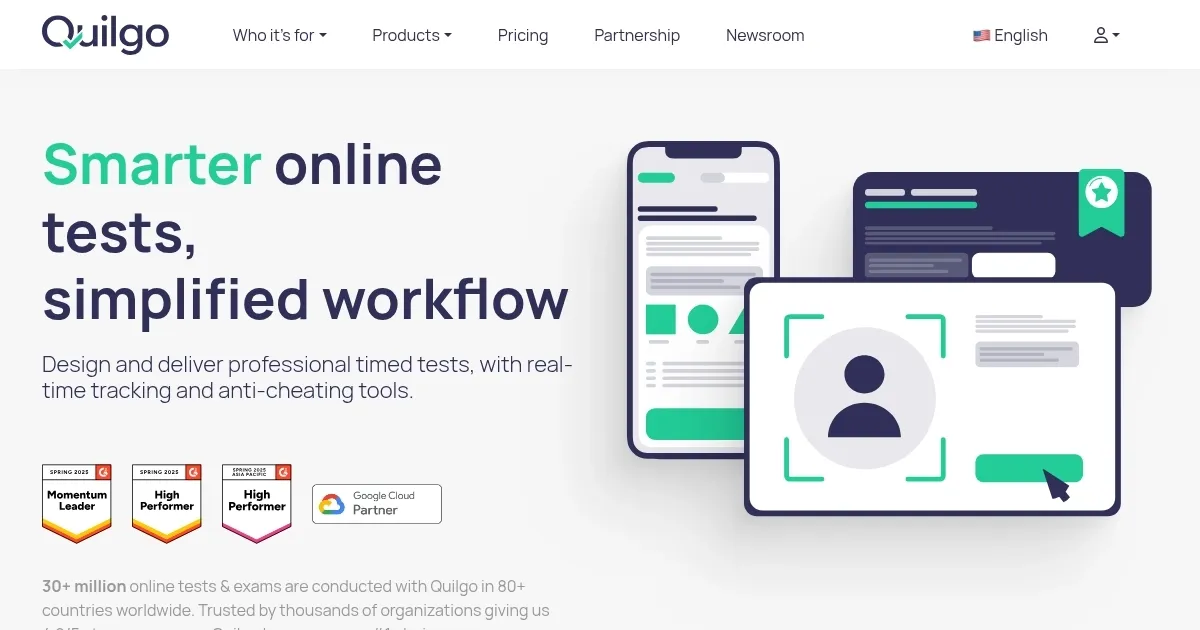
Homepage Screenshot 📸

Quilgo screenshot

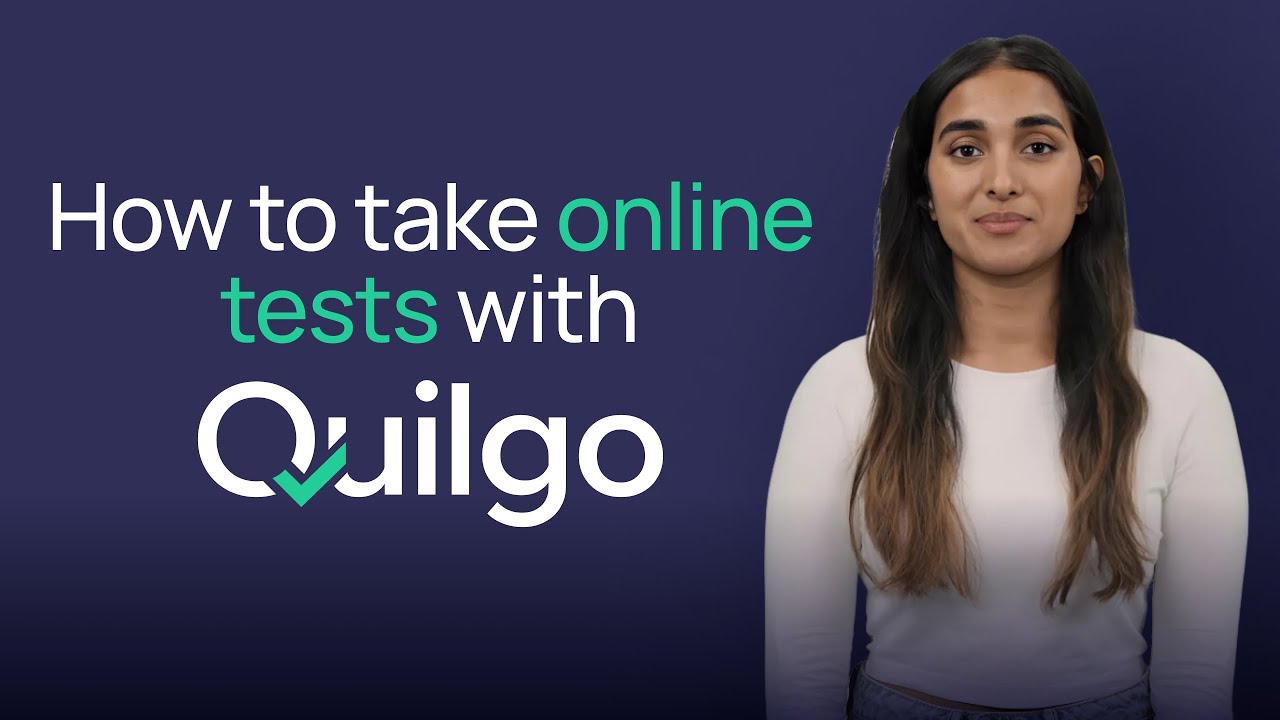
Video Overview 🎬

Quilgo - Video Overview

What are the key features? ✨

  • Custom online tests: Build personalized quizzes with options for multiple-choice, open-ended questions, and more. You can also incorporate rich text, sections, and media.
  • AI proctoring tools: Quilgo enables screen and camera monitoring to ensure the integrity of the assessment process.
  • Flexible scheduling: Set start and end times, duration, and deadlines for assessments.
  • Detailed reporting: The tool lets you view and share in-depth reports on quiz responses, including scores, time taken, and tracking information.
  • Google Forms integration: It integrates with Google Forms to allow easy setup and management of quizzes within the Google ecosystem.

Who is it for? 🤔

Quilgo is made for educational institutions, businesses, and recruitment agencies that require secure and efficient online assessment tools. It is ideal for organizations looking to automate and enhance their testing processes with robust proctoring and flexible scheduling. Ultimately, Quilgo serves educators, HR professionals, and trainers who need reliable solutions for conducting exams, training evaluations, and certification tests.

Examples of what you can use it for 💡

  • Streamline the hiring process with automated, proctored online tests
  • Conduct secure, monitored exams for students, ensuring academic integrity and accurate assessment
  • Assess employee knowledge and training effectiveness with customizable quizzes and performance reports
  • Provide online certification exams with robust proctoring to maintain credibility and security
  • Create surveys that include proctoring features, ensuring genuine responses and detailed feedback

Pros & Cons ⚖️

  • AI-powered fraud detection
  • Integrates with Google's ecosystem
  • Support for all kinds of question types
  • Onboarding could take some time

FAQs 💬

What is Quilgo mainly used for?
Quilgo helps create and deliver timed online tests and quizzes with built-in AI proctoring to ensure fairness for education, hiring, and certification.
Does Quilgo require test-takers to install software?
No, test-takers usually just click a link or enter a code and no additional software installation is needed.
What kind of proctoring does Quilgo provide?
It offers automated AI-driven proctoring with camera snapshots, screen recording, behavior analysis, and detection of suspicious actions like tab switching or multiple faces.
Can Quilgo integrate with Google Forms?
Yes, the Quilgo add-on adds timers, camera tracking, screen recording, and AI proctoring directly to Google Forms.
Is Quilgo compatible with Moodle?
Yes, there is an official Quilgo Proctoring plugin for Moodle that adds camera capture, screen tracking, and detailed reports to quizzes.
How does Quilgo help prevent cheating?
It uses AI to flag risks through face detection, screen monitoring, pattern recognition for cheating tools, and a calculated trust score for each test session.
Who typically uses Quilgo?
Educators, professors, recruiters, HR teams, training coordinators, and institutions that need secure, scalable online assessments use it most often.
Does Quilgo support mobile devices for taking tests?
Yes, it works on mobile browsers and offers a dedicated iOS app for secure testing on iPhone and iPad.
Can I randomize questions in Quilgo tests?
Yes, the platform allows question randomization, section management, media embedding, and time limits to create varied assessments.
What kind of reports does Quilgo generate?
It provides detailed analytics, individual and group results, proctoring summaries, trust scores, and export options like CSV or PDF.

Ready to try Quilgo?

An AI tool that lets you automate online assessments, exams, and interviews

Visit Quilgo ↗
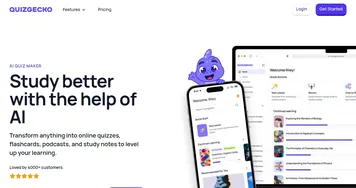
Quilgo alternatives 🔗

  1. Wooclap AI Wooclap AI An AI-powered tool designed to streamline quiz creation for educators
  2. Magic School AI Magic School AI An online platform for educators, offering a wide array of tools to enhance teaching efficiency
  3. Articulate 360 Articulate 360 A fancy e-learning platform designed to streamline the creation of engaging online training content
  4. Gizmo AI Gizmo AI A learning platform designed to enhance educational experiences through AI-powered tools
  5. StudySmarter StudySmarter Creates AI-powered study tools to boost learning efficiency
  6. Mindgrasp Mindgrasp AI learning assistant that creates notes and answers questions from documents, videos, and more
Share
Quilgo screenshot enlarged
Promote Quilgo
light badge
Copy Embed Code
dark badge
Copy Embed Code
neutral badge
Copy Embed Code
Best AI Tools

Discover the best AI tools for any use case

Explore
  • Tool Categories
  • AI Use Cases
  • AI Events
  • AI News
  • Saved Tools
Company
  • About Us
  • Contact Us
  • Media & Partnerships
  • Suggest a Tool
Legal
  • Privacy Policy
  • Terms of Service
Copyright © 2026 Best AI Tools 415 Mission Street, 37th Floor, San Francisco, CA 94105