Simplified by TLDR Technologies, Inc


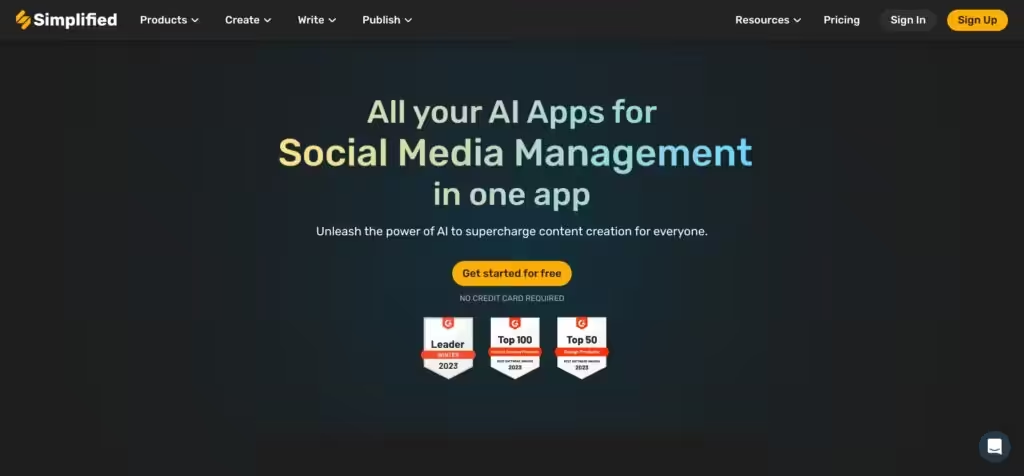
Simplified is an all-in-one application designed for modern marketing teams. As such, it integrates various tools into a single platform to make the process of content creation smoother and more efficient.
One of Simplified’s features is its AI-powered writing tool, which helps users generate content for blogs, social media, websites, and more. The AI Writer can produce SEO-driven copies that are free from plagiarism in a matter of seconds.
Then there is a Video Editor and Animation tool that allows users to create and collaborate on videos for platforms such as TikTok, Instagram, and YouTube. This feature can generate professional-looking videos in mere minutes, after which you can upload them to the platform(s) of your choice.
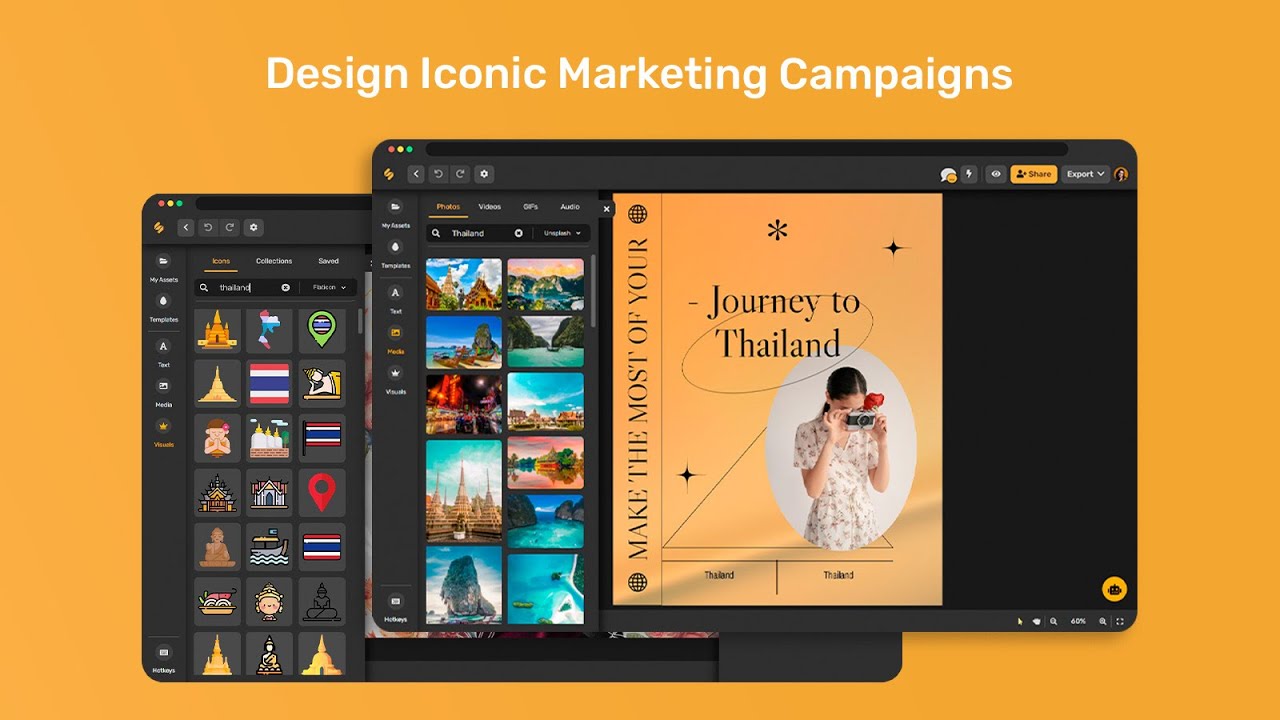
Another feature comes in the form of AI-powered graphic design tools, using which users can quickly and easily design stunning graphics. As part of the package, you get access to millions of free photos and thousands of design templates — allowing you to create appealing graphics for all kinds of marketing campaigns with ease.
Finally, we will mention Simplified’s social media management capabilities businesses can use to maintain an active online presence, which is critical to success.
Video Overview ▶️
What are the key features? ⭐
- AI writer: Simplified includes an AI-powered writing tool that helps users generate content quickly and easily for blogs, social media, and websites. The service can help you with both articles and really short content like ads.
- Graphic design: Beyond text-based content, Simplified provides tools for designing marketing campaigns without needing any prior design experience. It will help you create the right-sized graphics for all the popular websites and platforms.
- Video editor & animation: With Simplified, you can create videos for platforms like TikTok, Instagram, and YouTube with ease. You provide some text and graphics, and AI algorithms to their thing in the background. And you also get to edit stuff along the way.
- Social media management: Beyond content creation, you can use Simplified for social media management. This includes scheduling, planning, and analytics to give you better insights into what's working and what could be tweaked.
- All-in-one platform: This is arguably the key selling point of Simplified. It combines multiple tools into a single service, making managing your (your company's) online presence much more effortless.
Who is it for? 🤔
Examples of what you can use it for 💭
- Create content for websites and social media
- Create both textual and non-textual content like images and videos
- Manage your brand and social media presence right from Simplified
- Streamline and enhance your online marketing
Pros & Cons ⚖️
- A single tool for text, image and video content creation
- Social media management comes built-in
- Every plan includes access to all AI-powered tools
- It takes some time to get familiar with all the features Simplified has to offer