

logo-darklogo-darklogo-darklogo-dark
  • Home
  • Browse
    • Assistant
    • Coding
    • Image
    • Productivity
    • Video
    • Voice
    • Writing
    • All Categories
    • AI Use Cases
  • My Favorites
  • Suggest a Tool
✕
Home › Voice Generation & Editing ›

Speechify

Published by Dusan Belic on June 23, 2023

Speechify

Speechify
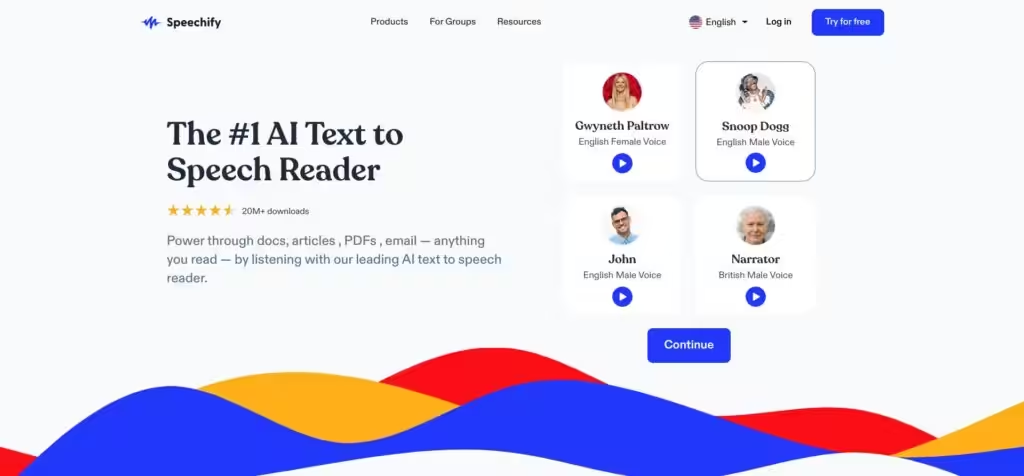
Speechify Homepage
Categories Voice Generation & Editing
Transforms text into natural-sounding speech for effortless listening

Speechify

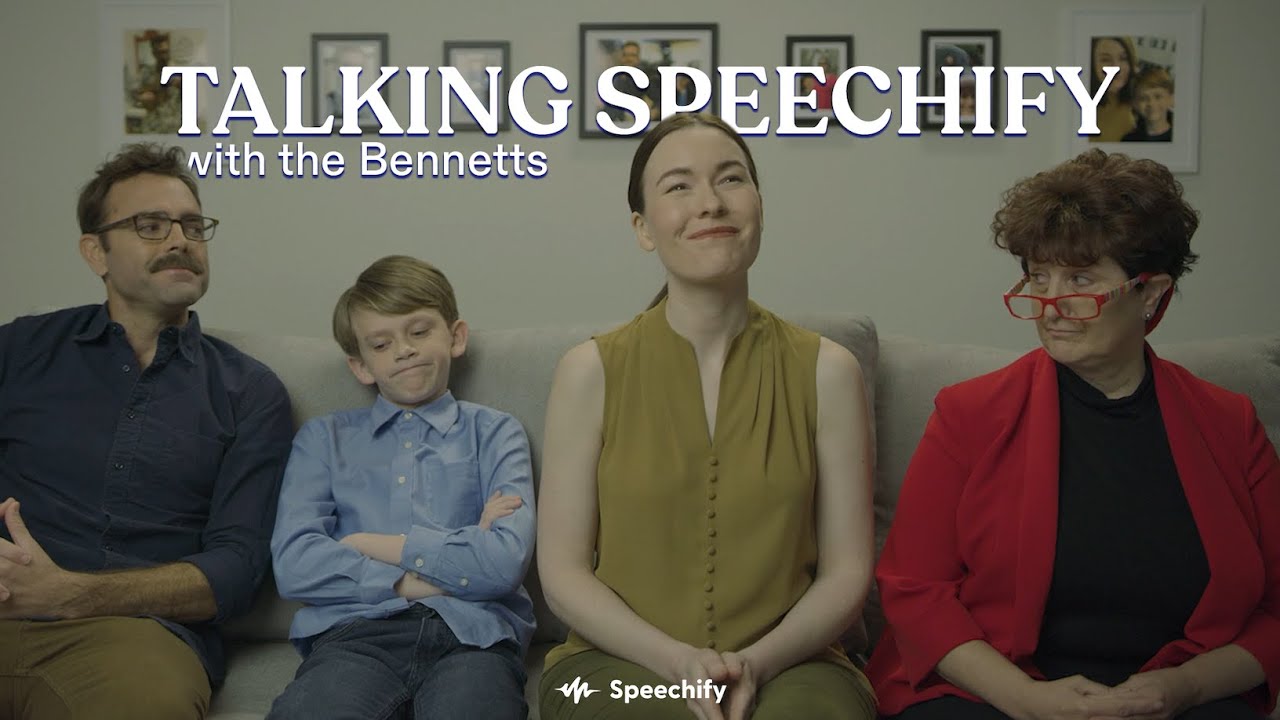
Speechify is a text-to-speech AI tool that converts documents, books, and web content into natural-sounding audio, making reading accessible and efficient for millions. It supports over 200 voices in 60 languages, featuring speed control of up to 4.5x and text highlighting for improved focus. The app works across web, iOS, Android, and Chrome, earning the 2025 Apple Design Award and Chrome Extension of the Year.

Key features include Scan and Listen, which captures printed text via camera for instant playback, and AI Summaries that condense long files into essential points. Users can generate quizzes from content to reinforce learning, and the podcast mode converts text into styled audio, such as lectures or debates. Voice cloning enables you to create custom narrators from brief audio samples.

Compared to competitors, Speechify stands out for document handling over Murf, which focuses more on studio-quality voiceovers. It offers broader free access than NaturalReader, though premium unlocks offline mode and advanced speeds. Pricing tiers are competitive, with a solid free trial that rivals Descript‘s entry level without the steep learning curve.

Listeners appreciate the realistic voices and time savings, with 500k five-star reviews highlighting dyslexia-friendly tools like adjustable speeds and highlights. Professionals save hours on reports, and students grasp complex topics faster. Drawbacks include minor accent inconsistencies in rare languages and a premium for full features.

The tool integrates seamlessly with daily workflows, from emailing PDFs to scanning notes, supporting file types like DOCX, EPUB, and TXT. Its API powers custom apps, and bulk plans are suitable for schools and teams. Recent updates emphasize the control of emotional voice and SSML for nuanced outputs.

For best results, upload high-quality scans for accurate OCR, experiment with voice clones for personalization, and combine summaries with quizzes to maximize retention. Start with the free version on your primary device to build habits before upgrading.

Speechify Homepage
Categories Voice Generation & Editing

Video Overview ▶️

What are the key features? ⭐

  • Text Highlighting: Synchronizes spoken words with on-screen text for improved reading comprehension and focus.
  • Speed Control: Adjusts playback from 0.5x to 4.5x normal speed to match user preferences and save time.
  • Scan & Listen: Captures and converts printed text from photos into audio using built-in OCR technology.
  • AI Summaries: Generates concise overviews of long documents to highlight key insights quickly.
  • Voice Cloning: Creates custom AI voices from short audio samples for personalized narration.

Who is it for? 🤔

Speechify suits students tackling heavy textbooks and needing study aids, professionals drowning in emails and reports who crave efficiency, book lovers wanting audio versions of vast libraries, and anyone with dyslexia or ADHD benefiting from auditory learning and focus tools, empowering over 50 million users to absorb information faster and retain more without the strain of traditional reading.

Examples of what you can use it for 💭

  • Student: Converts lecture notes and PDFs into sped-up audio for efficient review sessions on the go.
  • Professional: Reads lengthy emails and contracts aloud while multitasking during commutes or workouts.
  • Book Lover: Transforms ebooks into podcast-style narrations with custom voices for immersive listening.
  • Dyslexia User: Highlights text in sync with speech to ease following along and boost confidence in reading.
  • Researcher: Summarizes academic papers and generates quizzes to quickly grasp and test key concepts.

Pros & Cons ⚖️

  • Ultra-realistic voices
  • Multi-device sync
  • Time-saving speeds
  • Free tier access
  • Accessibility focus
  • Premium for offline
  • Occasional glitches

FAQs 💬

What makes Speechify's voices sound so natural?
Speechify uses advanced AI to generate over 200 lifelike voices in 60+ languages, indistinguishable from human speech for engaging listening.
Can I use Speechify on multiple devices?
Yes, Speechify syncs across web, iOS, Android, Mac, and Chrome extensions for seamless access anywhere.
How does the free version compare to premium?
The free tier offers basic playback and voices; premium adds offline downloads, faster speeds, and AI features like summaries and quizzes.
Is Speechify helpful for dyslexia?
Absolutely, with text highlighting, adjustable speeds, and dyslexia-friendly fonts to make content easier to follow aurally and visually.
What file types does Speechify support?
It handles PDFs, DOCX, EPUB, TXT, XLSX, web links, and scanned images for versatile text-to-speech conversion.
How accurate is the Scan & Listen feature?
Powered by OCR, it accurately captures and reads printed text from photos, though best with clear, well-lit images.
Can I clone my own voice in Speechify?
Yes, upload a short sample to generate a custom clone for narrating personal documents or content.
Does Speechify work offline?
Premium users can download audio for offline listening; free version requires internet connection.
How does Speechify help with studying?
It speeds up material review, summarizes key points, and creates quizzes to enhance retention and understanding.
Is there an API for developers?
Yes, Speechify's API supports voice cloning, SSML, and streaming for integrating high-quality TTS into apps.

Related tools ↙️

  1. Inkr Inkr Transcribes audio files to editable text instantly
  2. Cleanvoice Cleanvoice Removes filler sounds, mouth clicks, and background noise from podcast audio automatically
  3. Deepgram Deepgram Power your apps with world-class speech and domain-specific language models (DSLMs)
  4. FakeYou FakeYou A text-to-speech voice generator for audio and video
  5. Flow Flow An AI-powered tool that transcribes speech into text with speed and accuracy
  6. Crikk Crikk An AI-powered text-to-speech platform that can transform written content into natural-sounding audio
Last update: November 3, 2025
Share
Promote Speechify
light badge
Copy Embed Code
light badge
Copy Embed Code
light badge
Copy Embed Code
About Us | Contact Us | Suggest an AI Tool | Privacy Policy | Terms of Service

Copyright © 2026 Best AI Tools
415 Mission Street, 37th Floor, San Francisco, CA 94105