logo-darklogo-darklogo-darklogo-dark
  • Tool Categories
    • 🎨Art & Creative Design505
    • 🏢Business Management644
    • 💻Coding & Development515
    • 👮Detection83
    • 🧠General Use727
    • 🏥Health & Wellness55
    • 📷Image & Photo Analysis100
    • 🖼️Image Generation & Editing618
    • 📐Interior & Architectural Design37
    • 🎓Learning & Education483
    • ⚖️Legal & Finance90
    • 🎭Lifestyle & Entertainment236
    • 📢Marketing & Advertising627
    • 🎧Music & Audio138
    • 👔Office & Workplace1,014
    • 🔬Research & Data Analysis372
    • 👥Social Media245
    • 🎥Video Generation & Editing426
    • 👧🏻Virtual Companion135
    • 🎤Voice Generation & Editing381
    • ✍️Writing & Editing808
    • All Categories
    • AI Use Cases
  • News
  • Events
    • Academic Conferences
    • Developer Conferences
    • Expos / Trade Shows
    • Industry Summits
    • Workshops / Training
    • All Events
    • Past Events
  • Saved Tools
  • Suggest a Tool
✕
Home › General Use › Assistant› Tenorshare AI
Tenorshare AI

Tenorshare AI

A suite of AI-powered tools designed to enhance productivity across different tasks

Tenorshare AI is a comprehensive suite of AI-powered tools designed to enhance productivity across different tasks. It offers solutions such as an AI Writer, AI PDF Summarizer, AI Presentation Maker, and a Humanize AI tool — all aimed at streamlining workflows and improving content quality.

The AI Writer includes over 120 writing tools to assist in crafting content for social media, marketing, and advertising. It comes with features like grammar checking, tone editing, and translation services — allowing users to produce compelling and personalized content with little effort.

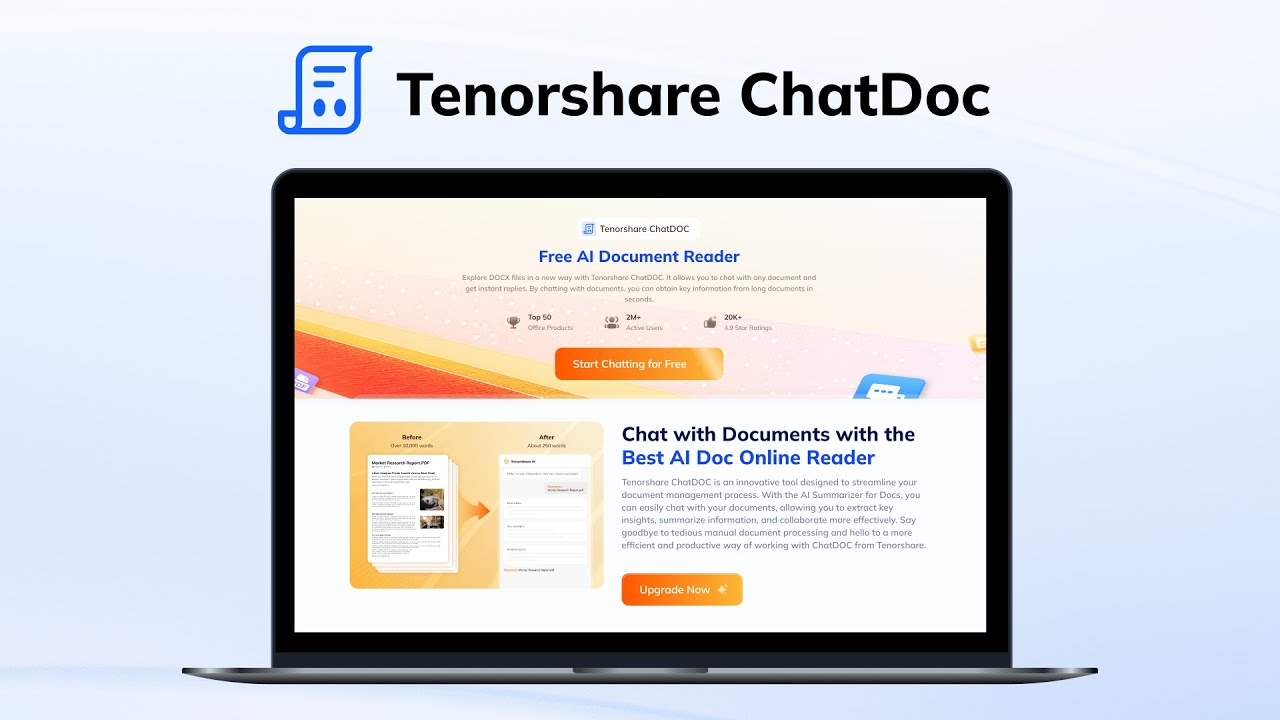
For document management, the AI PDF Summarizer enables users to interact with PDFs by summarizing lengthy documents and extracting key insights. This tool can be particularly beneficial for students, researchers, and professionals who need to quickly grasp essential information from extensive texts.

Lastly, we’ll mention the AI Presentation Maker, which enables the creation of slides in seconds by simply providing a topic. To that end, it offers free templates and customization options — making it easier to design great presentations without extensive design skills.

Visit Tenorshare AI ↗
Categories
🧠 General
🤖 Assistant 💬 Chatbot
🖼️ Image
🖼️ Image Generation 🌟 Photo Enhancing ✂️ Background Removal ⬆️ Image Upscaling
✍️ Writing
🤖 Writing Assistant
🎤 Voice
📝 Transcriber

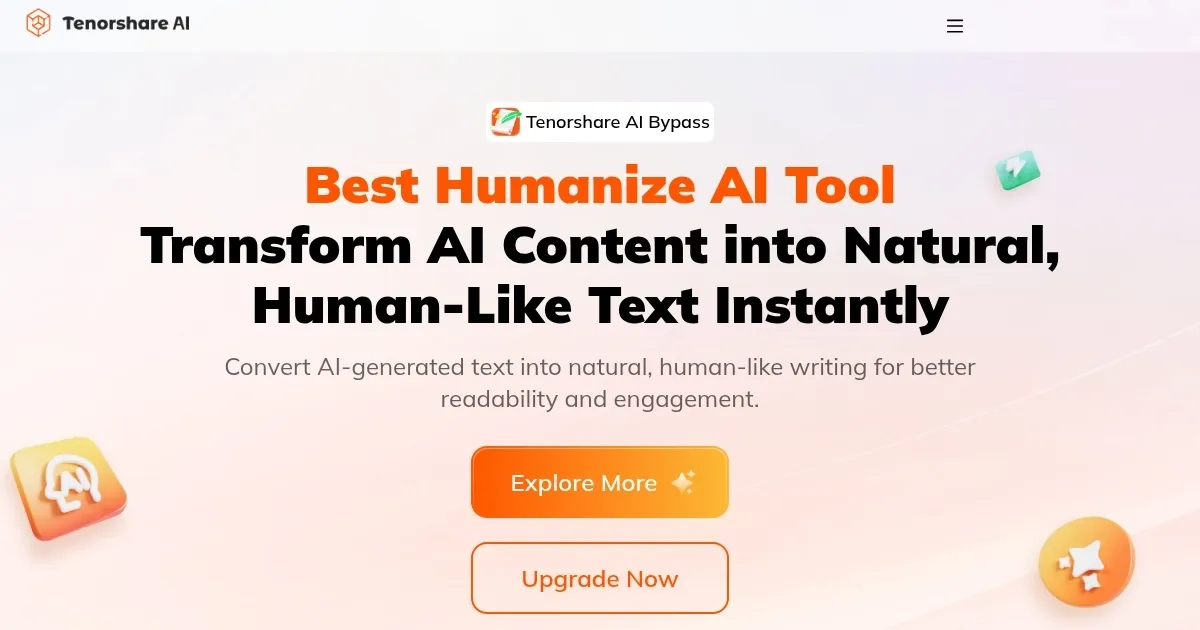
Homepage Screenshot 📸

Tenorshare AI screenshot

Video Overview 🎬

Tenorshare AI - Video Overview

What are the key features? ✨

  • Summarizations: Efficiently condenses lengthy PDF documents into concise summaries, highlighting essential information for quick comprehension.
  • PDF chat: Tenorshare AI allows users to engage in "conversations" with PDF content, facilitating easy retrieval of specific information and insights.
  • Batch processing: The tool supports the simultaneous uploading and processing of multiple files, enhancing productivity for users handling large volumes of documents.
  • Data privacy & security: Employs SSL encryption to protect user data, ensuring that uploaded documents remain confidential and are not stored or shared.
  • Multi-device accessibility: Tenorshare AI is accessible from any device with an internet connection and a web browser.

Who is it for? 🤔

Tenorshare AI is made for a diverse audience, including students, professionals, researchers, educators, and general users seeking efficient tools for document summarization and analysis. Its features can be particularly beneficial for those who regularly engage with extensive PDF documents and require streamlined methods to extract and comprehend key information.

Examples of what you can use it for 💡

  • Students and researchers can quickly grasp key points from extensive academic papers
  • Professionals can analyze financial reports, contracts, and legal documents more efficiently
  • Educators and learners get help in understanding complex textbook content
  • Everyone can use it to explore historical documents, literature, and other texts
  • Individuals with visual impairments are assisted with summarized content

Pros & Cons ⚖️

  • AI-powered document summarization is a huge time-saver
  • Interactive PDF chat that lets you ask questions directly from documents
  • Batch file handling support
  • The free version is rather limited (kinda makes sense)

FAQs 💬

What does the AI Humanizer actually do?
It rewrites AI-generated text to sound more natural and human-like, helping it avoid detection by common AI checkers.
Can the platform detect AI content accurately?
The built-in detector analyzes text from models like GPT or Gemini and often flags it with high reliability, though no detector is perfect.
How does the PDF Summarizer work?
You upload a PDF and chat with it, asking for summaries, key insights, or answers with references to specific parts.
Does Tenorshare AI support document types besides PDFs?
Yes, it handles DOC files too with similar summarization and chat features.
Is the Presentation Maker suitable for beginners?
It creates slides from a topic or outline instantly, with templates and customization options that make it easy even if you lack design skills.
What languages does the translator cover?
It works with more than 30 languages for documents, messages, or social posts.
Can the tools help with academic writing?
Features like the paragraph generator, sentence expander, and answer tool assist with homework, essays, or research notes.
Does the humanizer change the original meaning of the text?
It aims to preserve meaning while improving flow and natural tone, but you should always review the output.
Is there a way to visualize ideas quickly?
The Diagrimo tool turns text descriptions into diagrams, flowcharts, or visuals with real-time editing.
Who typically uses this platform?
Students, writers, professionals, and anyone dealing with lots of text or documents find it useful for saving time.

Ready to try Tenorshare AI?

A suite of AI-powered tools designed to enhance productivity across different tasks

Visit Tenorshare AI ↗

Tenorshare AI alternatives 🔗

  1. ChatGPT ChatGPT All-round AI assistant generating human-like responses to user queries and tasks
  2. Gemini Gemini Generates responses from text, images, audio, and video inputs using advanced multimodal AI
  3. Claude Claude Assists users in reasoning, coding, writing, and analyzing data with advanced AI models
  4. Grok Grok Delivers witty, real-time AI responses with advanced reasoning and image generation
  5. DeepSeek DeepSeek Delivers advanced AI models for coding and reasoning at low costs
  6. Perplexity Perplexity Delivers cited AI answers from web searches instantly
Share
Tenorshare AI screenshot enlarged
Promote Tenorshare AI
light badge
Copy Embed Code
dark badge
Copy Embed Code
neutral badge
Copy Embed Code
Best AI Tools

Discover the best AI tools for any use case

Explore
  • Tool Categories
  • AI Use Cases
  • AI Events
  • AI News
  • Saved Tools
Company
  • About Us
  • Contact Us
  • Media & Partnerships
  • Suggest a Tool
Legal
  • Privacy Policy
  • Terms of Service
Copyright © 2026 Best AI Tools 415 Mission Street, 37th Floor, San Francisco, CA 94105