Theia


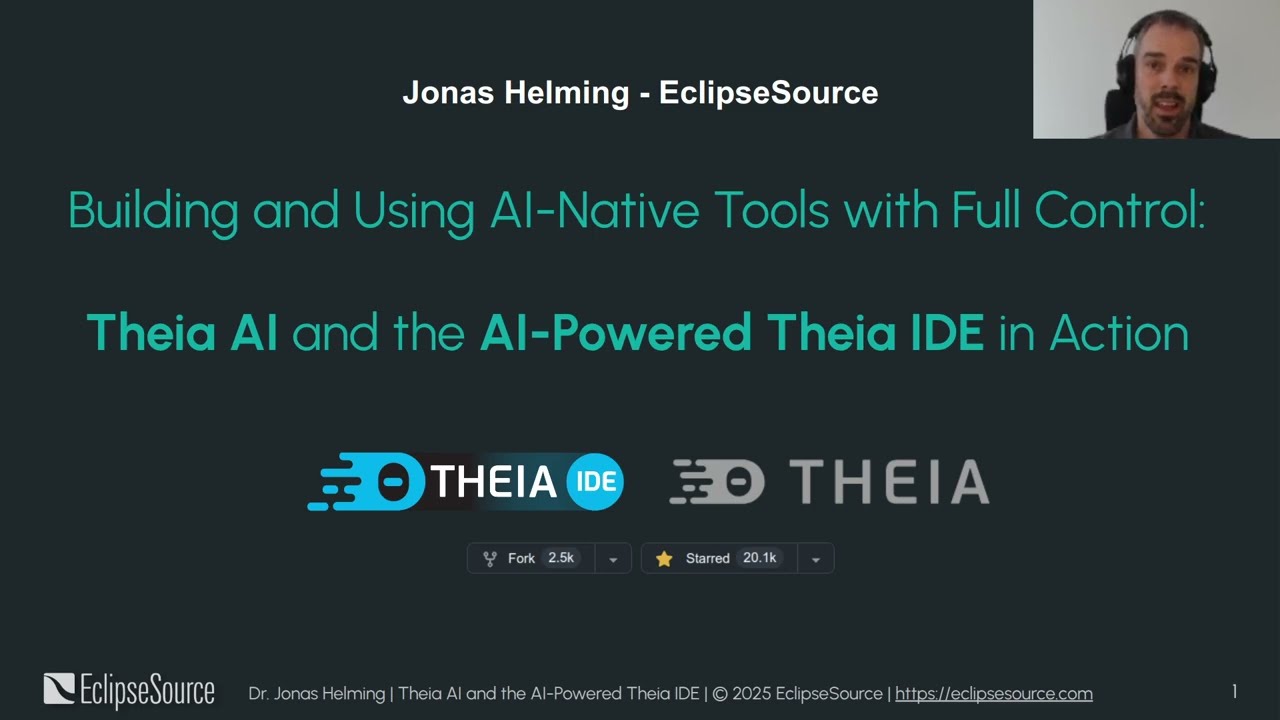
Theia IDE is an open-source, customizable IDE for cloud and desktop development, built on the Eclipse Theia platform. It supports a wide range of programming languages through Language Server Protocol (LSP) integration, offering robust code editing, debugging, and completion for Python, Java, JavaScript, and C++. With access to over 3,000 extensions via open-vsx.org, developers can tailor their workspace with tools like GitLens, ESLint, and Docker. Its modern UX includes detachable views, theming, and a dynamic toolbar, designed for flexibility across projects. The alpha-stage Theia AI provides customizable AI assistance, allowing users to select models, host locally, or create custom agents.
Theia IDE’s open-source nature, supported by companies like IBM and Red Hat, ensures vendor neutrality and community-driven development. It competes with Visual Studio Code and JetBrains IntelliJ IDEA, offering similar extension ecosystems and LSP support but with greater customization. Unlike GitHub Copilot or Cursor, Theia’s AI features prioritize user control over prompts and models. The online version, hosted via Theia.cloud, is limited to 30-minute sessions, while desktop versions support Windows, Mac, and Linux, with a dedicated ARM build for newer Macs.
Developers appreciate the extensive extension library and flexible UX, which streamline workflows for multi-language projects. The ability to host AI models locally appeals to those prioritizing data privacy. The open-source community provides active support through GitHub Discussions, though it’s smaller than competitors’. Theia IDE’s pricing is free, with professional support available, making it cost-competitive against JetBrains IntelliJ IDEA’s paid tiers.
However, setup can be complex, requiring time to configure extensions and workflows. Documentation, while detailed, may overwhelm beginners. The Mac x86 version runs slowly on ARM systems, and the experimental Docker image for online hosting lacks stability. The online test version’s time limit frustrates extended testing.
For best results, start with the online version to explore features, then download the appropriate build for your system. Install key extensions like GitLens or YAML to match your needs, and use GitHub Discussions for community support. Experiment with Theia AI’s customization to optimize your coding tasks.
Video Overview ▶️
What are the key features? ⭐
- Extension Ecosystem: Access over 3,000 extensions via open-vsx.org to customize workflows.
- Language Support: LSP integration supports coding in Python, Java, JavaScript, and more.
- Theia AI (Alpha): Customizable AI assistance with model selection and local hosting.
- Modern UX: Features detachable views, theming, and a dynamic toolbar for flexibility.
- Open-Source: Vendor-neutral platform with community-driven development.
Who is it for? 🤔
Examples of what you can use it for 💭
- Web Developer: Uses ESLint and JavaScript extensions for efficient front-end coding.
- Data Scientist: Leverages Python support and Theia AI for streamlined data analysis.
- DevOps Engineer: Integrates Docker extension for container management tasks.
- Enterprise Team: Customizes Theia IDE for proprietary workflows with local AI hosting.
- Open-Source Contributor: Builds custom extensions to enhance community-driven tools.
Pros & Cons ⚖️
- Extensive extension library
- Flexible, modern UX
- Customizable AI features
- Complex initial setup
- Dense documentation