
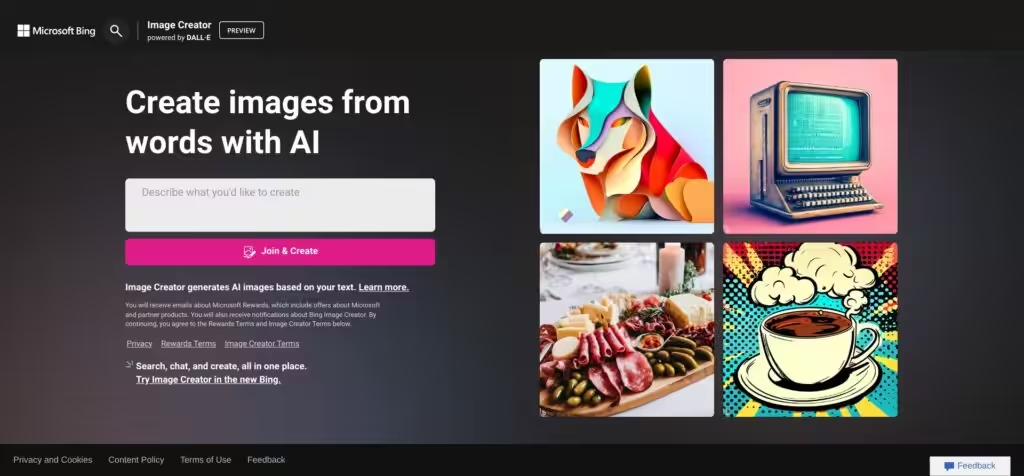
Bing Image Creator by Microsoft
Bing Image Creator is a free AI tool from Microsoft that generates images from text descriptions. It utilizes models like DALL-E and the new MAI-Image-1 to quickly create visuals. Users access it via Bing or integrations in Edge and Copilot. The tool produces four image options per prompt. It requires a Microsoft account for login.
Key features include prompt-based generation, style selections such as photorealistic or artistic, and a boost system for faster outputs. MAI-Image-1, launched in November 2025, focuses on detailed lighting and avoids generic styles. DALL-E handles complex prompts well. Images include a Bing watermark for identification. Generation times vary, with boosts from Microsoft Rewards speeding up the process.
Competitors offer different strengths. Midjourney excels in high detail and community features but needs a subscription starting at ten dollars monthly. DALL-E via ChatGPT allows edits like inpainting for twenty dollars a month. Stable Diffusion suits advanced users with open source customization, though it requires technical setup. Bing stays free and accessible.
Users like the ease of quick visuals in blogs or social media. The integration with Bing search provides inspiration. Recent reviews on Reddit have noted an improvement in quality with MAI-Image-1. Some enjoy the Surprise Me function for random ideas. It helps non-artists create professional-looking assets.
Drawbacks include strict content filters that block prompts unexpectedly, often on neutral topics. Quality dipped after a 2024 update but recovered with a rollback. Watermarks limit commercial use to personal projects. No direct image editing exists within the tool.
Surprise elements come from the AI’s interpretations, sometimes adding unexpected details that enhance prompts. For example, a simple landscape might gain dramatic clouds. This adds creativity but can miss specifics.
Practical advice: Craft detailed prompts with adjectives and styles for better results. Use Copilot for refinements. Earn boosts through daily searches. Test multiple models for variety. Start with simple ideas to build confidence.
Video Overview ▶️
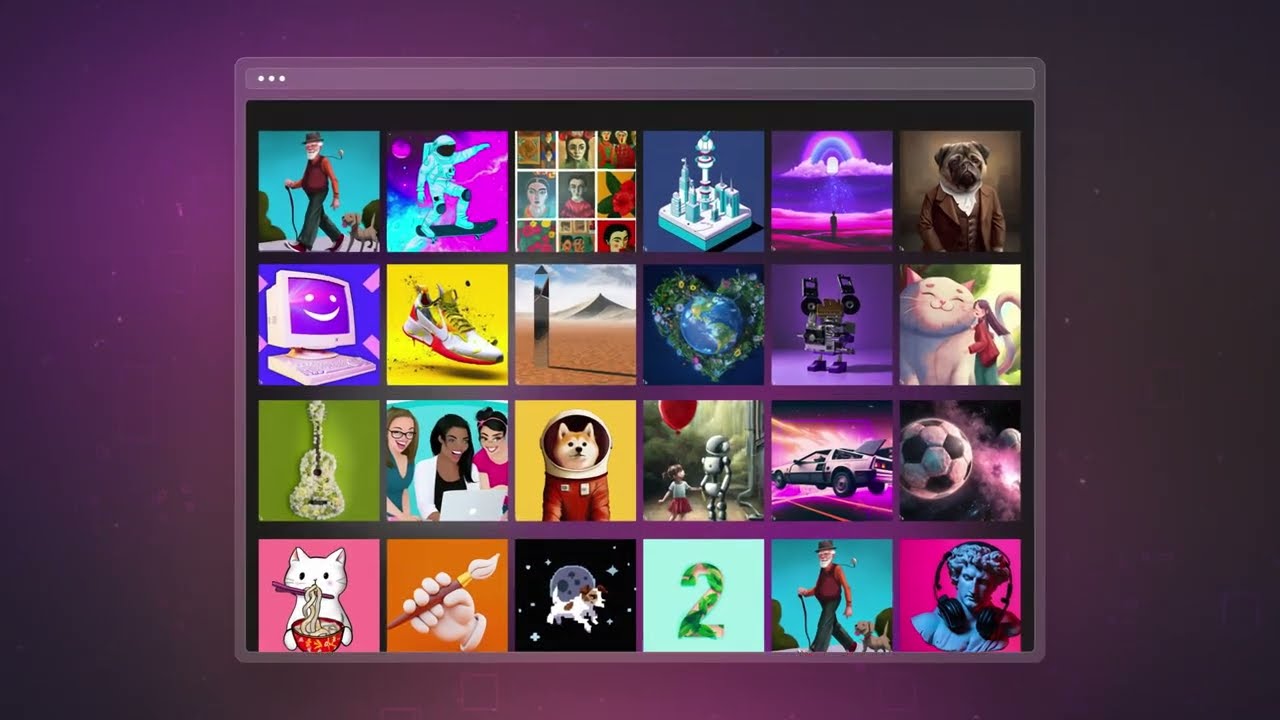
What are the key features? ⭐
- Text-to-Image Generation: Converts descriptive prompts into four unique image variations using AI models.
- Model Selection: Choose between DALL-E 3 for precise renders or MAI-Image-1 for photorealistic details.
- Boost System: Earn points via Microsoft Rewards for faster image creation speeds.
- Style Options: Apply artistic styles like oil painting or photorealism to match your vision.
- Integration Access: Use within Bing Chat, Edge sidebar, or mobile app for seamless workflow.
Who is it for? 🤔
Examples of what you can use it for 💭
- Blog Writer: Crafts custom headers depicting story themes to engage readers visually.
- Social Media Marketer: Generates eye catching thumbnails for posts to boost click through rates.
- Educator: Creates illustrative diagrams of historical events for classroom slides.
- Graphic Hobbyist: Designs fantasy scenes like dragon lairs for personal portfolios.
- Content Strategist: Produces branded memes tailored to campaign tones for viral potential.
Pros & Cons ⚖️
- Completely free access
- Fast generation times
- Easy prompt interface
- Multiple model choices
- Strict content filters
- Watermark on outputs








