SVG AI
Transforms text prompts into scalable vector icons and logos instantly
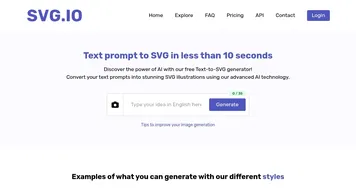
SVG AI is an AI powered platform that converts text prompts into scalable vector graphics, primarily focusing on icons, logos, and illustrations in SVG format. It operates through a straightforward interface where users input descriptions and select styles to generate editable files. The tool supports over 16 distinct visual styles, including outline, gradients, and etching effects, ensuring outputs are optimized for web and print use. Generation occurs in seconds, with files featuring clean paths and precise color codes for easy integration into design workflows.
Key functionalities include the AI Icon Generator, which creates custom icons from prompts like shopping carts or notification bells, and the Logo Generator for professional branding elements. Users can customize with brand hex colors and download SVGs directly, compatible with tools like Figma and Illustrator. The platform provides tutorials on SVG usage, such as embedding in HTML or animating with CSS, though the guides remain basic. Over 50,000 icons have been generated, indicating reliable performance for UI and app design.
In benchmarks from 2025, SVG AI scores high on speed and vector quality, outperforming general tools in clean code output but trailing specialized editors in complex path handling. Competitors like Recraft AI offer broader illustration capabilities, while Adobe Illustrator provides advanced editing, though SVG AI excels in rapid prototyping. Free access includes watermarks and credit limits; pro plans remove restrictions for unlimited use, generally more cost effective than subscription based rivals.
Users appreciate the scalability and commercial rights, suitable for websites, apps, and marketing. Outputs integrate seamlessly into codebases, with file sizes under 10KB for performance. Limitations appear in handling highly detailed scenes, where manual refinement in external software is needed. The tool serves developers and designers by automating initial creation, reducing time from hours to minutes.
For implementation, begin with simple prompts to test styles, then refine in vector editors. Export options ensure compatibility across platforms, making it practical for iterative design processes.
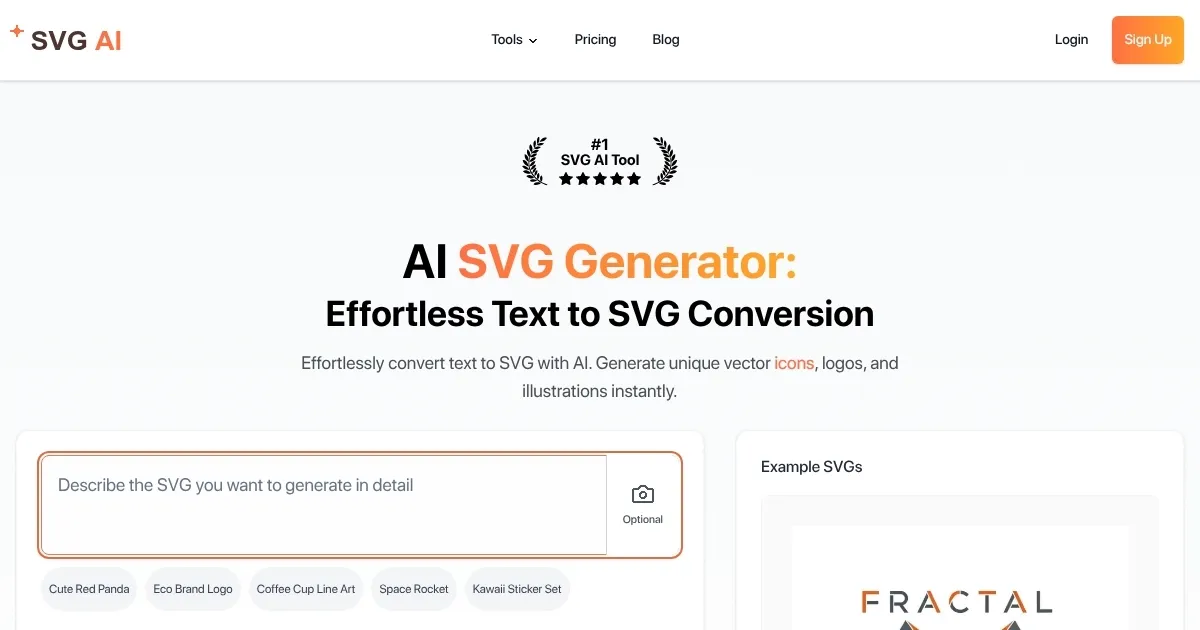
Homepage Screenshot 📸
What are the key features? ✨
- AI Icon Generator: Generates customizable vector icons from text descriptions in various styles like outline and gradients.
- Logo Generator: Creates professional SVG logos based on brand prompts with precise color matching.
- Style Customization: Offers 16 visual effects including duotone, etching, and shadow for unique outputs.
- SVG Optimization: Produces lightweight, editable files with clean paths for web and print integration.
- Tutorials and Guides: Provides resources on SVG creation, usage, and animation techniques.
Who is it for? 🤔
Examples of what you can use it for 💡
- UI Designer: Crafts consistent icon sets for mobile apps by generating outline style SVGs from feature descriptions.
- Web Developer: Integrates custom navigation icons into HTML code using optimized SVG outputs from text prompts.
- Brand Marketer: Designs logos for campaigns with duotone gradients matching company colors for print and digital ads.
- App Creator: Builds productivity tool illustrations like timers via etching style generations for user interfaces.
- Content Educator: Creates tutorial diagrams with shadow effects to illustrate concepts in online courses.
Pros & Cons ⚖️
- Instant vector generation
- Free basic access
- Editable clean code
- Style variety
- Complex prompts limited
- Credit caps on free
FAQs 💬
Ready to try SVG AI?
Transforms text prompts into scalable vector icons and logos instantly
Visit SVG AISVG AI alternatives 🔗