Artisse
Generates hyper-realistic photos using AI from user selfies and custom prompts
Artisse is an AI-powered photo generator that creates hyper-realistic images from user selfies and prompts, focusing on personal and professional applications like social media and advertising.
The tool offers several editing features, including Text Prompts for describing desired scenes, Image Prompts for using reference pictures, and Theme Packs for pre-set styles. It also includes specialized edits such as Whole Picture Edit for complete image alterations, Face Only Edit for targeting facial areas, Manual Select Edit for precise selections, Except Face Edit for modifying everything but the face, and AI Uncrop for expanding image boundaries.
Technically, Artisse employs algorithms that emphasize facial resemblance, skin texture retention, pose variability, and clothing simulation, ensuring outputs appear lifelike. It supports mobile and web platforms, allowing users to generate over a million photos monthly.
Pricing comes in three tiers: a basic option for beginners, a mid-level for expanding users, and an advanced for high-volume needs, with annual plans offering savings compared to monthly. Competitors include Lensa AI for artistic portraits, Remini for photo enhancement, and Dawn AI for avatar creation, where Artisse differentiates with its realism focus.
Users often praise the high-quality results and user-friendly interface, but some note limitations in credit allowances and occasional inconsistencies in details like hand poses. To get started, upload clear photos and use simple prompts initially.
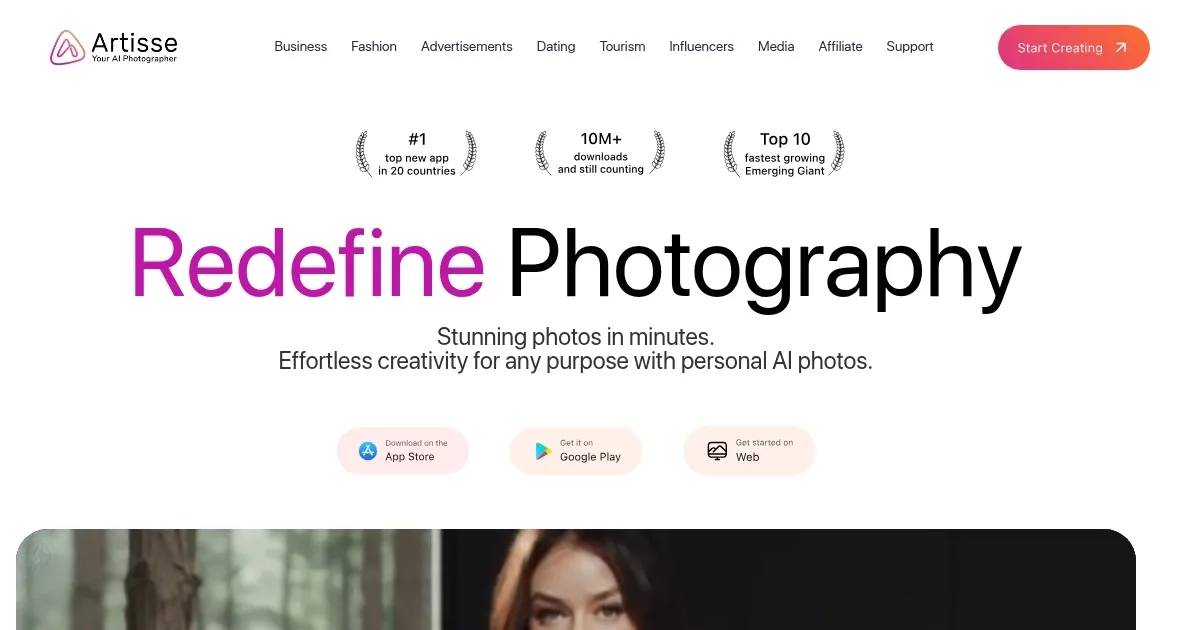
Homepage Screenshot 📸
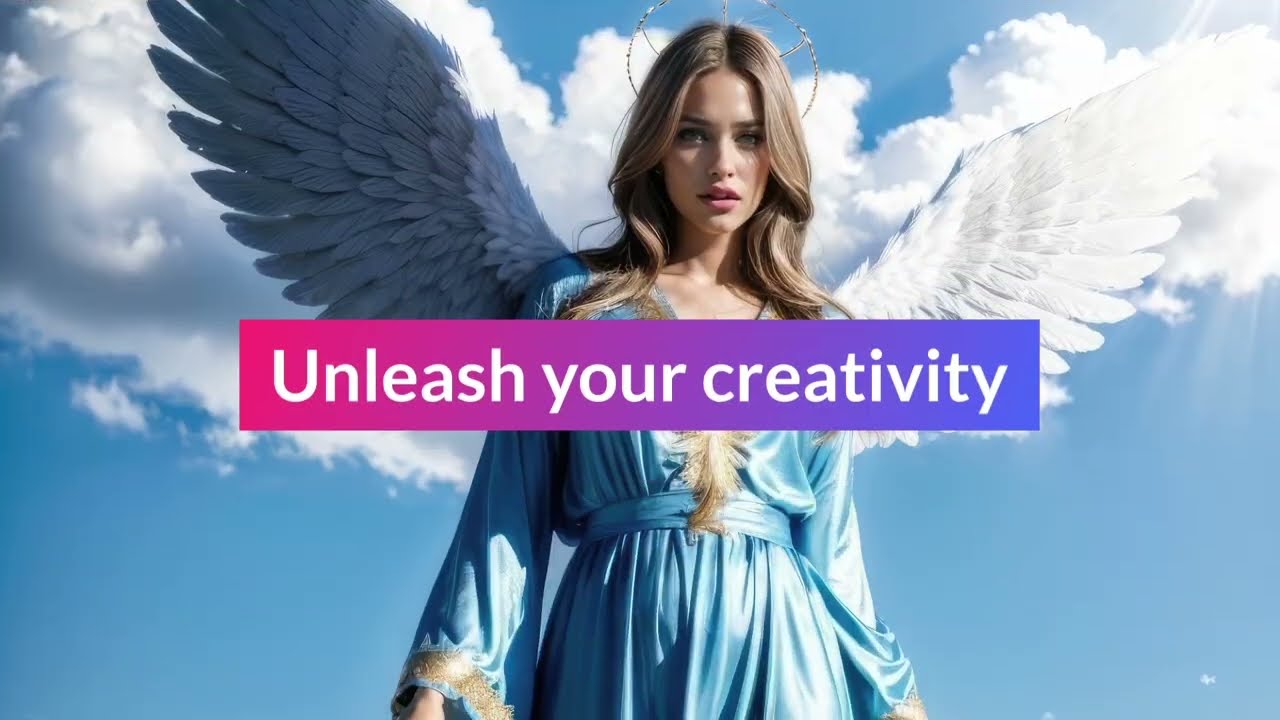
Video Overview 🎬
What are the key features? ✨
- Text Prompts: Allows users to describe scenes in words for AI to generate corresponding images.
- Image Prompts: Uses uploaded reference images to inspire and guide the AI photo creation process.
- Theme Packs: Provides pre-designed style collections to quickly apply thematic elements to photos.
- Face Only Edit: Enables targeted modifications to facial features while leaving the rest of the image unchanged.
- AI Uncrop: Intelligently expands cropped images by adding realistic surrounding elements.
Who is it for? 🤔
Examples of what you can use it for 💡
- Social media user: Generates eye-catching profile photos by transforming selfies into professional-looking portraits.
- Business owner: Creates customized ad images tailored to brand aesthetics using theme packs.
- Content creator: Edits videos and photos with AI tools to produce engaging posts quickly.
- Marketer: Develops product visuals that highlight features through realistic simulations.
- Individual experimenter: Tries different hairstyles and outfits virtually for fun or planning.
Pros & Cons ⚖️
- Realistic image quality
- User-friendly interface
- Flexible editing options
- Mobile and web access
- Limited credits system
- Occasional inconsistencies
FAQs 💬
Ready to try Artisse?
Generates hyper-realistic photos using AI from user selfies and custom prompts
Visit Artisse