logo-darklogo-darklogo-darklogo-dark
  • Tool Categories
    • ๐ŸŽจArt & Creative Design505
    • ๐ŸขBusiness Management644
    • ๐Ÿ’ปCoding & Development515
    • ๐Ÿ‘ฎDetection83
    • ๐Ÿง General Use727
    • ๐ŸฅHealth & Wellness55
    • ๐Ÿ“ทImage & Photo Analysis100
    • ๐Ÿ–ผ๏ธImage Generation & Editing618
    • ๐Ÿ“Interior & Architectural Design37
    • ๐ŸŽ“Learning & Education483
    • โš–๏ธLegal & Finance90
    • ๐ŸŽญLifestyle & Entertainment236
    • ๐Ÿ“ขMarketing & Advertising627
    • ๐ŸŽงMusic & Audio138
    • ๐Ÿ‘”Office & Workplace1,014
    • ๐Ÿ”ฌResearch & Data Analysis372
    • ๐Ÿ‘ฅSocial Media245
    • ๐ŸŽฅVideo Generation & Editing426
    • ๐Ÿ‘ง๐ŸปVirtual Companion135
    • ๐ŸŽคVoice Generation & Editing381
    • โœ๏ธWriting & Editing808
    • All Categories
    • AI Use Cases
  • News
  • Events
    • Academic Conferences
    • Developer Conferences
    • Expos / Trade Shows
    • Industry Summits
    • Workshops / Training
    • All Events
    • Past Events
  • Saved Tools
  • Suggest a Tool
โœ•
Home › Image Generation & Editing › Photo Editing› photoAI
photoAI

photoAI

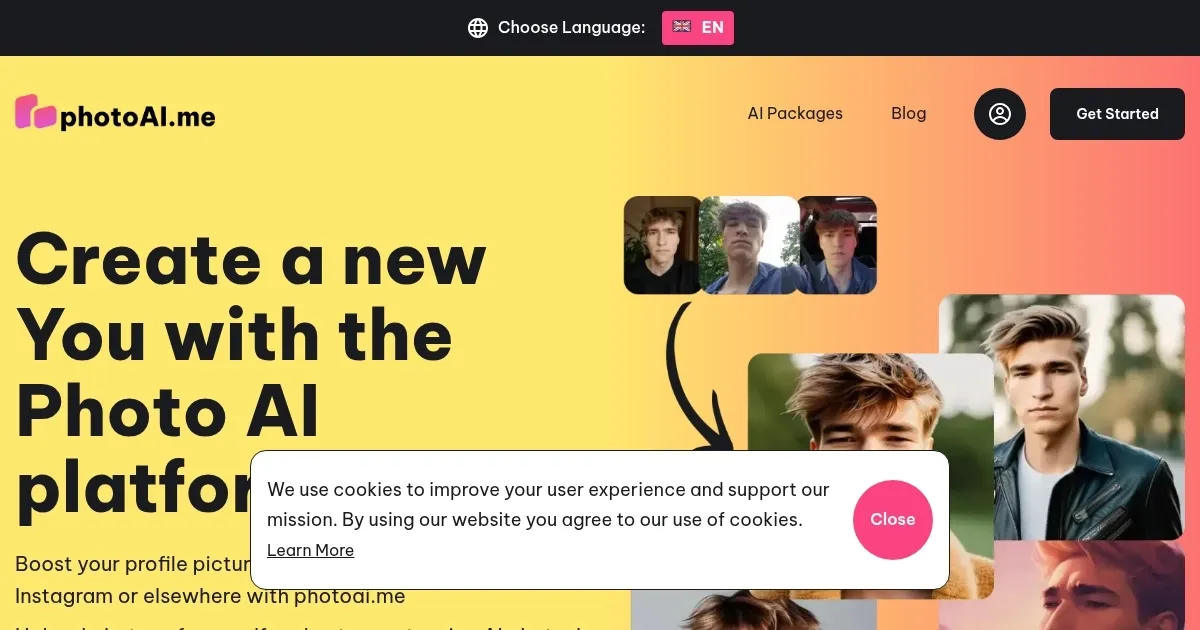
Boost your profile picture on Tinder, LinkedIn, Twitter, Instagram or elsewhere in any style you want

PhotoAI is an advanced AI tool that can generate photorealistic images of people — offering a cost-effective alternative to traditional photo shoots. It allows users to upload selfies and create personalized AI characters that can be placed in any pose, location, or action.

The platform has over 40 photo packs catering to various aesthetics and scenarios, from professional headshots to creative themes like old money, cyberpunk, and outdoor adventures. These packs simplify the process by eliminating the need for users to input detailed prompts or adjust settings, making them accessible to a broad audience.

The tool operates on a subscription model with no refund option, which is justified by the high costs associated with generating AI photos due to GPU processing requirements.

However, once you pay, you will get access to a robust service offering advanced settings, which allow for the customization of images beyond the basic output. These settings include options for black-and-white film effects, film grain, face-fixing features, and the ability to adjust upscale strength and step count for more detailed images.

The platform offers different subscription plans to cater to individual needs and budgets, from the Pro Plan, suitable for individuals, to the Premium and Business Plans, designed for teams and businesses requiring higher output. These plans vary in terms of the number of credits, AI characters, and parallel photo capabilities offered, as well as the level of customer support provided.

While some alternatives offer unique strengths, particularly in creative and artistic image generation, PhotoAI specializes in creating images that users might want to pass off as real — offering an impressive level of detail and realism in its outputs.

Visit photoAI ↗
Categories
๐Ÿ–ผ๏ธ Image
โœ๏ธ Photo Editing ๐Ÿ–ผ๏ธ Image Generation ๐Ÿง‘โ€๐ŸŽค Avatar Generation ๐Ÿ“ธ Headshot Generation ๐Ÿ‘ค Profile Picture Generation ๐ŸŒŸ Photo Enhancing ๐Ÿช„ Text to Image
๐ŸŽจ Art
๐Ÿ“ท Photography

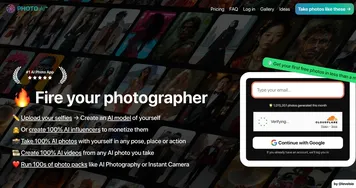
Homepage Screenshot 📸

photoAI screenshot

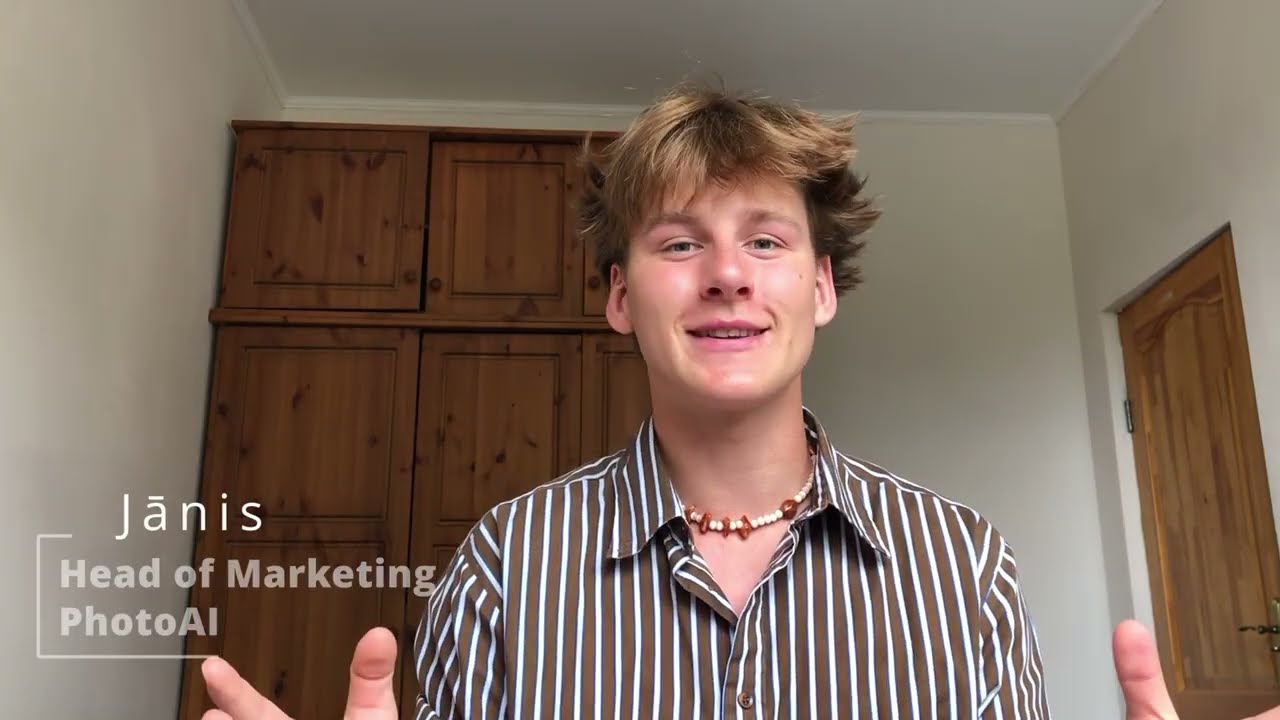
Video Overview 🎬

photoAI - Video Overview

What are the key features? ✨

  • Photorealistic images: PhotoAI specializes in creating highly realistic images of people. You can upload your selfie and see yourself in various scenarios, poses, or styles without an actual photo shootโ€‹โ€‹.
  • Pre-set packs: The platform offers over 40 photo packs covering many themes, from professional looks to creative and fun aesthetics like "Old Money" or "Cyberpunk."
  • Customization options: For those who like to fine-tune their images, PhotoAI provides advanced settings - including effects like black & white film, film grain, and options to adjust the detail level in images to get them just rightโ€‹โ€‹.
  • Different plans: Access to PhotoAI's features comes through various subscription plans, catering to different needs and budgets. From individual users to businesses, these plans offer a range of options.
  • No refunds: Due to the high costs involved in generating AI photos, PhotoAI does not offer refunds.

Who is it for? 🤔

The targeted market of PhotoAI includes professionals seeking high-quality headshots for business profiles, social media influencers and content creators looking for cool images to engage their audience, fashion designers who want to visualize their designs on models, and individuals interested in exploring creative photo opportunities without the need for a physical photoshoot. In that sense, the tool caters to a broad audience, from individual users to small and medium businesses, offering various subscription plans to meet different needs and output requirementsโ€‹.

Examples of what you can use it for 💡

  • Generate high-quality headshots for LinkedIn, company website, or any professional setting
  • Experiment with various styles, from old-money elegance to cyberpunk vibes, without needing costumes or a setโ€‹โ€‹
  • Create unique avatars for your social media profiles using the power of AI
  • Use PhotoAI's Sketch2Image feature to bring your fashion designs to life
  • For influencers, marketers, or content creators, PhotoAI provides a way to produce engaging and visually appealing photos for various platforms

Pros & Cons ⚖️

  • Generate highly realistic images of people for LinkedIn, company website, and more
  • Experimenting with different styles is super cool
  • Also great for social media marketers, influencers, bloggers, etc.
  • No refund policy could be a dealbreaker for some

FAQs 💬

What is photoAI exactly?
photoAI is an AI platform that creates personalized, photorealistic images of you by training on your uploaded photos and applying different styles, like professional headshots for LinkedIn, dating photos for Tinder or Bumble, vintage Polaroids, or seasonal themes.
How many photos do I need to upload to start?
You need to upload at least 10 portrait photos, though the platform recommends 20 or more close-up shots for better accuracy and resemblance in the final AI-generated results.
How long does it take to get the AI-generated photos?
Processing usually takes a couple of hours after you upload your photos and select a style package, though some users report quicker turnaround times depending on the load.
What kinds of styles or photo packs can I choose?
There are many options including LinkedIn/professional headshots, Tinder/Bumble dating photos, boudoir, vintage Polaroid, Barbie and Ken, Halloween/Autumn themes, Christmas packs, avatars, and more specialized ones like action figures or YouTube thumbnails.
Will the AI photos actually look like me?
The tool aims for strong personal resemblance by training directly on your uploaded images, but results vary; some users note around 60% likeness in headshot comparisons, with occasional issues like unnatural smiles or hair inconsistencies.
Can I use it for both professional and fun or creative photos?
Yes, it's built for both โ€” many people use it for serious LinkedIn or resume headshots to impress recruiters, while others generate fun, themed, or nostalgic images for social media and personal projects.
Is photoAI suitable for dating profile pictures?
Definitely a popular use case; it offers specific packs for Tinder, Bumble, and general dating photos, with the goal of creating more attractive, polished images that help users get more matches and stand out.
Does it work for different genders or appearances?
Yes, the platform supports diverse outputs and shows generation counts broken down by gender for many styles, so it handles various appearances as long as you provide clear, suitable training photos of yourself.
What happens to my uploaded photos after I use the tool?
Your photos are securely stored on their servers during processing, and the platform emphasizes data confidentiality, though you should only upload images you own or have consent for.
How does photoAI compare to other AI headshot or photo tools?
It stands out for offering large batches (often 100+ images per package) and a wide variety of themed packs, though some comparisons note competitors sometimes deliver stronger instant resemblance or fewer forced expressions like smiles.

Ready to try photoAI?

Boost your profile picture on Tinder, LinkedIn, Twitter, Instagram or elsewhere in any style you want

Visit photoAI ↗

photoAI alternatives 🔗

  1. Imagen Imagen Generates photorealistic images from detailed text prompts
  2. Black Forest Labs Black Forest Labs Generates high-quality images from text prompts with precision and speed
  3. Stable Diffusion Stable Diffusion Generates high-quality images from text prompts with versatile styles
  4. Adobe Express Adobe Express Creates on-brand content with AI-driven design and video tools
  5. Adobe Firefly Adobe Firefly Generates images, videos, audio, and vectors using AI.
  6. Freepik AI Freepik AI Creates AI images and videos with fluid motion, detailed textures, and synced audio up to 1080p
Share
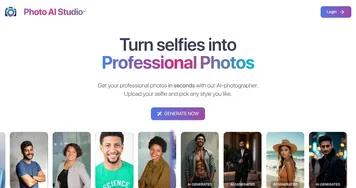
photoAI screenshot enlarged
Promote photoAI
light badge
Copy Embed Code
dark badge
Copy Embed Code
neutral badge
Copy Embed Code
Best AI Tools

Discover the best AI tools for any use case

Explore
  • Tool Categories
  • AI Use Cases
  • AI Events
  • AI News
  • Saved Tools
Company
  • About Us
  • Contact Us
  • Media & Partnerships
  • Suggest a Tool
Legal
  • Privacy Policy
  • Terms of Service
Copyright © 2026 Best AI Tools 415 Mission Street, 37th Floor, San Francisco, CA 94105