Lensa by Prisma Labs
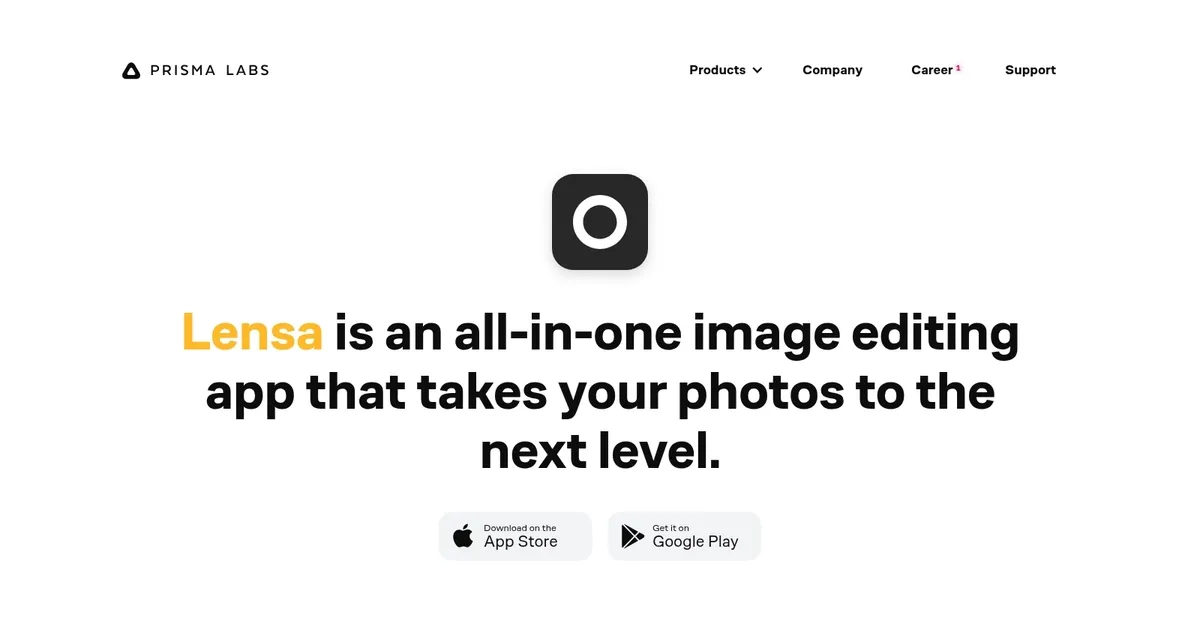
An all-in-one image editing app that takes your photos to the next level
Lensa is an all-in-one image editing app that lets you improve facial retouching with a single tap of Magic Correction.
And that’s just a start. There are also several cool tools that let you perfect the facial imperfections to make that perfect selfie.
Don’t like the background? No problem – blur it or replace it with a single touch. Better yet, you can tune both foreground and background to perfection separately.
In addition, there are many filters and special effects to “level up your photo editing game,” as well as the ability to add fancy borders around your face.
Homepage Screenshot 📸
What are the key features? ✨
- Perfect face skin: With Lensa, you can get rid of bumps and lines, and make your skin look smooth(er). Also, you can highlight your face to make it the center of the shot and blur out the background.
- Make eyes impeccable: Get rid of the eye bags and add contrast to emphasize your eyes. You can also quickly thicken your eyebrows if you fancy so.
- Adjust the background: Add background blur and depth to make it perfectly match your portrait. Or set the background in motion.
- And more: Use Auto Adjust to let the app do everything for you; make your shot festive, personal, sad, or add any other feel to it; change the sharpness or add a fade effect; change the image's temperature to highlight its mood; add tints to make it look the way you want; and more.
Who is it for? 🤔
Lensa is an app made for everyone who often takes selfies. It goes well beyond filters to make them look better, much better. As such, it is also used by those who only take a few selfies but want to have the perfect photo for their LinkedIn profile or for any other platform.
Examples of what you can use it for 💡
- Create perfect selfies with powerful editing capabilities
- Take photos of other people and edit them with (AI) ease
- Create a perfect photo of yourself for LinkedIn
Pros & Cons ⚖️
- Auto Adjust can do it all for you, and it works like magic
- You can remove eye bags with a single slide
- Make "dynamic selfies" by setting the background in motion
- You have to be careful with your photo limit, not to overspend
Ready to try Lensa?
An all-in-one image editing app that takes your photos to the next level
Visit Lensa