
DreamStudio by Stability AI Ltd
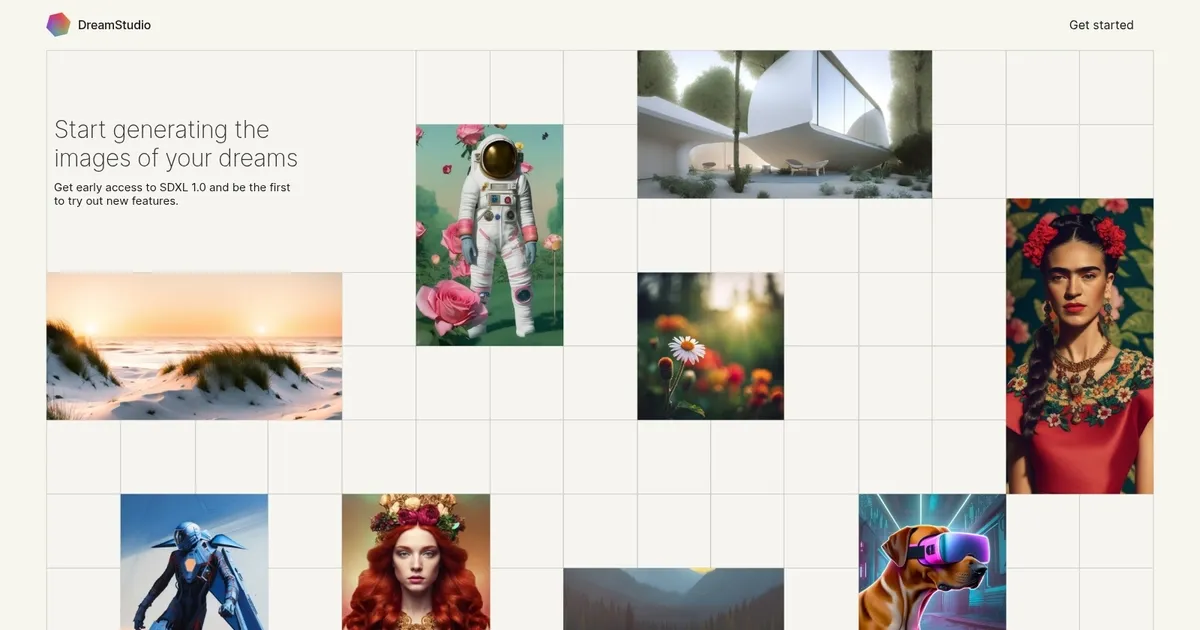
The official web app of the Stable Diffusion AI art model, DreamStudio offers effortless image generation for creators of all kinds. Beyond the ability to create art, photographs and illustrations in any style you can imagine – it will soon let you replace, add and edit elements within your images with inpainting and outpainting. Plus, DreamStudio will be able to work across multiple images at once.
Right now, the service supports text to image, image to image, as well as different variations and styles. And if you don’t like what you’re seeing, there’s a way to expand, add and remove items from your images and artwork.
Other features include history (to keep track of everything you’ve created) and the ability to explore different creative variations of your image simultaneously, with new features being added regularly.
What are the key features? ⭐
- Generate AI images: Use DreamStudio to create art, photographs, and illustrations in any style you can imagine.
- Beyond text inputs: The tool also lets you use existing images as a starting point for creating new AI-generated (or AI-altered) images.
- Edit images: DreamStudio lets you change existing images by expanding the scene and adding or removing items from your images and artwork.
- New models: The service is based on the Stable Diffusion AI model, which gets new models regularly.
- Different styles: DreamStudio supports different styles, allowing you to get very different results based on the style selected (prompted).
Who is it for? 🤔
Examples of what you can use it for 💭
- Create new images based on text and image prompts
- Create a product and other designs
- Edit existing images by expanding the scene or by adding/removing objects
Pros & Cons ⚖️
- Offers solid control over the image generation process
- Great for generating artistic and historical portraits
- New features being added regularly
- It takes some time to perfect your prompt-writing skills for DreamStudio








