logo-darklogo-darklogo-darklogo-dark
  • Home
  • Browse
    • Assistant
    • Coding
    • Image
    • Productivity
    • Video
    • Voice
    • Writing
    • All Categories
    • AI Use Cases
  • My Favorites
  • Suggest a Tool
✕
Home › Image Generation & Editing›
Published by Dusan Belic on July 10, 2023

Facetune

Facetune
Facetune Homepage
Categories Image Generation & Editing
Selfie editor & AI avatars generator with cool filters & effects

Facetune

Facetune is an AI-powered app designed to cater to all your photo and video editing needs. In that sense, it provides an extensive suite of tools enabling users to enhance and creatively transform their digital content easily.

With features such as AI-enhanced photo and video enhancement, background removal, object removal, makeup application, and hairstyle and color changes – Facetune aims to bring out the best in your content. It offers both free and advanced tools accessed through a VIP subscription — ensuring that whether you are a beginner or a pro — you can achieve high-quality, professional-looking results for your photos and videos, making your social media posts stand out.

Tailored for individuals eager to keep their Instagram or any social platform feed dynamic and engaging, Facetune provides an easy-to-use interface that allows users to quickly touch up their photos or completely overhaul their look with new styles or experimental edits. The app moves with your lifestyle, enabling you to capture and edit life’s moments on the go.

From removing blemishes to trying on new outfits virtually, Facetune offers something for every editing need — making it a comprehensive tool for enhancing your digital presence and unleashing your creativity on social media.

Facetune Homepage
Categories Image Generation & Editing

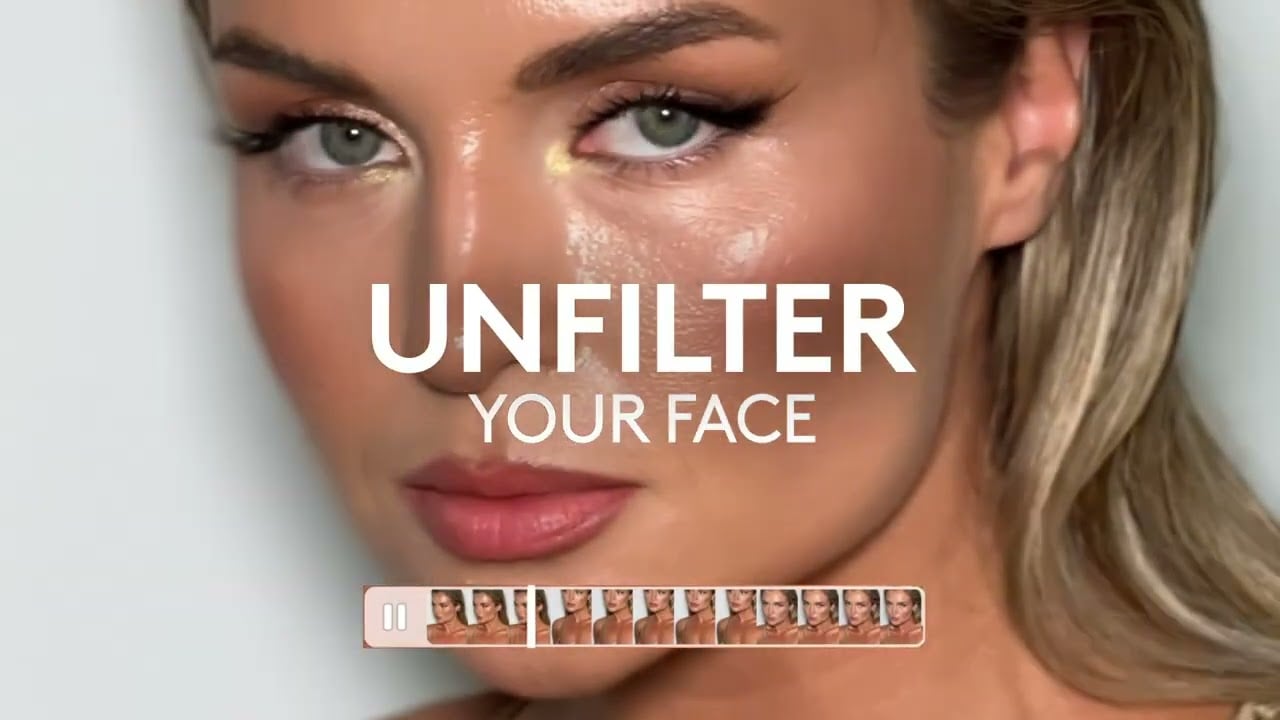
Video Overview ▶️

Facetune - Video Overview

What are the key features? ⭐

  • AI Face Editor: Enhances facial features naturally with intelligent adjustments for skin, eyes, and expressions.
  • AI Hairstyle & Hair Color: Virtually changes hair style or color with realistic blending on photos.
  • AI Clothes Changer: Swaps outfits in images for virtual try-ons and styling experiments.
  • AI Smile Filter: Adds a natural-looking smile to any photo with one tap.
  • AI Image Enhancer: Brightens, smooths, and improves overall photo quality automatically.

Who is it for? 🤔

Facetune helps social media users, influencers, and everyday people who take lots of selfies or portraits. It suits anyone wanting quick, natural-looking improvements to photos and short videos before sharing online. Beginners find it approachable with one-tap AI options, while creators appreciate precise controls for polished content. Professionals like real estate agents or job seekers use it for better headshots or passport photos without complex software.

Examples of what you can use it for 💭

  • Social media influencer: Retouches selfies and videos quickly to maintain a consistent, fresh feed with natural enhancements.
  • Casual user: Smooths skin or whitens teeth in everyday photos for confident posting on personal accounts.
  • Job seeker: Generates professional headshots from phone pics for LinkedIn or resumes using AI tools.
  • Fashion enthusiast: Tries virtual outfits or makeup looks to preview styles before shopping or events.
  • Content creator: Edits short video clips by applying face retouches or background blur for engaging stories.

Pros & Cons ⚖️

  • Intuitive mobile interface
  • Natural AI enhancements
  • Versatile hair and makeup tools
  • Fast one-tap edits
  • Limited free features
  • Subscription needed for full access

FAQs 💬

What platforms does Facetune support?
Facetune works on iOS and Android mobile devices as a downloadable app.
Is Facetune completely free to use?
No, it offers a free version with basic tools, but premium features require a subscription after a trial.
Does Facetune have AI-powered tools?
Yes, it includes many AI features like AI Face Editor, AI Hairstyle changer, AI Smile Filter, and AI Clothes Changer.
Can I edit videos in Facetune?
Yes, it supports video retouching, including face enhancements and filters applied across frames.
How realistic are the edits in Facetune?
Edits look natural when intensity stays low to moderate, preserving your authentic appearance.
What is the trial period for premium?
It typically includes a 7-day free trial for VIP access to all features.
Can Facetune remove backgrounds?
Yes, the Background Remover tool isolates subjects cleanly from photos.
Is Facetune good for professional headshots?
Yes, the AI Headshot Generator creates polished portraits from casual phone photos.
How does Facetune compare to FaceApp?
Facetune focuses more on precise, natural retouching while FaceApp emphasizes fun, dramatic transformations.
Can I try virtual makeup in Facetune?
Yes, it offers digital makeup application for lips, eyes, and more with realistic results.
Visit Facetune

Related tools ↙️

  1. Dawn AI Dawn AI Generates personalized avatars and images from selfies using advanced AI technology
  2. Cloudinary Cloudinary Manages, transforms, optimizes, and delivers images and videos with AI-powered features
  3. Imgix Imgix Optimizes images in real-time using AI for faster web delivery
  4. Imajinn Imajinn Transforms user photos into artistic images and custom visuals using AI
  5. SVG AI SVG AI Transforms text prompts into scalable vector icons and logos instantly
  6. Artisse Artisse Generates hyper-realistic photos using AI from user selfies and custom prompts
Last update: January 7, 2026
Share
Promote Facetune
light badge
Copy Embed Code
dark badge
Copy Embed Code
neutral badge
Copy Embed Code
About Us | Contact Us | Suggest an AI Tool | Privacy Policy | Terms of Service

Copyright © 2026 Best AI Tools
415 Mission Street, 37th Floor, San Francisco, CA 94105