
Imagen

Imagen is an AI-powered photo editing assistant specifically designed for integration with Lightroom Classic, offering a highly efficient and personalized editing solution for photographers. Unlike generic presets, Imagen tailors the editing process to individual photos based on their unique characteristics, learning from the user’s editing style over time to provide consistent, accurate, and personalized edits within 0.5 seconds per photo.
It also includes extra AI Tools for tasks such as cropping, straightening, subject masking, and smoothing skin, and offers access to various Talent AI Profiles created by leading international photographers. As a result of all this automation, photographers get to save significant time and effort while benefiting from high-quality, style-consistent results.
Furthermore, Imagen enhances the photo selection and organization workflow through its effortless culling feature, which mimics human selection to identify the most flattering photos in a set, streamlining the project’s culling and editing workflow. It also provides a cloud storage designed specifically for photographers, with free storage available for the first three months.
In a nutshell, by combining AI-driven editing, personalized profiles, efficient culling, and secure backup – Imagen positions itself as a comprehensive tool that transforms the photo editing workflow for photographers — fostering both creativity and efficiency.
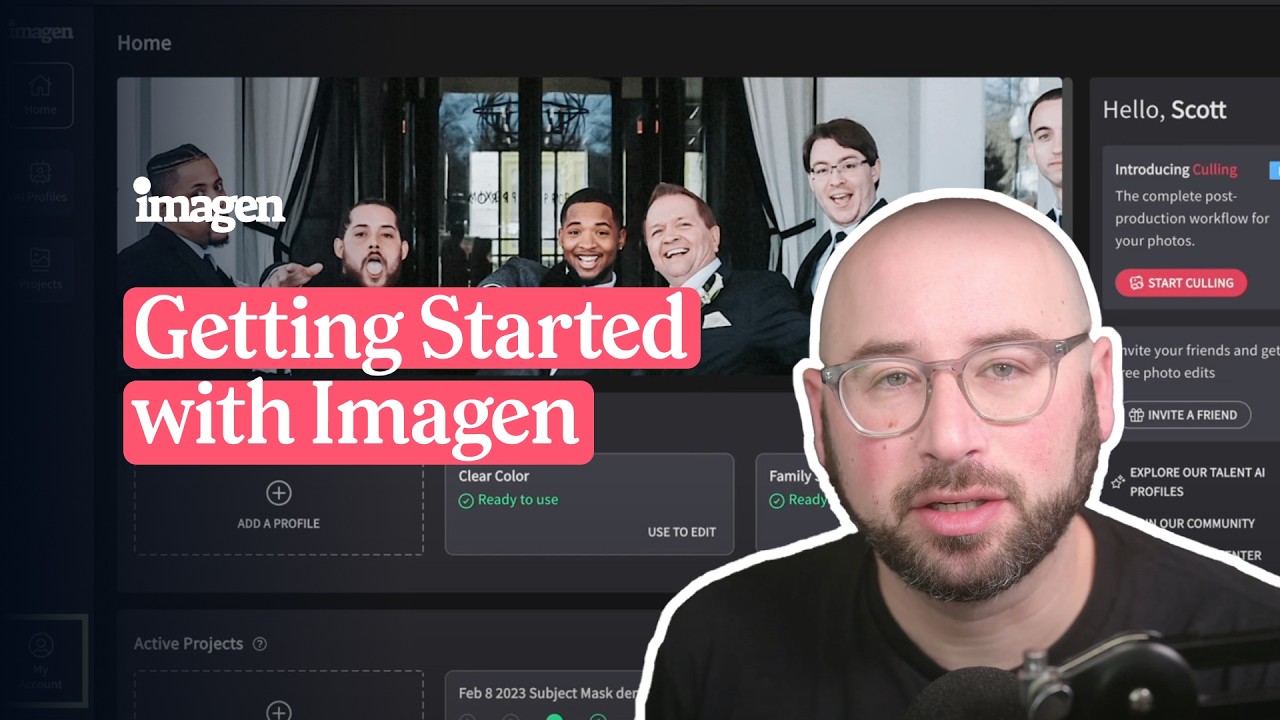
Video Overview ▶️
What are the key features? ⭐
- Personal AI Profile: Learns and replicates your unique editing style from past Lightroom adjustments for consistent batch results.
- AI Culling: Automatically sorts photos by sharpness, detects blinks and duplicates, and groups similar shots to speed up selection.
- Talent AI Profiles: Access pre-built editing styles from professional photographers for quick inspiration or starting points.
- Batch Editing Tools: Applies crops, straightening, subject masks, and skin smoothing across galleries in seconds.
- Cloud Backup: Securely stores projects automatically with easy access across devices.
Who is it for? 🤔
Examples of what you can use it for 💭
- Wedding Photographer: Uses Imagen AI to cull thousands of images quickly and apply personalized edits to deliver galleries same-day or soon after the event.
- Portrait Photographer: Trains the AI on signature style to batch-edit client sessions with accurate skin tones and consistent looks across dozens of photos.
- Event Photographer: Culls duplicates and blinks from large shoots, then edits batches to maintain brand consistency for corporate or social events.
- Real Estate Photographer: Applies fast corrections and enhancements to property images while preserving accurate colors and details.
- Commercial Photographer: Experiments with Talent AI Profiles for creative variations before refining with personal profile on final deliverables.
Pros & Cons ⚖️
- Saves huge editing time
- Learns your exact style
- Excellent consistency
- Strong culling features
- Needs initial training
- Occasional final tweaks








