logo-darklogo-darklogo-darklogo-dark
  • Home
  • Browse
    • Assistant
    • Coding
    • Image
    • Productivity
    • Video
    • Voice
    • Writing
    • All Categories
    • AI Use Cases
  • Events
  • My Favorites
  • Suggest a Tool
✕
Home › Enterprise›
Published by Dusan Belic on August 30, 2023

labml.ai

labml.ai
labml.ai Homepage
Categories Enterprise

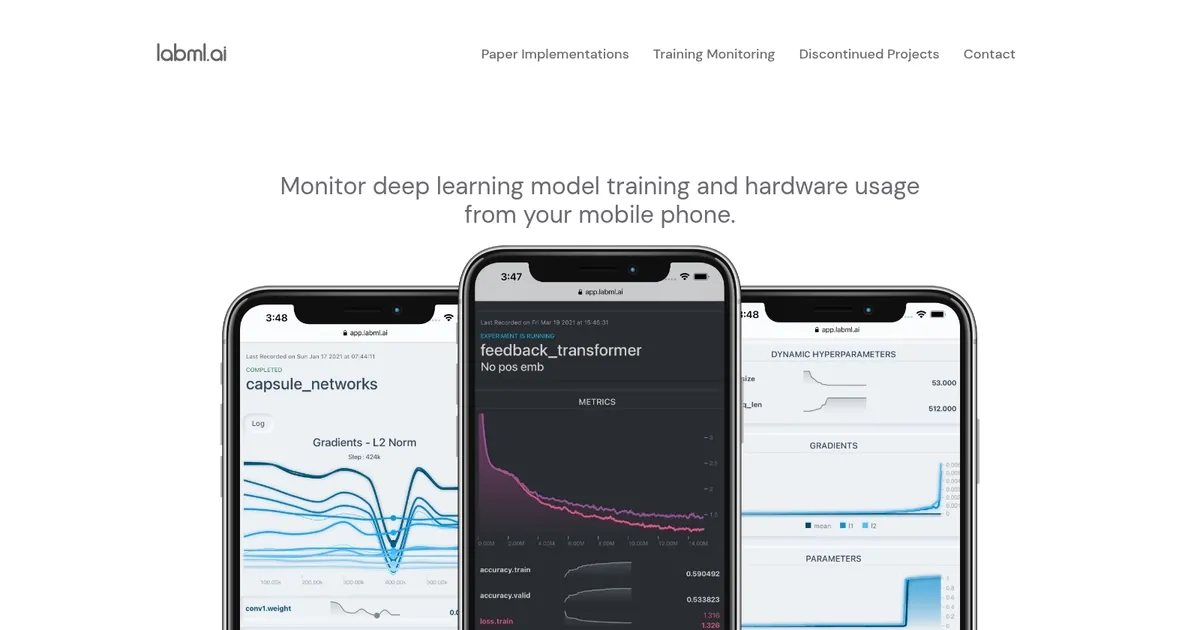
labml.ai - screenshot

Monitors ML model training and hardware from mobile with easy experiment tracking

labml.ai

labml.ai is a fancy AI tool designed to significantly enhance the workflow of researchers and developers working with deep learning models.

At its core, labml.ai provides annotated PyTorch paper implementations, allowing users to see and understand the practical applications of theoretical concepts detailed in scholarly articles. This aspect is particularly beneficial for those looking to deepen their understanding of complex machine learning algorithms by providing them with hands-on, code-level illustrations.

In addition, labml.ai offers users the ability to monitor their model training and hardware usage efficiently from their mobile phones — ensuring that they can keep track of their experiments’ performance and resource consumption in real time.

Apart from its core functionalities, labml.ai also addresses the need to keep up with the rapidly evolving landscape of machine learning research and development. It guides users towards the latest and trending machine learning papers, aiding in discovering cutting-edge advancements in the field.

Lastly, if you’re interested in delving deeper into what labml.ai has to offer or in contacting the team behind it, the platform provides direct links and references.

labml.ai Homepage
Categories Enterprise

What are the key features? ⭐

  • Real-time mobile monitoring: Track experiment progress, metrics, and hardware stats from any mobile device or laptop.
  • Easy experiment tracking: Automatically log parameters, metrics, console output, and git info with minimal code changes.
  • Hardware usage monitoring: View GPU/CPU utilization, memory, temperature across local or remote machines via one command.
  • PyTorch integration: Seamless tracker hooks designed for PyTorch training loops, plus annotated paper code examples.
  • Organized dashboard: Centralized view of all runs with graphs, tables, and comparisons for quick analysis.

Who is it for? 🤔

LabML helps deep learning researchers, solo developers, students, and small teams who train PyTorch models regularly and want simple, no-cost experiment tracking without complex setup. It suits anyone frustrated by scattered logs or who needs to glance at training status and hardware metrics from their phone during long runs. Larger groups needing advanced collaboration, sweeps, or full MLOps might prefer heavier platforms, but for focused, lightweight logging and monitoring, LabML fits nicely.

Examples of what you can use it for 💭

  • PhD student: Tracks multiple hyperparameter variants of a vision model overnight and checks progress on phone between classes.
  • Independent researcher: Monitors GPU usage on cloud instances while comparing runs locally without switching tabs constantly.
  • Small ML team: Logs experiments locally across members' machines and shares dashboard links for quick peer reviews.
  • Hobbyist developer: Experiments with transformers in a notebook and watches loss curves live while doing other tasks.
  • Paper reproducer: Uses annotated implementations with built-in tracking to verify results and tweak configurations easily.

Pros & Cons ⚖️

  • Free and open-source
  • Mobile monitoring convenience
  • Minimal code integration
  • Hardware tracking included
  • Basic dashboard visuals
  • Limited advanced features

FAQs 💬

What does LabML actually track in experiments?
It captures metrics, hyperparameters, git commit details, console prints, and system info like hardware usage automatically.
Is LabML completely free to use?
Yes, the core library and most features stay open-source and free, with optional hosted views possibly having extras.
Does it work only with PyTorch?
Primarily built for PyTorch, but the tracker can adapt to other frameworks with manual logging.
How secure is monitoring from my phone?
Dashboard access uses local servers or secure hosted options; always use authentication when exposing remotely.
Can multiple people view the same experiments?
Yes, share the dashboard URL or run a shared server for team access.
Does LabML require internet for basic use?
No, core tracking and local dashboard work offline; mobile access needs a reachable server.
How does it compare to Weights & Biases?
LabML is lighter, fully local/free, while W&B adds richer UI, sweeps, and cloud collaboration at a cost.
Visit labml.ai

Related tools ↙️

  1. Blackshark.ai Blackshark.ai Creates photorealistic 3D digital twins from satellite imagery using AI
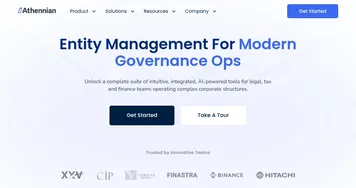
  2. Athennian Athennian Automates entity management with AI for governance, compliance, and data centralization
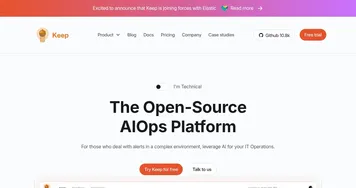
  3. Keep Keep Manages alerts at scale through integrations, workflows, and AI-driven correlation
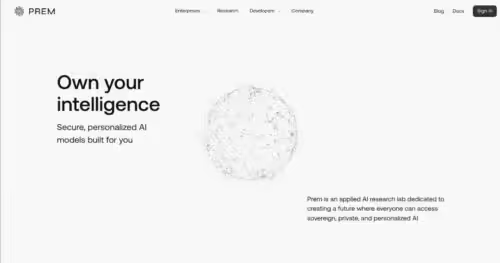
  4. Prem AI Prem AI Transforms raw data into secure, personalized AI models without ML expertise
  5. micro1 micro1 Orchestrates human expertise to power advanced AI datasets
  6. Adept Adept Automates enterprise workflows with multimodal AI agents across software tools
Last update: March 10, 2026
Share
Promote labml.ai
light badge
Copy Embed Code
dark badge
Copy Embed Code
neutral badge
Copy Embed Code
About Us | Contact Us | Suggest an AI Tool | Privacy Policy | Terms of Service

Copyright © 2026 Best AI Tools
415 Mission Street, 37th Floor, San Francisco, CA 94105