
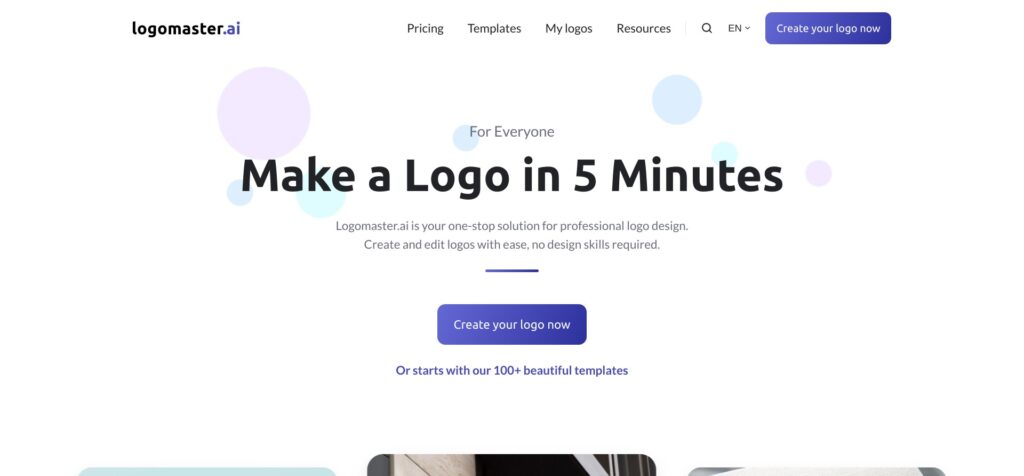
logomaster.ai by logomaster.ai

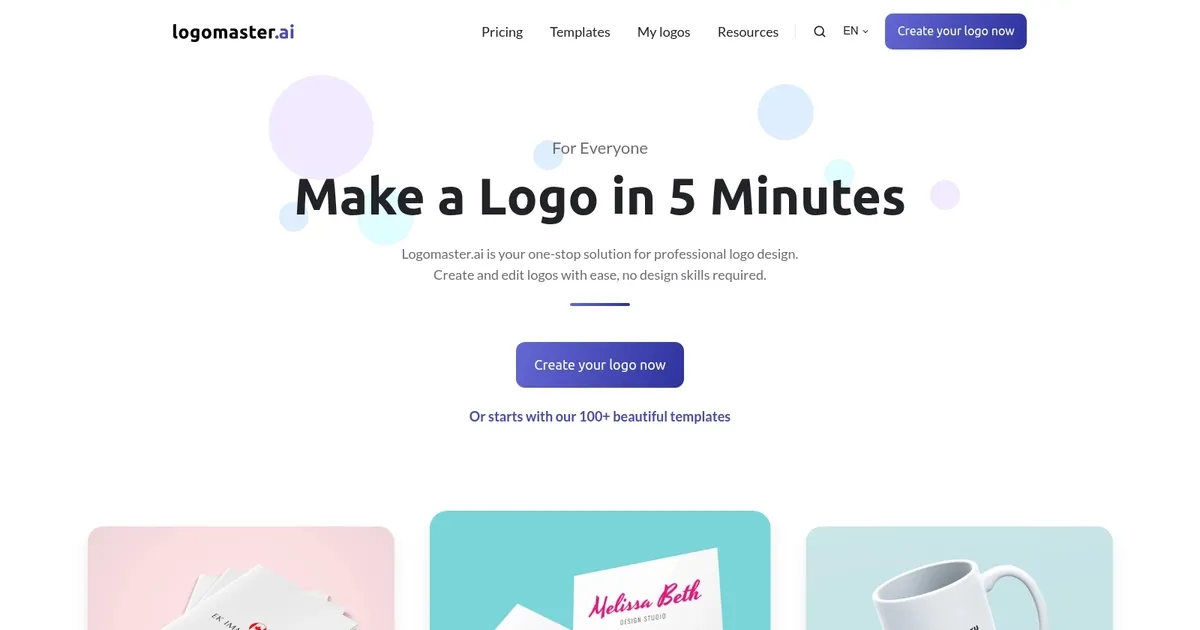
An AI tool that lets you make a logo in 5 minutes

Logomaster.ai calls itself a one-stop solution for professional logo design, allowing anyone to create and edit logos without any design skills required.
The service could be used for making company logos as well as for personal brands, products and services.
The cool thing is that you don’t have to start from scratch, with logomaster.ai offering more than 100 templates. These could help you get some ideas or channel your imagination.
As of May 2023, the service has been used by over 3,000 companies, generating 55K+ logos along the way.
Categories Image Generation & Editing
What are the key features? ⭐
- Easy to use: Anyone can create and edit logos with Logomaster.ai in 5 minutes without any design skills.
- Professional logo package: The service also provides additional materials for any company, such as business cards, banners, posters, flyers, and more.
- Cost-effective: Compared to hiring a designer, Logomaster.ai is at least 10 times cheaper, yet you can get comparable results. You only pay if you like the logo.
- Royalty-free logos: Once you make the logo, it is yours to use for any commercial or non-commercial purpose.
- High-resolution and ready-to-use files: Logomaster.ai gets you high-resolution files you can use across the board for both online and offline marketing.
Who is it for? 🤔
Logomaster.ai is mainly used by startups and other small businesses looking to get a logo for their company or a new product/service. It is quick and cost-effective to make your logo.
Examples of what you can use it for 💭
- Create a logo for your company or a new product/service
- Go beyond the logo and create other marketing material
- Get a complete branding package for your new venture
Pros & Cons ⚖️
- There are 100+ templates to choose from
- Use it for business, as well as products and services
- You only pay if you're satisfied with the design
- Print-friendly files are not included in the most affordable plan
FAQs 💬
What exactly does LogoMaster.ai do?
LogoMaster.ai is an AI-powered online tool that generates professional logos based on your business name, industry, and style preferences. You can then fully customize colors, fonts, icons, and layouts before downloading high-resolution files.
Do I need any design skills to use it?
No, you don't need any design skills at all. The platform is built to be intuitive, so even complete beginners can create and tweak logos in minutes.
How many logo options does it generate?
It typically provides multiple AI-generated proposals right away, plus access to over 100 templates. You can explore variations and make unlimited edits.
What file formats can I download?
You get transparent PNGs for web and social media, resizable vector files (like SVG) for printing, and high-resolution versions suitable for business cards, banners, or posters.
Is the logo royalty-free for commercial use?
Yes, once you purchase a download package, the logo comes with a commercial license, so you can use it freely for your business without restrictions.
How long does it take to create a logo?
Most users get a professional logo ready in about 5 minutes, from entering your details to finalizing customizations.
Can I edit the logo after I've downloaded it?
You can go back and make unlimited changes anytime, with free re-downloads included in your package.
Does it offer industry-specific templates?
Yes, the tool lets you select from templates tailored to different industries, which helps the AI suggest designs that fit your business type.
Is LogoMaster.ai suitable for personal brands or just businesses?
It works great for both. Many people use it for personal branding, side projects, or freelance services, as well as full business logos.
How does it compare to other AI logo makers?
It offers strong customization and high-quality outputs, often at a more affordable one-time price than some competitors, though the initial template variety might be narrower than tools like Looka or Hatchful.
Related tools ↙️

Last update:
January 19, 2026
Promote logomaster.ai


