Nullface
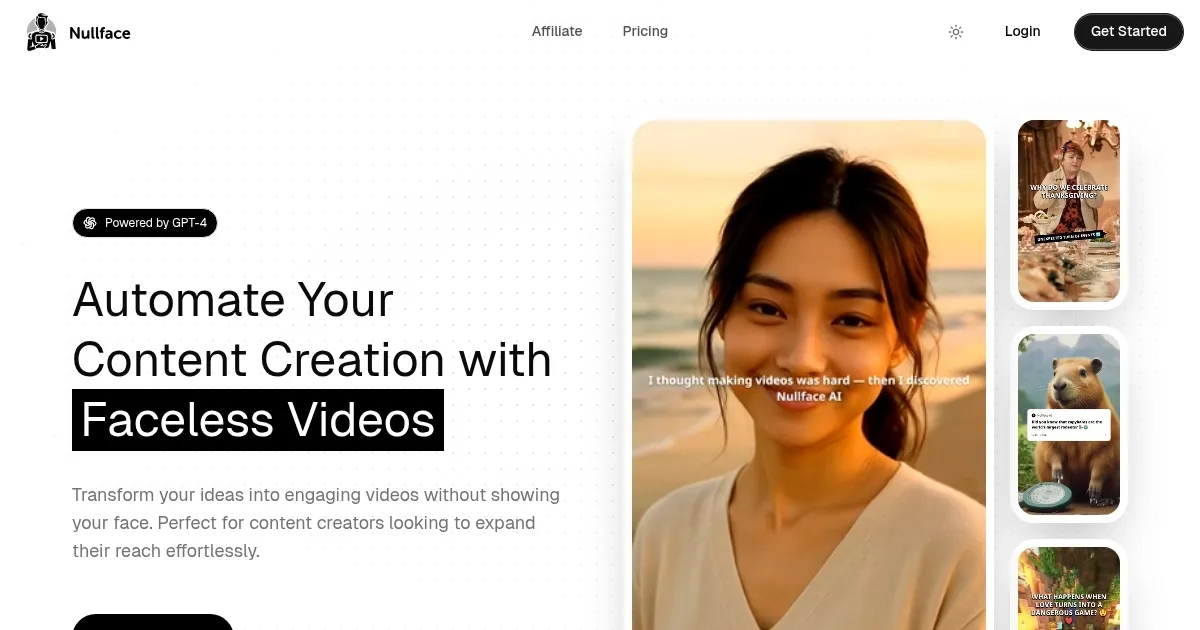
Nullface AI is an AI platform that generates and automates faceless videos for TikTok and YouTube. It uses GPT-4 to transform text prompts into complete video clips featuring AI avatars, voiceovers, and animations. The tool supports over 57 languages and integrates directly with social media for posting. Core services include manual video creation and automated daily content production based on user-defined niches.
Key features encompass AI Avatars for customizable on-screen personalities, Text-to-Speech via ElevenLabs for realistic narration, and Custom Image Prompts for tailored backgrounds. Users input ideas, select voices and fonts, and generate stories with matching visuals. The platform handles scene transitions, text overlays, and basic editing in previews. Direct export optimizes for vertical formats like Shorts and Reels.
Pricing structures feature a Starter plan at $13.99 per month for basic generation and limited automations. Higher tiers, such as Pro at around $33 monthly, expand to longer videos, more daily outputs, and premium voices. Enterprise options reach $75 for high-volume needs with priority support. These compare favorably to Synthesia‘s higher entry costs, though Nullface limits advanced music integration in base plans.
Users report strong performance in niches like fun facts, horror, and motivation, with videos achieving high retention through engaging hooks. Testimonials highlight efficiency for anonymous creators, with one noting 10K followers gained via automated shorts. Technical details include GPT-4 for prompt processing and ElevenLabs for audio, ensuring low-latency renders under two minutes per clip. Competitors like InVideo AI provide more editing depth but slower generation times.
Limitations involve occasional audio-visual sync errors and dependency on prompt quality for output accuracy. The tool lacks built-in music libraries beyond basics, requiring external additions for polished soundtracks. For best results, users refine prompts iteratively and leverage preview tools. Overall, Nullface AI suits quick social content production, delivering scalable output for consistent posting schedules.
What are the key features? ⭐
- AI Avatars: Customizable digital characters that deliver narratives with natural gestures and expressions for engaging faceless storytelling.
- Text-to-Speech: Integrates ElevenLabs voices to produce realistic, multilingual narrations from user scripts without recording audio.
- Automations: Schedules daily video generation based on niche prompts, handling creation and posting to platforms like TikTok and YouTube.
- Custom Image Prompts: Generates tailored background visuals and scenes from text descriptions to match content themes precisely.
- Direct Posting: Exports and uploads videos optimized for social media, streamlining distribution while maintaining quality.
Who is it for? 🤔
Examples of what you can use it for 💭
- TikTok Influencer: Inputs trending challenge ideas to generate daily faceless dance tutorial clips with animated avatars and captions.
- YouTube Educator: Turns lesson outlines into animated explainer videos using multilingual voiceovers for broader student access.
- Social Media Marketer: Automates niche product demos with custom backgrounds and direct posting to boost engagement without on-camera presence.
- Horror Storyteller: Crafts eerie narrative shorts from prompts, leveraging AI voices for chills and seamless scene transitions.
- Motivational Coach: Produces quick inspirational quotes videos with dynamic text overlays and scheduled uploads for consistent audience motivation.
Pros & Cons ⚖️
- Fast video generation
- Multilingual support
- Easy automation
- Privacy-focused
- Occasional sync issues
- Limited base music