Zeemo
Simplify the process of adding captions and translations to videos
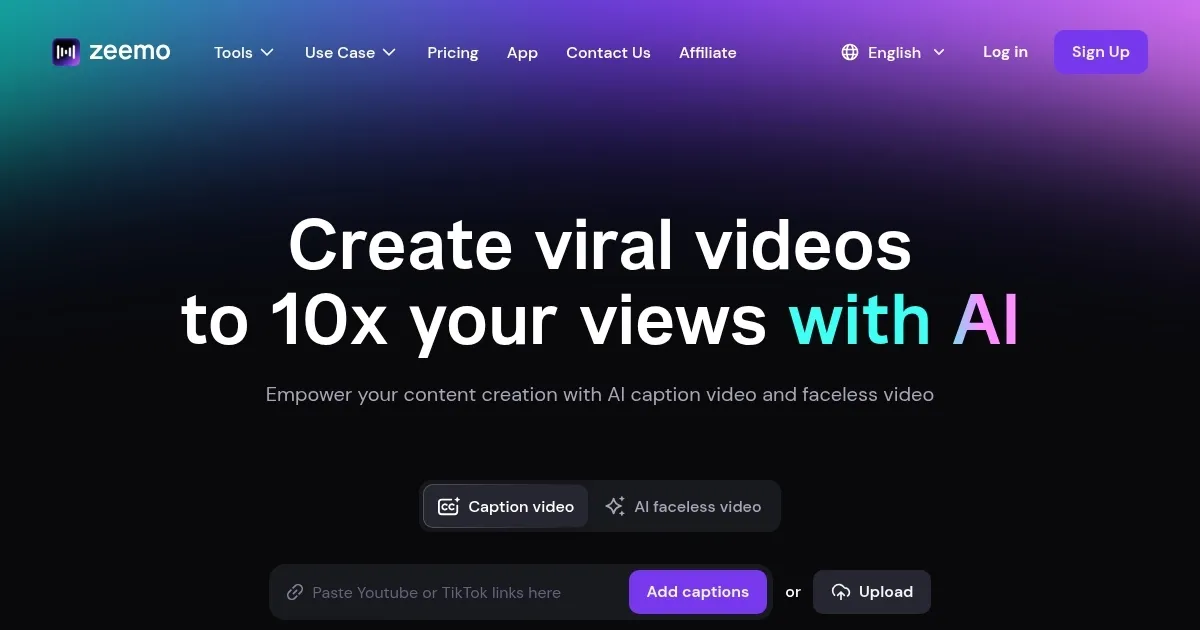
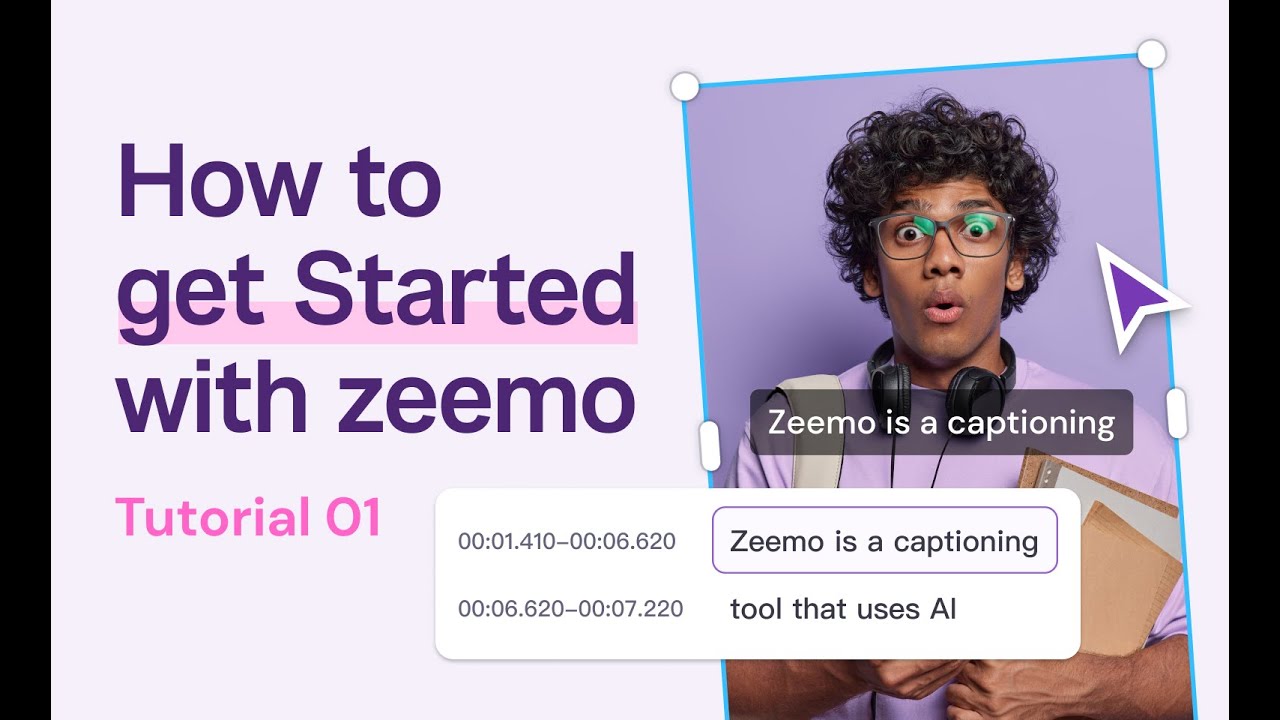
Zeemo is a fancy AI tool designed to simplify the process of adding captions and translations to videos. It can automatically generate captions in 17 languages and provide translation capabilities for over 113 languages, making it an ideal solution for content creators, educators, and marketers aiming to reach a global audience. The platform is praised for its ease of use and the high accuracy of its captions, with an impressive accuracy rate of over 98%.
Zeemo can enhance captions with dynamic visual effects, which can be especially useful for platforms like TikTok and Instagram — where engaging visuals play a key role in attracting viewers. Moreover, it allows users to batch-edit captions, saving time for people managing multiple videos.
The platform is also optimized for cross-platform usage, with apps available for both web and mobile. This makes it convenient for users to generate captions or translate videos on the go, no matter the device. Zeemo’s customizable styles enable users to tailor captions to their brand, enhancing the professionalism of the final product.
However, and unsurprisingly, the free plan has some limitations, such as a watermark and restrictions on the number of videos and length. Upgrading to premium plans unlocks features like 4K video exports, advanced translation options, and more video hours per month.
All in all, Zeemo provides a robust solution for anyone looking to enhance video accessibility through captions and translations. Its set of AI-driven capabilities streamline workflows and provides high-quality outputs, making it a great choice for various industries — from content marketing to education.
Homepage Screenshot 📸
Video Overview 🎬
What are the key features? ✨
- Caption generation: Zeemo automatically generates accurate captions in 95 languages within seconds, saving hours of manual work.
- Video translation: It can also translate captions into 113 languages, making videos globally accessible.
- Dynamic caption effects: You can customize captions with eye-catching effects for platforms like TikTok, Instagram, and YouTube.
- Cross-platform video resizing: Zeemo can effortlessly resize videos for different social media platforms, helping expand your content's reach.
- Cloud-based workflow: Seamlessly add captions on any device using Zeemo's web and app services.
Who is it for? 🤔
Examples of what you can use it for 💡
- Easily add captions to enhance engagement and accessibility across social media
- Help students better understand and retain information with clear, multilingual subtitles for lectures
- Boost impressions, click-through rates, and conversions by captioning product demo videos
- Provide precise translations and captions for multilingual documentaries
- Transcribe and caption podcast recordings to improve accessibility and discoverability
Pros & Cons ⚖️
- High accuracy (98%) for captions and translations
- Support for more than 95 languages for captions and 113 for translations
- Batch editing - which can be a huge time saver
- The free plan is very limited and includes watermarks on videos
FAQs 💬