logo-darklogo-darklogo-darklogo-dark
  • Home
  • Browse
    • Assistant
    • Coding
    • Image
    • Productivity
    • Video
    • Voice
    • Writing
    • All Categories
    • AI Use Cases
  • My Favorites
  • Suggest a Tool
✕
Home › Document Generation›
Published by Dusan Belic on August 30, 2023

Petal

Petal
Petal Homepage
Categories Document Generation

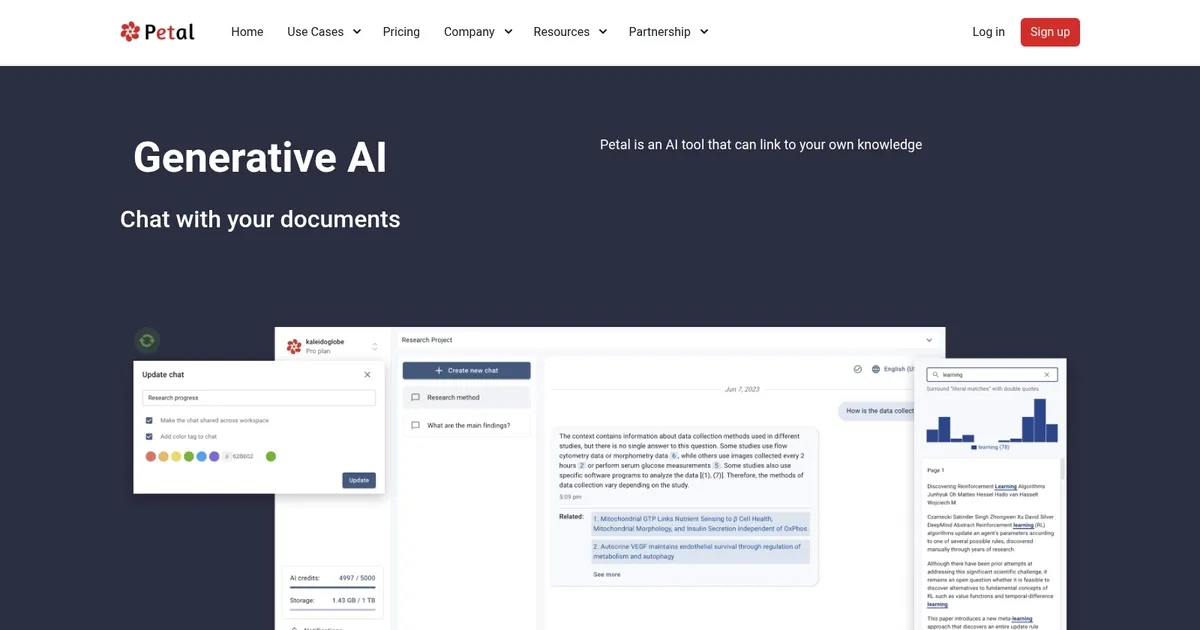
Petal - screenshot

An AI tool that allows you to chat with your documents

Petal

Petal is an advanced generative AI tool designed to enhance how individuals and teams interact with their digital documents, making information retrieval and document analysis more efficient and reliable. In that sense, it allows users to link their own knowledge bases, enabling the generation of fully sourced, trustworthy answers.

By training the AI on their own documents, users can transform their collections of texts into interactive, digital experts who can instantly provide accurate information. This can be particularly beneficial for researchers, faculty members, and industry experts who frequently deal with extensive amounts of data and require quick, reliable access to specific knowledge contained within their documents.

Petal provides a centralized cloud-based platform for storing, organizing, and analyzing documents, complete with functionalities like automatic metadata extraction, file deduplication, and specialized support for technical and scientific documents. Furthermore, it facilitates annotations and collaboration, allowing users to highlight important information, share notes, and easily distribute documents through shareable links.

All this makes Petal a comprehensive solution for managing and leveraging digital documents in academia, corporate R&D, and various other fields.

Petal Homepage
Categories Document Generation

What are the key features? ⭐

  • Context-Aware Generative AI: delivers fully sourced answers directly from your uploaded documents with inline citations
  • Multi-Document AI Tables: compares information across several files in structured tables for literature reviews or analysis
  • Automatic Metadata Extraction: pulls titles, authors, abstracts, and other details from files during upload
  • Browser Plugin: adds papers from web sources directly to your library with automatic metadata population
  • Annotation and Collaboration: supports highlights, comments, and shareable links for team workflows

Who is it for? 🤔

Researchers, graduate students, faculty members, and industry experts who manage large collections of technical or academic documents benefit most from Petal. It suits anyone overwhelmed by information overload, needing reliable insights from their own sources without risking inaccurate AI generation, especially in fields like economics, sciences, policy analysis, or any domain reliant on precise document review and synthesis.

Examples of what you can use it for 💭

  • Graduate student: uploads course readings and research papers to generate personalized study guides, summaries, and review questions
  • Academic researcher: chats with a library of journal articles to build literature review tables comparing methodologies and findings across studies
  • Research team: annotates shared documents, highlights key sections, and collaborates via comments without email attachments
  • Industry analyst: queries technical reports and whitepapers for quick, cited answers on specific topics or trends
  • Professor: organizes lecture notes and publications, then asks the AI to explain complex concepts in simpler terms for teaching prep

Pros & Cons ⚖️

  • Accurate, sourced answers
  • Strong multi-document comparison
  • Easy reference adding
  • Secure private knowledge base
  • Slower on very large uploads
  • Interface feels minimal

FAQs 💬

What does Petal actually do?
Petal lets you upload documents to a secure cloud library and then chat with them using AI that gives answers grounded only in your files, complete with citations.
Is Petal different from general chat AIs like ChatGPT?
Yes, Petal stays strictly within your uploaded documents so responses are fully sourced and avoid hallucinations from external training data.
Can I use Petal for literature reviews?
Absolutely, its multi-document AI tables help compare papers side by side on metrics, methods, results, and more.
Does Petal have a free version?
Yes, it offers a free tier with core features, and paid plans unlock more storage and advanced usage.
How private are my documents in Petal?
Documents stay private in your account; the AI only accesses what you upload, making it suitable for sensitive research.
Can teams collaborate on Petal?
Yes, you can share folders, add comments, highlights, and generate shareable links for group work.
Does Petal handle scientific PDFs well?
It supports technical documents with good metadata extraction and reasonable parsing of equations and tables.
Is there a browser extension for Petal?
Yes, the plugin lets you add papers directly from journal sites with automatic metadata filling.
What file types does Petal support?
It primarily handles PDFs but also works with other common formats like Word documents.
How does Petal compare to SciSpace or Elicit?
Petal focuses on your private library with grounded answers, while SciSpace and Elicit often pull from public databases for broader discovery.
Visit Petal

Related tools ↙️

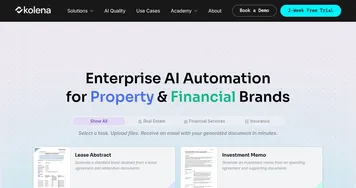
  1. Kolena Kolena Automates document processing and workflow tasks using intelligent AI agents
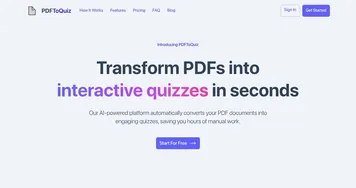
  2. PDFToQuiz PDFToQuiz Transforms PDF documents into interactive quizzes using AI
  3. Chunkr Chunkr Transforms complex documents into structured chunks for RAG and LLM applications
  4. Format Magic Format Magic Transforms plain text into polished PDFs instantly
  5. Ocrolus Ocrolus Automates financial document analysis for accurate lending decisions
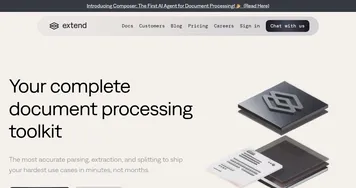
  6. Extend Extend Transforms complex documents into structured data with over 95 percent accuracy
Last update: March 1, 2026
Share
Promote Petal
light badge
Copy Embed Code
dark badge
Copy Embed Code
neutral badge
Copy Embed Code
About Us | Contact Us | Suggest an AI Tool | Privacy Policy | Terms of Service

Copyright © 2026 Best AI Tools
415 Mission Street, 37th Floor, San Francisco, CA 94105