logo-darklogo-darklogo-darklogo-dark
  • Tool Categories
    • 🎨Art & Creative Design505
    • 🏢Business Management644
    • 💻Coding & Development515
    • 👮Detection83
    • 🧠General Use727
    • 🏥Health & Wellness55
    • 📷Image & Photo Analysis100
    • 🖼️Image Generation & Editing618
    • 📐Interior & Architectural Design37
    • 🎓Learning & Education483
    • ⚖️Legal & Finance90
    • 🎭Lifestyle & Entertainment236
    • 📢Marketing & Advertising627
    • 🎧Music & Audio138
    • 👔Office & Workplace1,014
    • 🔬Research & Data Analysis372
    • 👥Social Media245
    • 🎥Video Generation & Editing426
    • 👧🏻Virtual Companion135
    • 🎤Voice Generation & Editing381
    • ✍️Writing & Editing808
    • All Categories
    • AI Use Cases
  • News
  • Events
    • Academic Conferences
    • Developer Conferences
    • Expos / Trade Shows
    • Industry Summits
    • Workshops / Training
    • All Events
    • Past Events
  • Saved Tools
  • Suggest a Tool
✕
Home › Office & Workplace › Document Generation› Format Magic
Format Magic

Format Magic

Transforms plain text into polished PDFs instantly

Format Magic is an AI-powered document formatter that converts plain text, AI-generated content, or uploaded files into professional PDFs. It processes inputs like notes, ChatGPT outputs, DOCX, or PDFs, extracting text and images while applying templates for structure. The tool uses context-aware AI from OpenAI and Google Gemini to identify headings, lists, and paragraphs, ensuring layouts fit business proposals, reports, resumes, or assignments. Outputs include editable previews before final PDF generation, supporting up to 80 pages on premium plans.

Key features include one-click formatting with a wide template selection, automatic cover pages, table of contents from H1 and H2 headings, and page numbering. Users customize via trigger commands like !!!*!!! for bold text or color changes, such as hex-coded backgrounds or heading schemes. Image handling extracts visuals to a library, replaces placeholders in outputs, and supports drag-and-drop insertion. Page sizes range from Letter to A3, with adjustable margins per size. Web links function in PDFs if prefixed with “https://”.

The free plan limits users to 30,000 tokens monthly and 17,000 per request, equating to about seven pages. Paid plans start at $4.95 monthly, increasing token and page limits for heavier use. Data security involves encryption during transmission, processing via trusted services, and deletion within 24 hours. Subscriptions cancel anytime, active until billing cycle end. Support responds via contact form within 24 hours.

Competitors include Slite, which integrates formatting into collaborative workspaces but requires more setup for teams. Typeset focuses on academic and design-heavy outputs, differing from Format Magics business emphasis. Beautiful.ai excels in presentations but lacks full document support. Format Magic stands out for speed and content preservation, though it occasionally corrects minor spelling without user intent.

Practical steps involve registering for the free plan, pasting text or uploading files, selecting options like cover pages, and clicking Format Magic. Review and edit in the revise output section for headings, sizes, or margins. Generate PDF and check for accuracy, as AI may make subtle changes. Upgrade for custom templates and higher limits if needs exceed free allowances.

Visit Format Magic ↗
Categories
👔 Work
📄 Document Generation 📕 PDF ⚡ Work Productivity
✍️ Writing
🤖 Writing Assistant ✔️ Proofreading

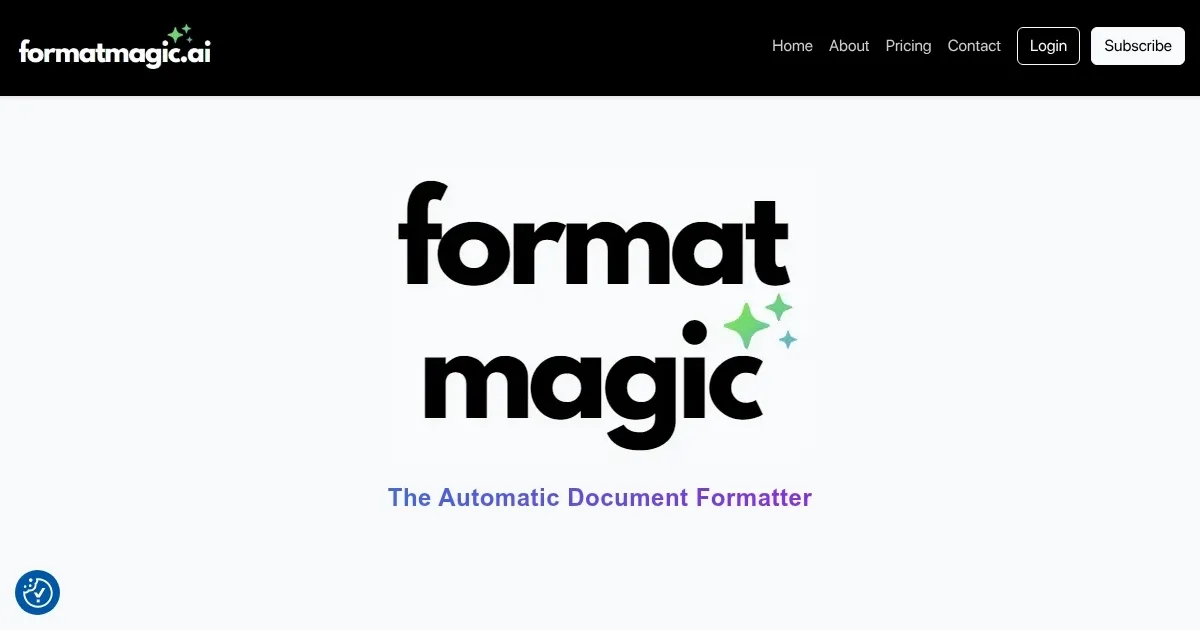
Homepage Screenshot 📸

Format Magic screenshot

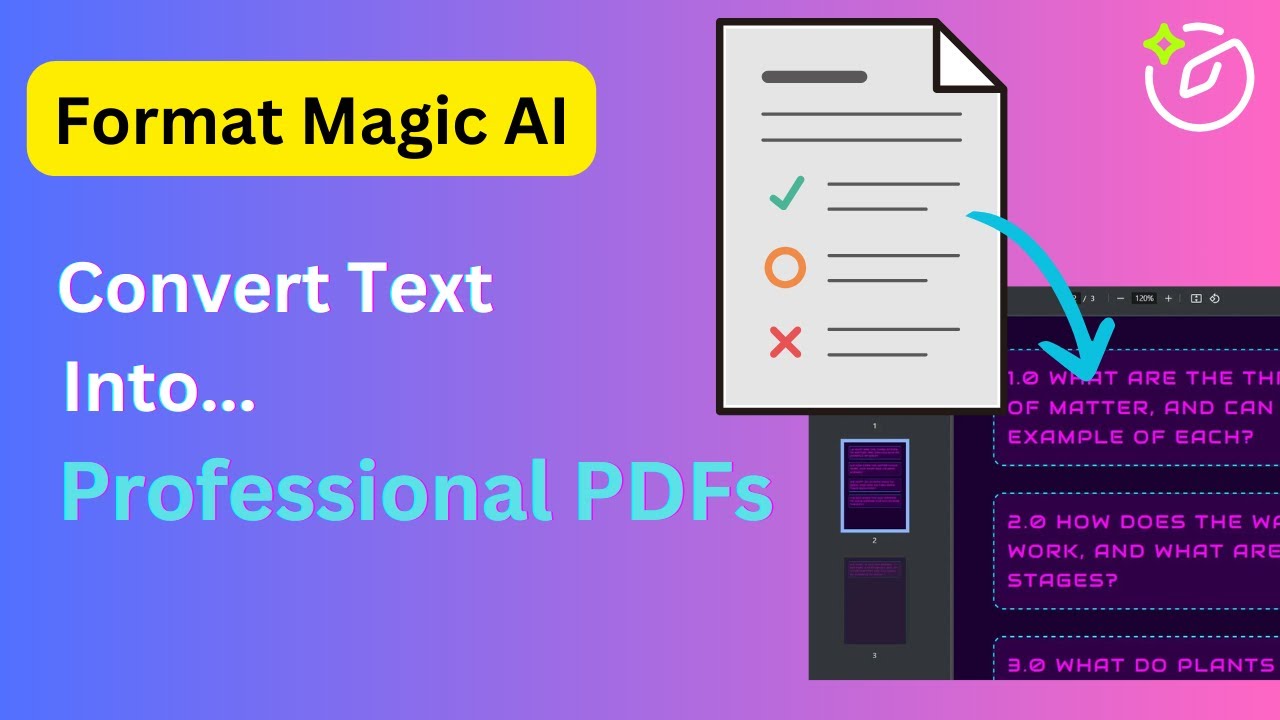
Video Overview 🎬

Format Magic - Video Overview

What are the key features? ✨

  • One-Click Formatting: Applies professional templates to plain text or uploads in seconds for instant polished documents.
  • Context-Aware AI: Intelligently detects and styles headings, lists, paragraphs, and tables without altering original content.
  • Image Extraction and Insertion: Automatically pulls images from PDFs or Word files, stores in a library, and places them via placeholders.
  • Custom Trigger Commands: Uses !!!*!!! prefixes to control bolding, highlights, colors, and schemes for personalized tweaks.
  • Automated Elements: Generates cover pages, table of contents from headings, and page numbers with portrait or landscape support.

Who is it for? 🤔

Format Magic suits small business owners crafting proposals on tight deadlines, consultants refreshing client reports without design hassle, freelancers polishing resumes for job hunts, educators structuring assignments efficiently, and professionals anywhere who value content over formatting fights, empowering them to produce pro-level docs fast while focusing on ideas that drive success.

Examples of what you can use it for 💡

  • Consultant: Quickly turns raw meeting notes into branded proposals with cover pages and tables for client pitches.
  • Freelancer: Reformats ChatGPT-generated content into sleek resumes, inserting headshots and links for job applications.
  • Educator: Structures lesson outlines or student papers with headings and lists, adding images for visual aids.
  • Small Business Owner: Extracts text from old PDFs, applies templates for marketing reports with auto table of contents.
  • Marketer: Customizes email drafts into formatted newsletters using color commands and drag-and-drop visuals.

Pros & Cons ⚖️

  • Fast one-click magic
  • Preserves original text
  • Affordable entry plans
  • Easy image handling
  • Token limits on free
  • Occasional minor edits

FAQs 💬

What inputs does Format Magic accept?
It handles plain text pastes, .txt files, DOCX, and PDFs, extracting text and images automatically.
Does it change my original content?
No, it focuses on formatting only, though minor spelling fixes may occur; always review outputs.
How many pages can I format for free?
The free plan supports about seven pages monthly, up to 17,000 tokens per request.
Can I add images to documents?
Yes, upload to the library, use placeholders in text, or drag-and-drop; extracts from inputs too.
What output formats are available?
Primary output is PDF; open in Word to convert to DOCX if needed.
How secure is my data?
Uses encryption for transmission, processes via trusted AIs, and deletes data within 24 hours.
Can I customize page sizes and margins?
Yes, select from Letter, A4, etc., and adjust margins in inches via the editor toolbar.
What if I exceed token limits?
Log out and back in to reset; upgrade to paid for higher limits.
Does it support clickable links in PDFs?
Yes, include https:// in input text for functional hyperlinks in the output.
How do I get support?
Use the contact form for inquiries; responses come within 24 hours.

Ready to try Format Magic?

Transforms plain text into polished PDFs instantly

Visit Format Magic ↗

Format Magic alternatives 🔗

  1. DeepL DeepL Delivers remarkably natural AI translations that capture nuance better than most rivals
  2. Box AI Box AI An assistant that taps into your enterprise content and documents
  3. AWS HealthScribe AWS HealthScribe Automatically create clinical notes from patient-clinician conversations using generative AI
  4. ClickUp Brain ClickUp Brain Automates workflows with contextual AI for tasks, meetings, and content creation
  5. Gamma Gamma An AI tool for creating presentations, documents, or webpages.
  6. Notion AI Notion AI Streamlines work with AI-powered note-taking, app searches, and workflow automation
Share
Format Magic screenshot enlarged
Promote Format Magic
light badge
Copy Embed Code
dark badge
Copy Embed Code
neutral badge
Copy Embed Code
Best AI Tools

Discover the best AI tools for any use case

Explore
  • Tool Categories
  • AI Use Cases
  • AI Events
  • AI News
  • Saved Tools
Company
  • About Us
  • Contact Us
  • Media & Partnerships
  • Suggest a Tool
Legal
  • Privacy Policy
  • Terms of Service
Copyright © 2026 Best AI Tools 415 Mission Street, 37th Floor, San Francisco, CA 94105