Presenti
Transforms text into professional, editable slides in minutes
Creating a presentation used to mean hours of wrestling with slide layouts, picking fonts, and praying your charts didn’t look like a toddler’s art project. Enter Presenti AI, a tool that promises to take your jumbled notes or dusty PDFs and turn them into polished slide decks faster than you can say “next slide, please.” I think it’s safe to say this tool is a game-changer for anyone who’s ever stared at a blank PowerPoint slide in despair. With its AI-driven approach, Presenti AI automates the tedious bits, letting you focus on your message. But does it deliver? Let’s dig in.
First off, Presenti AI’s ability to convert raw text into a full-blown presentation is nothing short of impressive. You type in a topic, paste some text, or upload a Word doc, PDF, or even a Markdown file, and the tool churns out a slide deck with smart layouts, cohesive color schemes, and relevant icons. The Auto-Design feature is the star here, analyzing your content to suggest layouts and visuals that match your topic. For instance, a business pitch gets sleek, professional templates, while a classroom lesson might lean toward vibrant, engaging designs. Users on Product Hunt rave about how this saves hours, especially for educators who need quick, visually appealing materials. The platform also supports collaborative editing, so teams can tweak slides in real-time, which is a godsend for group projects or corporate brainstorming sessions.
What’s particularly delightful is the template library. Presenti AI offers a wide range of customizable templates tailored to industries like education, marketing, or tech. You can swap styles, adjust fonts, or add your brand’s logo to keep things consistent. The AI even suggests content tweaks through its rewriting feature, polishing your text to sound more professional. I love how it handles Markdown files, a boon26. It’s not perfect, though. Some users on AppSumo note that the AI-generated content can sometimes feel generic or slightly off-topic, requiring manual edits. Also, the PDF export feature has been a sore point for some, with complaints about low-resolution outputs that don’t support selectable text. One user described a frustrating experience where PPTX exports failed entirely, forcing them to reformat slides manually. These hiccups can be a headache if you’re on a tight deadline.
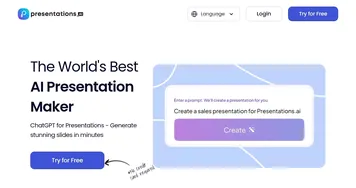
Compared to competitors like presentations.ai or Gamma, Presenti AI stands out for its document conversion capabilities. presentations.ai focuses heavily on generating slides from prompts and offers robust web research integration, but it lacks Presenti’s ability to transform existing files like PDFs or Word docs directly. Gamma, meanwhile, excels at creating websites and social media content alongside presentations, but its templates feel less specialized for niche industries compared to Presenti’s tailored options. Presenti’s pricing, starting with a free trial and scaling to paid plans, feels competitive, especially with lifetime deals occasionally offered on platforms like AppSumo. It’s generally seen as cost-effective compared to Gamma’s subscription model, though presentations.ai’s pricing is similarly flexible.
The surprise element? Presenti AI’s ability to turn mind maps (like Xmind files) into structured presentations. This is a niche feature that’s a lifesaver for developers or project managers who brainstorm visually. It’s not flawless, though, sometimes the AI picks odd images or leaves charts blank, which can feel like a letdown. Still, the speed and ease of use make it a tool worth exploring.
If you’re diving into Presenti AI, start with the free trial to test its features. Upload a small document or try a simple text prompt to see how the AI handles your content. Play with the templates to match your brand’s vibe, and don’t shy away from editing the AI’s output to make it your own. If you need PDF exports, double-check the quality before relying on them for client work.
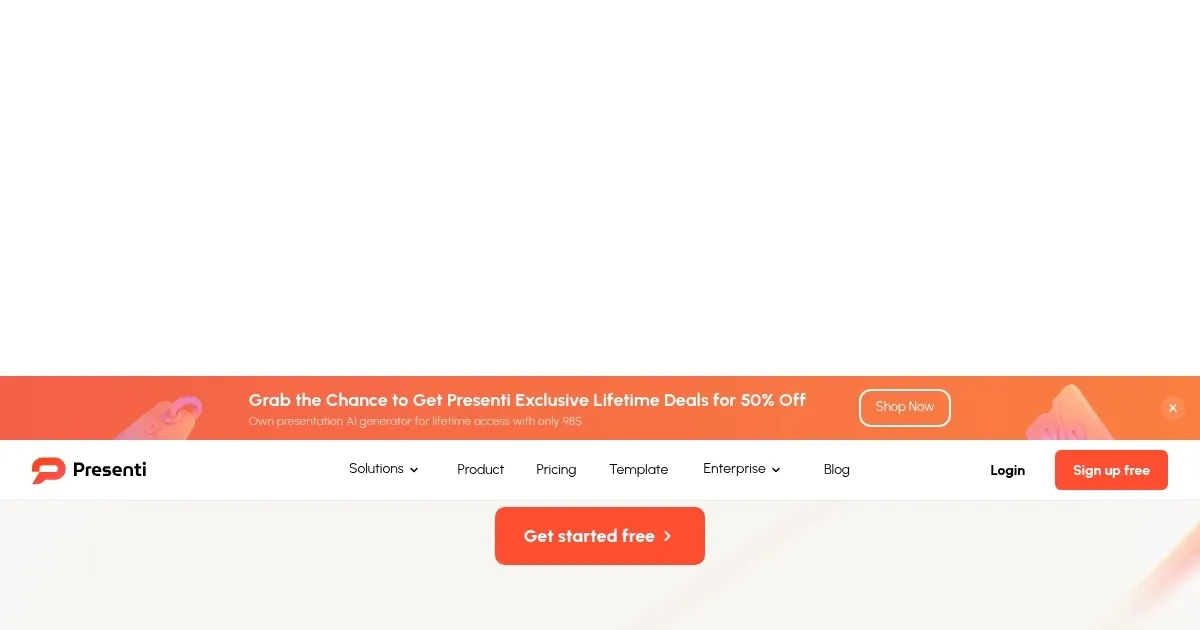
Homepage Screenshot 📸
Video Overview 🎬

What are the key features? ✨
- Auto-Design: Crafts slides with smart layouts and icons based on input content.
- Template Library: Offers customizable, industry-specific templates for professional slides.
- Document Conversion: Transforms Word, PDF, Markdown, and Xmind files into presentations.
- AI Rewrite: Polishes text for clarity and professionalism in slide content.
- Real-Time Collaboration: Enables team editing and sharing within the platform.
Who is it for? 🤔
Examples of what you can use it for 💡
- Marketing Manager: Converts campaign notes into branded pitch decks for client meetings.
- Educator: Turns lesson plans into engaging classroom slides in minutes.
- Student: Transforms research notes into structured presentations for assignments.
- Developer: Converts Markdown files into technical presentations for team updates.
- Consultant: Repurposes client reports into professional slides for proposals.
Pros & Cons ⚖️
- Fast slide creation
- Rich template variety
- Supports multiple formats
- PDF export issues
- Generic AI content
FAQs 💬
Presenti alternatives 🔗