PPT.AI
Transforms text, PDFs, and videos into professional slides in seconds
Let’s talk about presentations. You know the drill: hours spent wrestling with slide layouts, tweaking fonts, and hunting for the perfect image, only to end up with something that looks like it was designed in 1998. Enter PPT.AI, a tool that promises to take your raw ideas — be it a Word doc, a YouTube video, or a scribbled topic — and spin them into a professional-grade slide deck faster than you can say “next slide, please.” I think it’s safe to say this tool is a bit of a game-changer, but it’s not without its quirks.
What makes PPT.AI stand out is its sheer speed. You toss in your content — say, a PDF or a website URL — and its AI engine, powered by heavyweights like DeepSeek, GPT-4o, and Claude 3.5, churns out a 20+ slide presentation in under a minute. That’s not hyperbole; it’s practically instantaneous. The Multi-Model Intelligence Engine analyzes your input, structures it into a coherent outline, and slaps on a professional template. It’s like having a design assistant who never sleeps. The templates themselves? Free and varied, covering everything from business pitches to educational decks. Unlike some competitors, like Gamma, which also offers AI-driven slide creation, PPT.AI doesn’t nickel-and-dime you for premium templates.
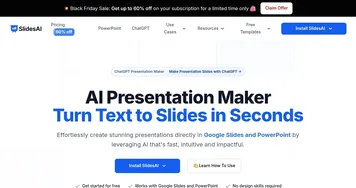
But let’s not get too starry-eyed. The tool’s Smart Design Optimization is a blessing and a curse. It auto-refines layouts and visuals, which is great if you’re design-challenged, but sometimes it overcorrects, nudging your slides into a cookie-cutter aesthetic. If you’re a control freak, you might find yourself wrestling with the editor to reclaim your vision. Compared to SlidesAI, which integrates directly with Google Slides, PPT.AI’s web-based platform feels a tad less seamless for real-time collaboration. Still, the ability to export to PowerPoint with full compatibility is a lifesaver for traditionalists.
Here’s a surprise: PPT.AI’s multilingual support is robust. Need a presentation in Spanish or Japanese? It handles translations with finesse, ensuring your slides don’t lose their punch across languages. Users on platforms like Reddit have raved about this, especially for international teams. But there’s a catch — file size limits (10MB for documents, 100MB for media) can trip you up if you’re working with hefty PDFs or videos. A recent X post mentioned frustration with this cap, and I get it; it’s a buzzkill when your masterpiece gets rejected.
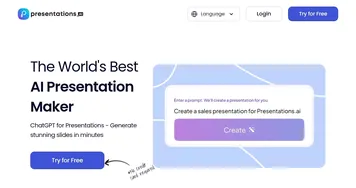
For those dipping their toes into AI presentation tools, PPT.AI is a solid bet. It’s fast, intuitive, and doesn’t demand a PhD in design. Start with small files to avoid the size limit headache, and play with the templates to find your vibe. If you need more collaborative firepower, check out SlidesAI or Presentations.AI, but for solo creators or small teams, PPT.AI’s speed and polish are hard to beat. Dive in, experiment, and don’t be afraid to tweak those AI-generated slides to make them yours.
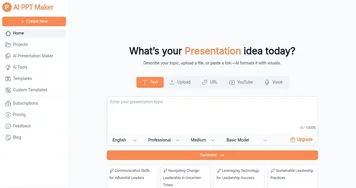
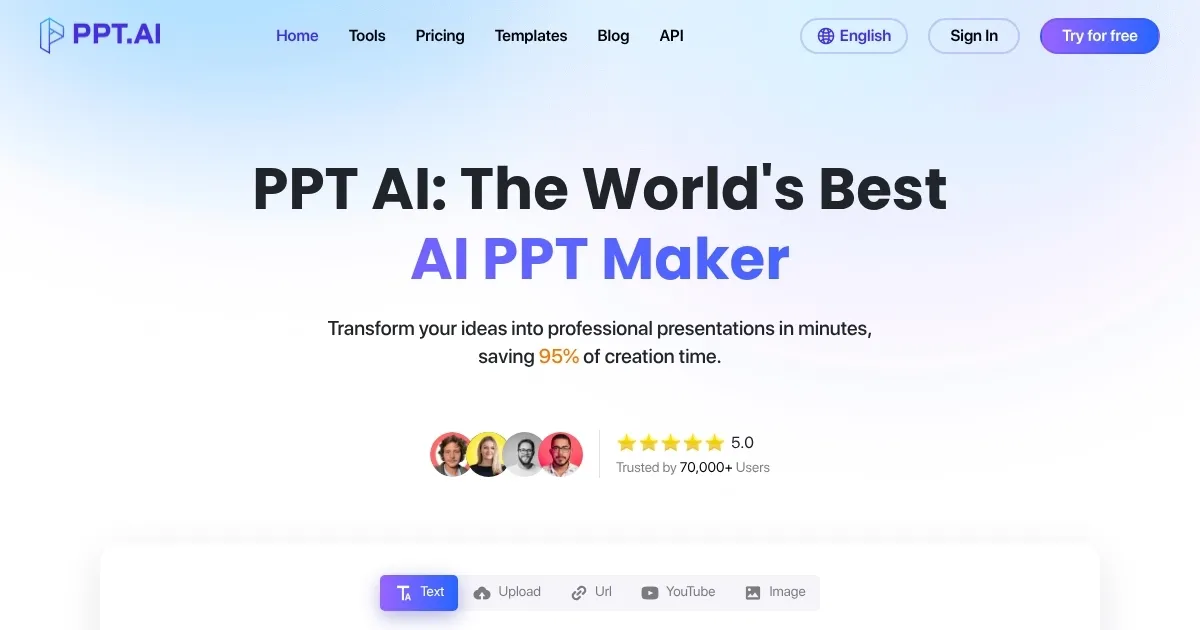
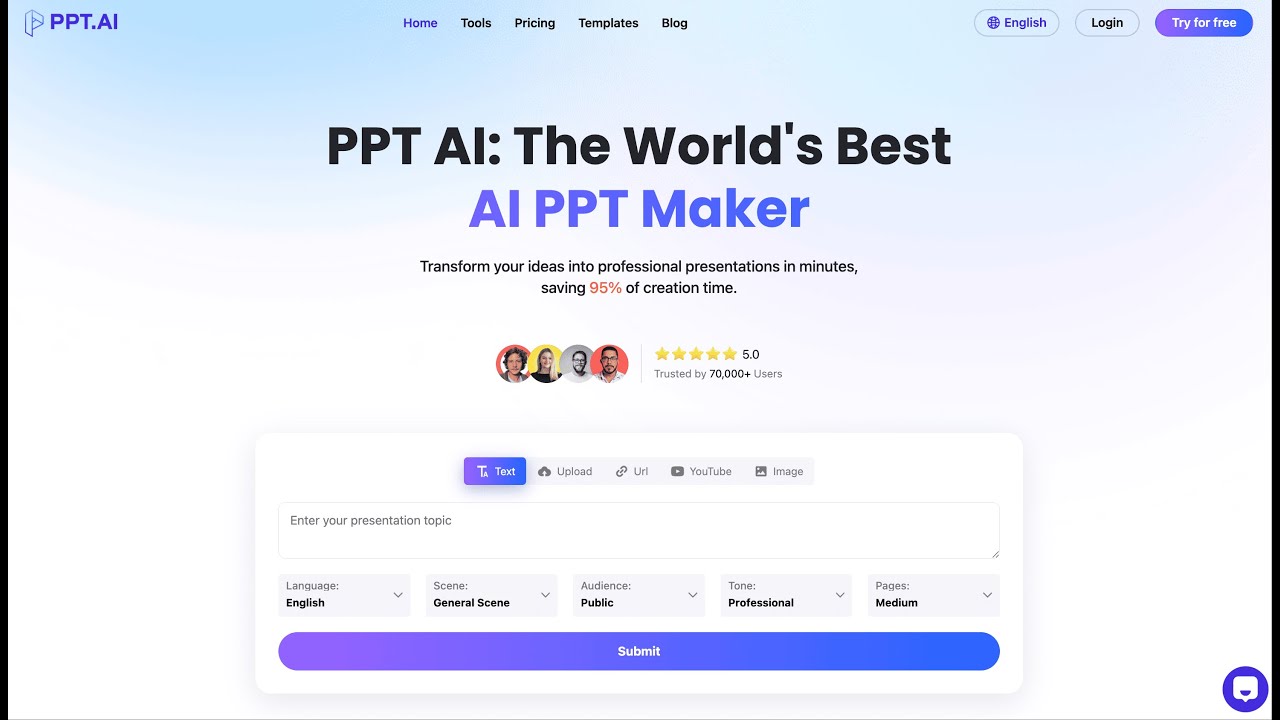
Homepage Screenshot 📸
Video Overview 🎬
What are the key features? ✨
- Instant Conversion: Transforms text, PDFs, or videos into 20+ slides in seconds.
- Multi-Model Intelligence Engine: Uses DeepSeek, GPT-4o, and Claude 3.5 for smart content analysis.
- Free Professional Templates: Offers diverse, customizable templates at no cost.
- Smart Design Optimization: Automatically refines layouts and visuals for polish.
- Multilingual Support: Creates presentations in multiple languages with accurate translations.
Who is it for? 🤔
Examples of what you can use it for 💡
- Marketing Professional: Crafts a pitch deck from a product brief in minutes.
- Educator: Converts lecture notes into engaging slides for classroom use.
- Student: Turns research paper text into a presentation for a class project.
- Small Business Owner: Creates a professional investor deck from a business plan PDF.
- Freelancer: Builds client proposals from website content for quick delivery.
Pros & Cons ⚖️
- Free premium templates included
- Full PowerPoint compatibility
- Multilingual translation support
- Limited editing flexibility
- No real-time collaboration
FAQs 💬
Ready to try PPT.AI?
Transforms text, PDFs, and videos into professional slides in seconds
Visit PPT.AIPPT.AI alternatives 🔗